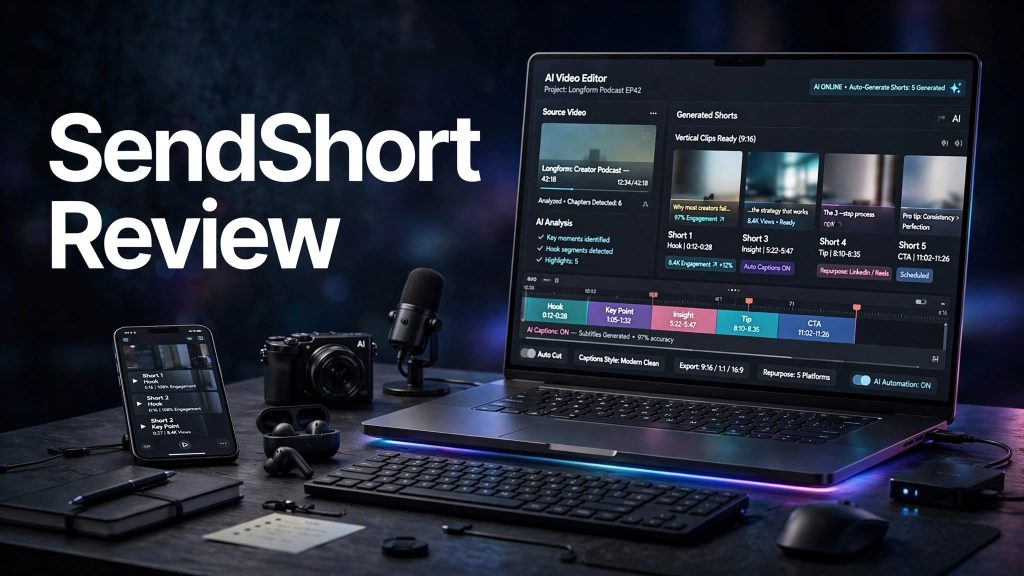
Creating short-form videos consistently can be time-consuming, especially when you need to find clips, add captions, edit content, and prepare videos for platforms such as TikTok, YouTube Shorts, and Instagram Reels. SendShort is an AI-powered video creation platform designed to simplify this process.
In this SendShort review, we’ll look at its main features, pricing, ease of use, pros and cons, who it’s best for, and whether SendShort is worth considering for short-form content creation.
What Is SendShort?

SendShort is an AI-powered short-form video creation platform that helps users turn existing content into engaging short videos. It is designed for creators, marketers, businesses, and social media users who want to produce short-form content more efficiently.
The platform combines AI-powered editing tools with features for captions, clipping, repurposing, and social media content creation, helping users reduce the amount of manual editing required.
What Can You Do With SendShort?
Create Short Videos From Long Content
SendShort can help transform longer videos into shorter clips suitable for short-form platforms. This can be useful for podcasts, interviews, educational videos, webinars, and other long-form content.
AI Captions and Subtitles
The platform can automatically generate captions and subtitles, helping creators make videos easier to follow and more suitable for social media feeds where viewers may watch without sound.
AI Video Editing
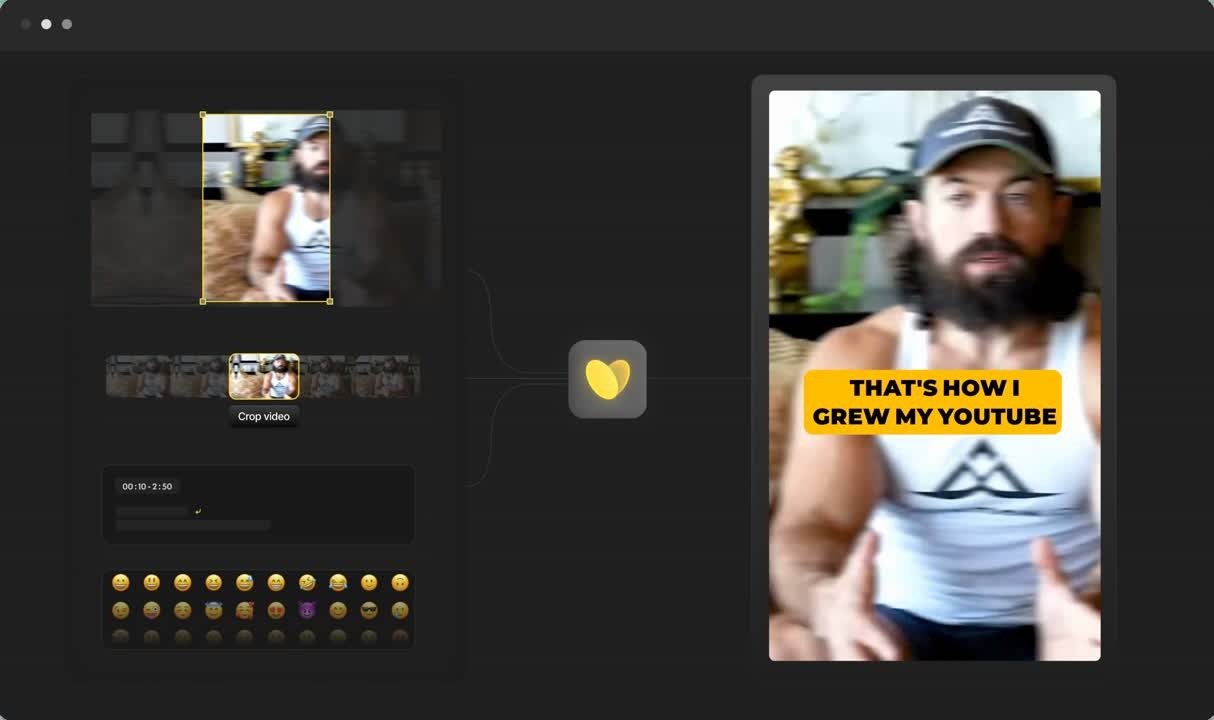
SendShort provides AI-assisted editing features designed to identify useful sections of content and turn them into short videos. Users can then make adjustments before publishing.
Repurpose Content for Social Media
Creators can use SendShort to repurpose existing videos into multiple short-form pieces of content rather than manually creating every video from scratch.
SendShort Pricing
SendShort offers subscription-based access to its AI video creation and editing tools. Pricing and available features can vary depending on the selected plan, billing period, and promotions.
Before subscribing, it’s worth checking the current plan details to understand how many videos, AI generations, exports, or other usage limits are included.
For creators who publish videos regularly, the value of a SendShort subscription will largely depend on how much editing time the platform saves compared with creating short videos manually.
Is SendShort Easy to Use?
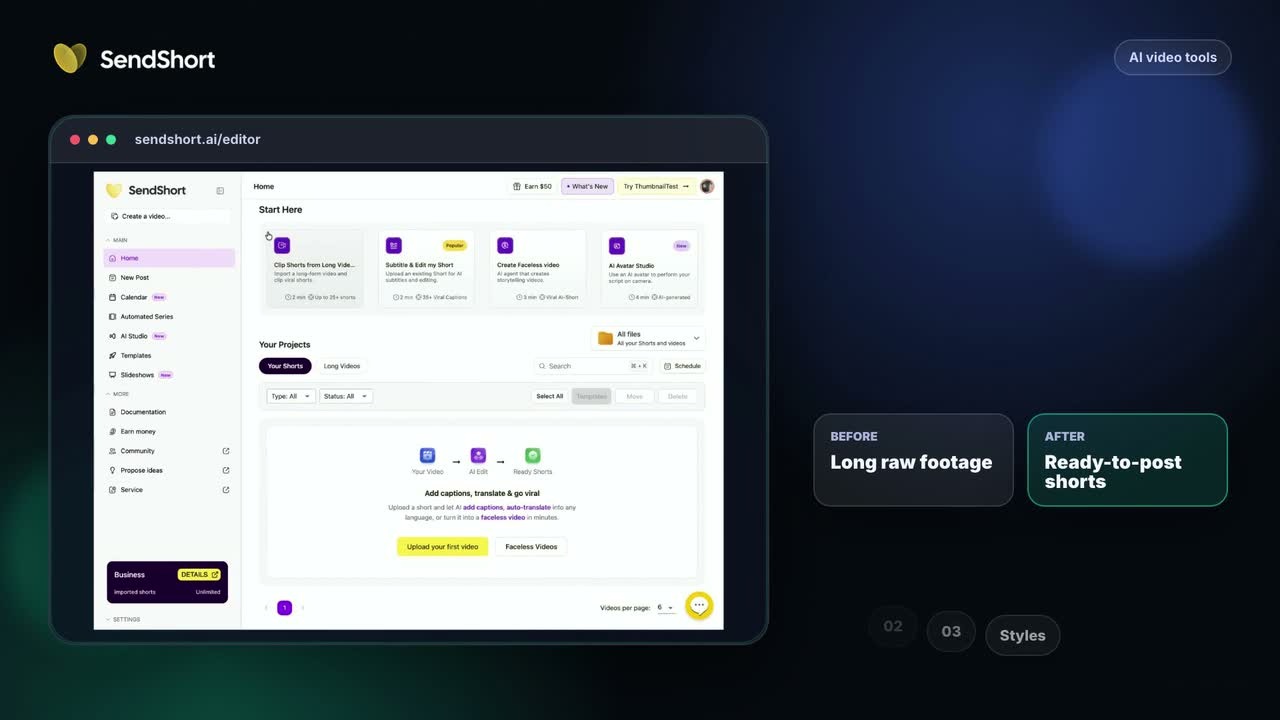
SendShort is designed to make short-form video creation more accessible, particularly for users who don’t want to spend hours manually editing every clip.
The AI-based workflow can reduce repetitive tasks such as finding highlights, generating captions, formatting videos, and preparing short clips. Users can still review and adjust the generated content before publishing.
Pros and Cons of SendShort
Pros
- AI-assisted short-form video creation
- Helps repurpose long-form content
- Automatic captions and subtitles
- Reduces repetitive video-editing work
- Useful for social media creators
- Can help produce multiple clips from existing content
- Suitable for users with limited editing experience
Cons
- AI-generated clips may still need manual editing
- Subscription costs can add up for frequent users
- Results can vary depending on the quality of the original video
- Advanced creators may want more detailed editing controls
Who Is SendShort Best For?
SendShort is particularly suitable for YouTubers, podcasters, social media creators, marketers, agencies, and businesses that need to publish short-form videos regularly.
It can also be useful for creators who already have long-form videos and want to turn that existing content into additional clips for TikTok, YouTube Shorts, Instagram Reels, and similar platforms.
Is SendShort Worth It?

SendShort can be useful if you regularly need to turn long-form content into short videos and want to reduce the amount of manual editing involved.
Its AI-assisted clipping, captions, formatting, and repurposing features can save time for creators who publish frequently. However, AI-generated results may still require human review and editing to make each clip feel natural and engaging.
For occasional video creators, the subscription cost may be harder to justify, while high-volume content creators may get more value from the automation.
Final Verdict
SendShort is an AI-focused video creation platform built around making short-form content faster and easier to produce. Its combination of AI editing, automatic captions, content repurposing, and short-video workflows can be useful for creators and businesses that publish regularly.
If your goal is to consistently create short-form videos without spending as much time on manual editing, SendShort is worth considering.
Frequently Asked Questions
What is SendShort?
SendShort is an AI-powered video creation platform designed to help users create and repurpose short-form videos.
Can SendShort turn long videos into Shorts?
Yes. SendShort is designed to identify useful sections from longer videos and turn them into shorter clips suitable for social media.
Does SendShort add captions automatically?
Yes. AI-powered caption and subtitle generation is one of the platform’s key features.
Who can use SendShort?
SendShort can be useful for content creators, YouTubers, podcasters, marketers, agencies, and businesses creating short-form social media content.
Is SendShort worth it?
SendShort can be worth considering for users who regularly create short-form videos and want to automate repetitive editing and repurposing tasks.