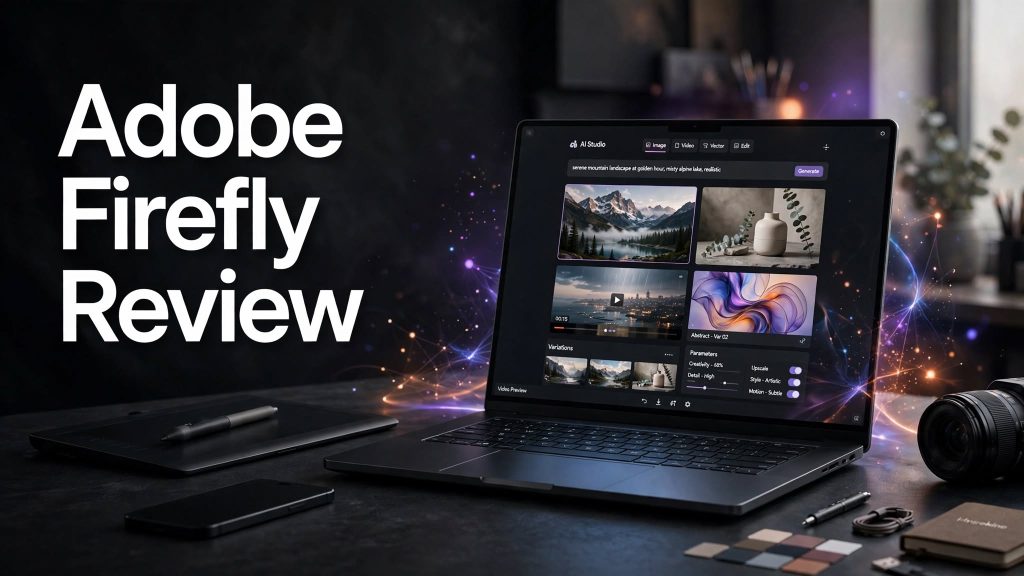
Creating high-quality visual content traditionally requires multiple creative tools and considerable editing experience. Adobe Firefly brings generative AI into Adobe’s creative ecosystem, allowing users to generate and edit images, videos, audio, and vector graphics using text prompts and AI-powered tools.
In this Adobe Firefly review, we’ll explore its key features, pricing, benefits, potential drawbacks, and whether it is worth using for creative projects.
What Is Adobe Firefly?
Adobe Firefly is Adobe’s generative AI creative platform designed to help users create and edit digital content. It can generate images and videos from prompts, edit existing visuals, create vector graphics, generate sound effects, and assist with other creative workflows.
Firefly also integrates with Adobe’s broader creative ecosystem, making it useful for creators who already work with applications such as Photoshop, Illustrator, Premiere, and other Creative Cloud tools.
Key Features of Adobe Firefly
1. AI Image Generation
Firefly can generate images from text descriptions. Users can describe the scene or visual they want and then refine the generated result using additional prompts and editing tools.
2. AI Video Generation
The platform supports AI-powered video generation, allowing users to create video clips from ideas or images. Firefly also provides tools for editing generated or uploaded video content.
3. Generative Editing

Firefly allows users to make changes to images using text prompts. Users can remove, replace, or add elements and expand image backgrounds without manually performing every editing step.
4. AI Audio Tools
Firefly includes creative audio capabilities such as generating sound effects from text prompts and voice. It also provides tools for translating audio and video into different languages.
5. Firefly AI Assistant
Adobe’s Firefly AI Assistant provides a conversational creative workflow that can use tools from applications such as Photoshop, Illustrator, Lightroom, and Premiere to complete multi-step creative tasks.
Benefits of Adobe Firefly
Adobe Firefly offers several advantages for creators:
- AI image and video generation
- Text-based image editing
- Audio and sound-effect generation
- Vector creation capabilities
- Integration with Adobe creative tools
- AI-assisted creative workflows
- Useful for designers, marketers, and content creators
Adobe Firefly Pricing

Adobe Firefly offers a free plan with limited daily generations. Paid plans include Firefly Standard at $9.99/month, Firefly Pro at $19.99/month, and Firefly Pro Plus at $49.99/month regularly, with promotional pricing available at the time of writing. Paid plans provide different monthly allocations of generative credits and access to additional features.
Adobe also offers team plans with additional credits and business features. Since pricing and promotions can change, checking Adobe’s official pricing page before subscribing is recommended.
Pros and Cons of Adobe Firefly
Pros
- Powerful AI image generation
- AI video generation and editing
- Text-based creative editing
- Audio and sound-effect tools
- Integration with Adobe Creative Cloud
- Professional creative workflows
- Free plan available
Cons
- Advanced features can require a paid plan.
- Generative credits can limit usage on certain plans.
- Some AI-generated results may require additional editing.
- The large number of creative tools may take time for beginners to learn.
Is Adobe Firefly Worth It?

Adobe Firefly can be a useful option for designers, marketers, video creators, and businesses that want AI-powered creative tools within the Adobe ecosystem. Its combination of image, video, audio, vector, and editing capabilities provides a broad creative workflow.
It may be particularly useful for people who already use Adobe products and want to add generative AI capabilities to their existing workflow.
Final Verdict
Adobe Firefly brings generative AI into a professional creative environment, offering tools for generating and editing images, videos, audio, and other creative assets.
If you’re looking for an AI creative platform with strong connections to Adobe’s established design and editing tools, Firefly is worth exploring.
Frequently Asked Questions
What is Adobe Firefly?
Adobe Firefly is Adobe’s generative AI platform for creating and editing images, videos, audio, vector graphics, and other creative content.
Is Adobe Firefly free?
Yes. Adobe offers a free Firefly plan with limited daily generations. Paid plans provide additional credits and features.
Can Adobe Firefly generate videos?
Yes. Firefly supports AI video generation and browser-based AI video editing.
Can Firefly edit existing images?
Yes. Firefly can use AI-powered tools to add, remove, replace, and transform elements in images using prompts.
Who should use Adobe Firefly?
Adobe Firefly can be useful for designers, marketers, photographers, video creators, businesses, and other professionals who want to incorporate generative AI into creative workflows.