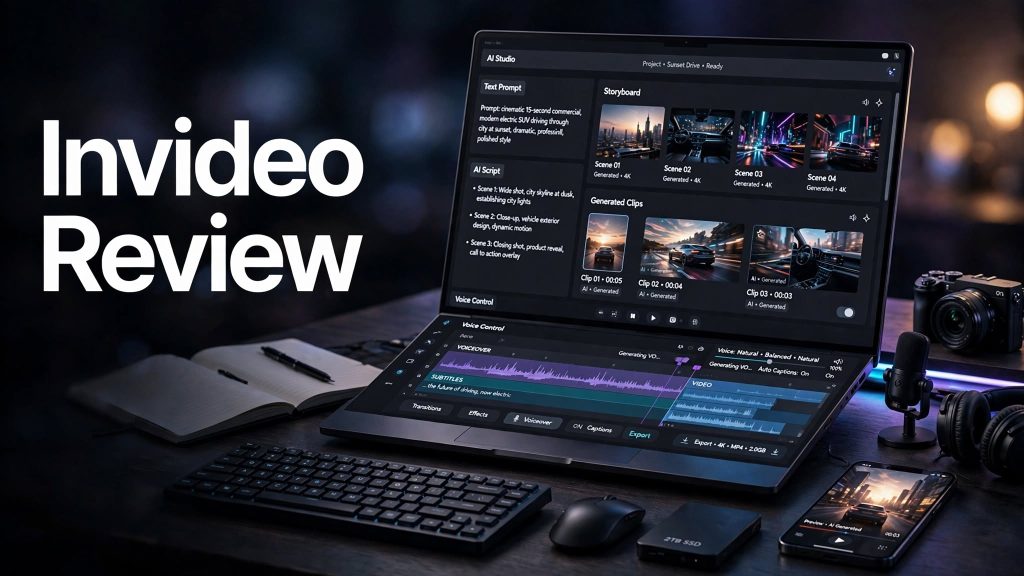
Creating professional videos can take a lot of time when scripting, storyboarding, filming, editing, voiceovers, and visual assets all have to be handled separately. Invideo is an AI-powered video creation platform designed to simplify this process by using AI agents and multiple generative models to create and edit videos from a simple description.
In this Invideo review, we’ll look at its main features, pricing, ease of use, pros and cons, who it’s best for, and whether Invideo is worth considering for AI video creation.
What Is Invideo?

Invideo is an AI video creation and editing platform that lets users create videos by describing what they want to make. Its AI agents can help with scripting, storyboarding, generating visuals, creating voice elements, and assembling the final video.
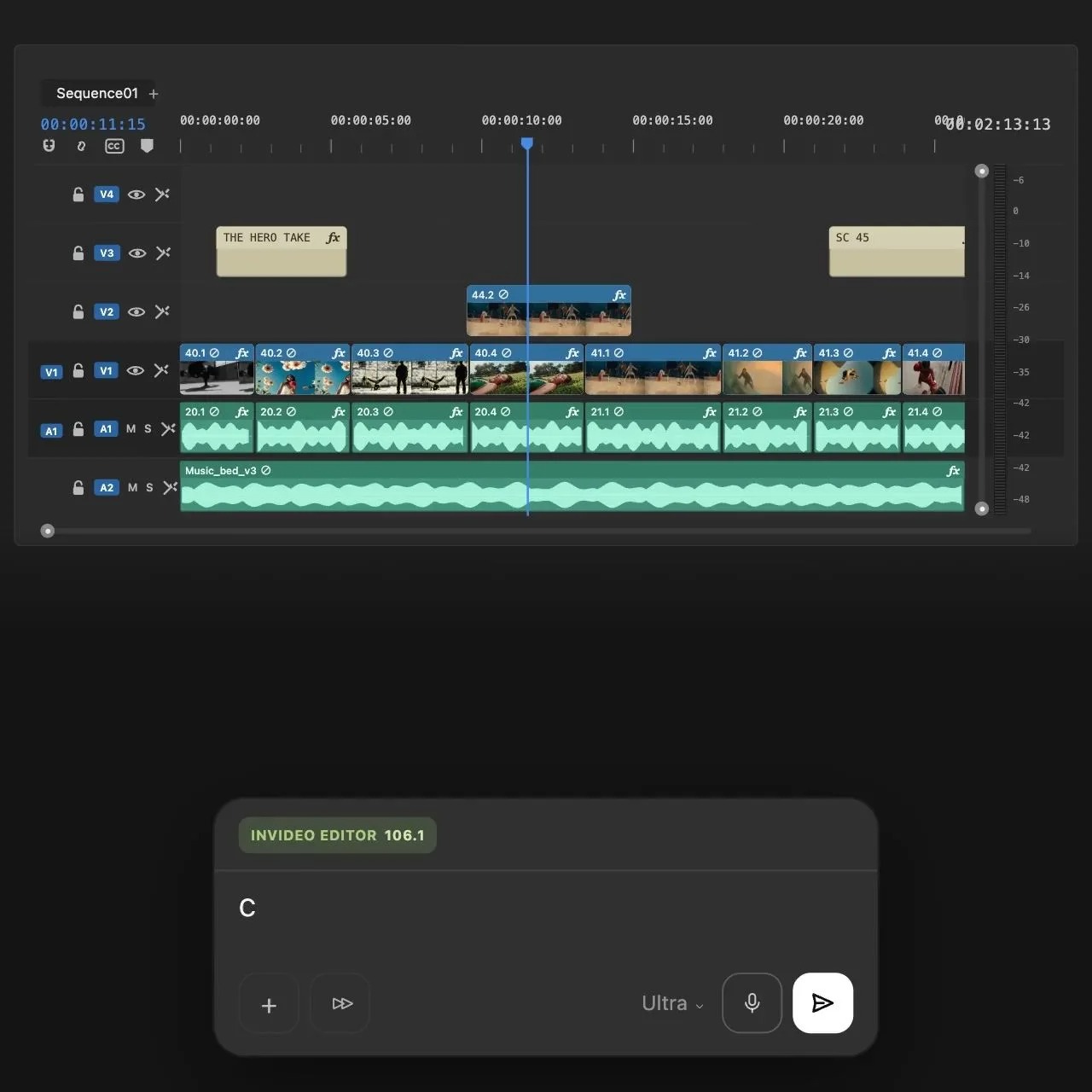
The platform also includes a traditional timeline editor, allowing users to manually arrange clips, adjust video and audio, and refine their projects after AI generation. Invideo currently provides access to more than 200 AI models for video, image, and audio generation.
What Can You Do With Invideo?
Generate Videos With AI
Users can describe a video concept or campaign and let Invideo’s AI agents handle much of the production process. The platform can help turn an idea into a script, storyboard, generated media, and edited video.
Create Marketing and Social Videos
Invideo can be used for advertisements, marketing campaigns, social media videos, promotional content, and other business-focused projects. It can also create multiple variations of content for different formats.
AI Video, Image and Audio Generation
Invideo provides access to multiple AI models for generating video, images, and audio. Different models can be selected depending on the type of content and desired quality.
Edit Videos Manually
Alongside AI tools, Invideo includes a timeline editor with tools for video, audio, color, and 3D editing. Manual timeline editing does not use AI credits, while AI-agent work and generative features consume credits.
Invideo Pricing
Invideo currently offers a Free plan with limited credits for exploring its AI features. Paid plans include Starter, Plus, and Max.
The current annual pricing shown by Invideo starts at $20/month for Starter, $50/month for Plus, and $100/month for Max. Starter includes 400 credits per seat each month, Plus includes 2,000 credits, and Max includes 5,000 credits. Monthly credit usage depends on the AI models, video duration, resolution, and generation settings.
Because AI generations consume credits, users creating a high volume of videos should pay attention to their monthly credit requirements.
Is Invideo Easy to Use?
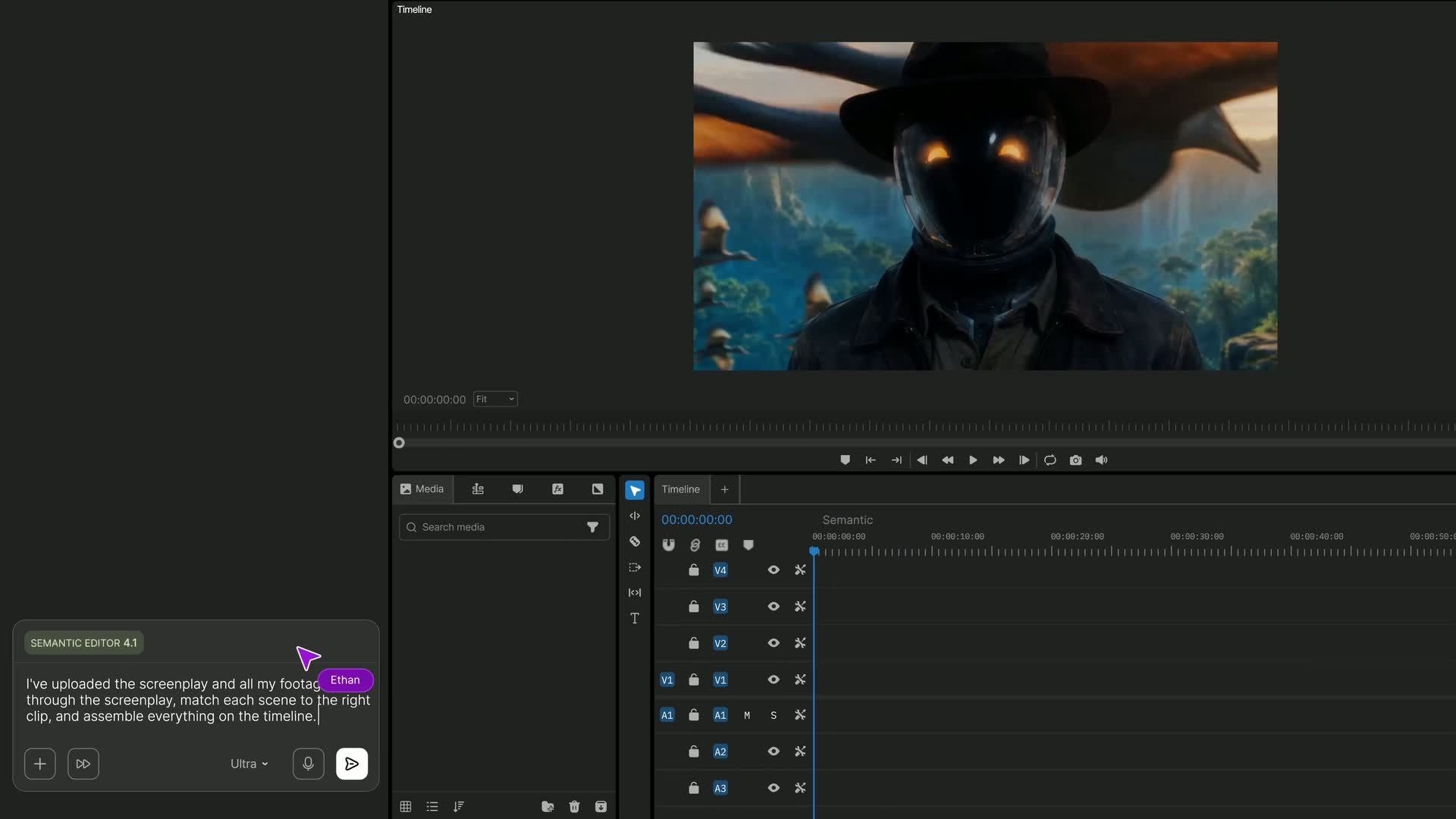
Invideo is designed to make AI video creation accessible even for users without advanced editing experience. Users can start by describing their video idea, while the AI handles much of the production workflow.
The timeline editor also gives users more control when they want to make manual adjustments. This combination of AI automation and traditional editing can be useful for creators who want faster production without completely giving up creative control.
Pros and Cons of Invideo
Pros
- AI-powered video creation
- Access to 200+ AI models
- AI-assisted scripting and storyboarding
- Video, image, and audio generation
- Built-in timeline editor
- Useful for marketing and social media content
- Manual editing does not consume AI credits
- Free plan available
Cons
- AI generations consume credits
- Higher-volume users may need more expensive plans
- Results may require manual refinement
- Credit usage varies between models and generation settings
- Some advanced models are limited to higher plans
Who Is Invideo Best For?
Invideo is particularly suitable for content creators, marketers, businesses, agencies, social media managers, and filmmakers who want to produce videos more efficiently.
It can also be useful for beginners who want to create professional-looking videos without learning a complex video-editing workflow from scratch.
Is Invideo Worth It?

Invideo can be worth considering if you regularly need to create videos and want AI to handle time-consuming parts of the production process.
Its combination of AI agents, multiple generative models, automated production, and manual editing gives users more flexibility than a basic one-click video generator. However, users producing large amounts of AI-generated content should carefully monitor credit usage.
For occasional users, the Free plan can be useful for testing the platform before deciding whether a paid subscription makes sense.
Final Verdict
Invideo is a versatile AI video creation platform that combines automated video production with traditional editing tools. Its AI agents can help with scripting, storyboarding, media generation, and editing, while the timeline editor provides additional creative control.
With access to a large selection of AI models and multiple pricing tiers, Invideo can be useful for creators and businesses looking to speed up their video-production workflow.
Frequently Asked Questions
What is Invideo?
Invideo is an AI-powered video creation and editing platform that helps users generate and edit videos using AI tools and multiple generative models.
Can Invideo create videos from text prompts?
Yes. Users can describe what they want to create, and Invideo’s AI agents can turn the concept into a video production workflow.
Does Invideo have a free plan?
Yes. Invideo offers a Free plan with limited credits that users can use to explore its AI features.
How much does Invideo cost?
Current annual pricing starts at $20/month for Starter, $50/month for Plus, and $100/month for Max. Pricing and available features can change.
Is Invideo good for beginners?
Invideo can be suitable for beginners because users can start with a simple description instead of manually creating every part of a video. Manual editing tools are also available for further customization.