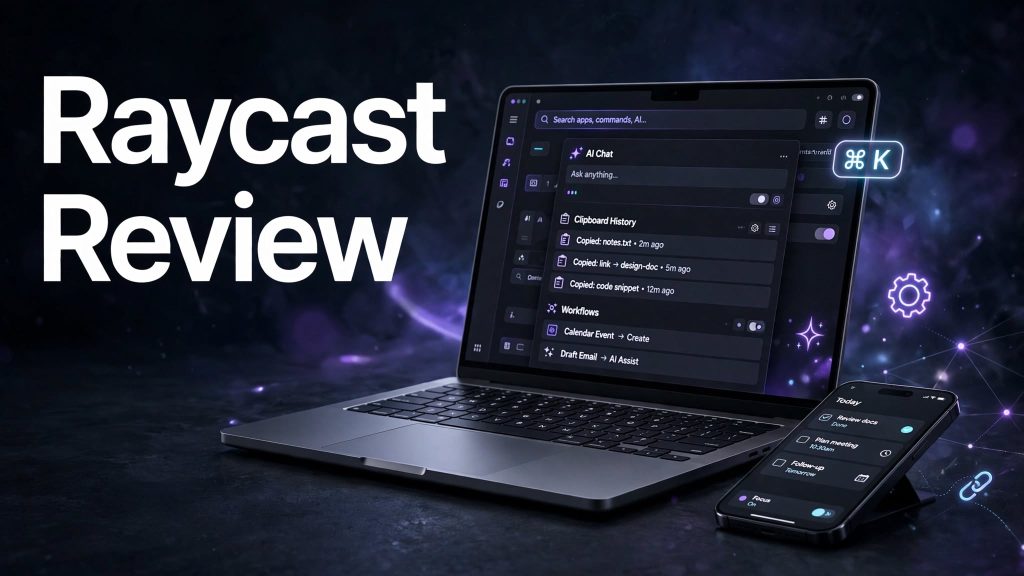
Staying productive often means switching between multiple applications, searching for files, managing tasks, and repeating everyday actions. These small activities can take up more time than expected.
Raycast aims to make everyday computer tasks faster by bringing app launching, search, shortcuts, extensions, window management, and AI tools into one keyboard-first interface.
It is designed to help individuals, developers, and teams simplify their workflows and get more done with fewer clicks. But is Raycast worth using? Let’s explore its features, pricing, advantages, and limitations.
What Is Raycast?

Raycast is a productivity launcher and workflow tool that lets users access applications, files, commands, links, and other utilities from one searchable interface.
Instead of navigating through multiple menus, users can press a keyboard shortcut, type what they need, and quickly perform an action.
It also offers an extension store, AI-powered features, clipboard history, snippets, notes, and window management. Raycast is particularly useful for professionals who prefer keyboard-based workflows.
What Can You Do With Raycast?
App and File Search
Raycast allows users to search for applications, files, folders, and commands directly from its launcher. This makes it easier to find and open frequently used items without manually navigating through the computer.
Extensions and Quicklinks
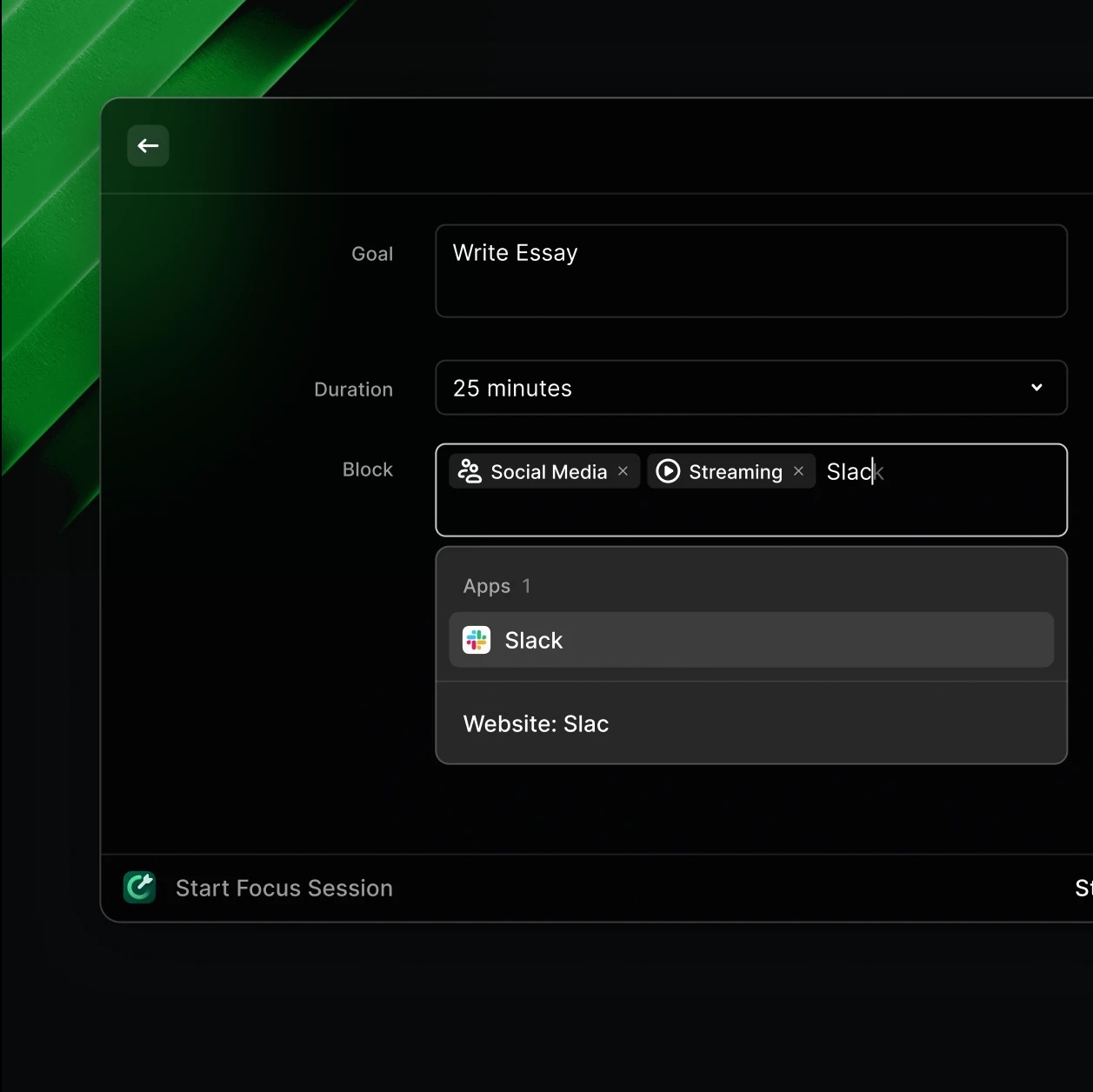
Raycast offers thousands of community-built extensions that connect with tools such as Slack, Notion, Linear, Spotify, and Google Translate.
Quicklinks, aliases, and custom hotkeys allow users to create shortcuts for frequently used websites, applications, and actions.
Clipboard History, Snippets, and Window Management
The platform includes clipboard history, allowing users to access previously copied content. Snippets help save frequently used text, while window management makes it easier to organize and resize application windows.
Raycast Notes, calculator, emoji picker, and other built-in utilities also help simplify daily tasks.
Raycast AI and Automations
Raycast AI provides Quick AI, AI Chat, AI commands, and AI-powered extensions. Users can work with different AI models, connect tools, and use contextual information to complete tasks.
Its newer features also include scheduled automations and Projects for organizing ongoing AI work. AI usage is managed through monthly credits on paid plans.
Raycast Pricing
Raycast offers a free plan as well as paid individual and team subscriptions.
- Free: $0. Includes core productivity features, thousands of extensions, five free Notes, and basic clipboard history. AI features are not included.
- Pro: $10/month or $96/year. Includes 500 monthly AI credits, Raycast AI, Cloud Sync, dictation, unlimited Notes, and additional customization.
- Pro+: $20/month or $192/year. Includes 3,000 monthly AI credits and access to top-tier AI models.
- Max: $50/month or $480/year. Includes 7,500 monthly AI credits for heavier AI usage.
- Teams Pro: Starts at $15 per user/month or $144 per user/year, with shared commands, snippets, quicklinks, and team features.
- Enterprise: Custom pricing with advanced security and administrative controls.
Is Raycast Easy to Use?
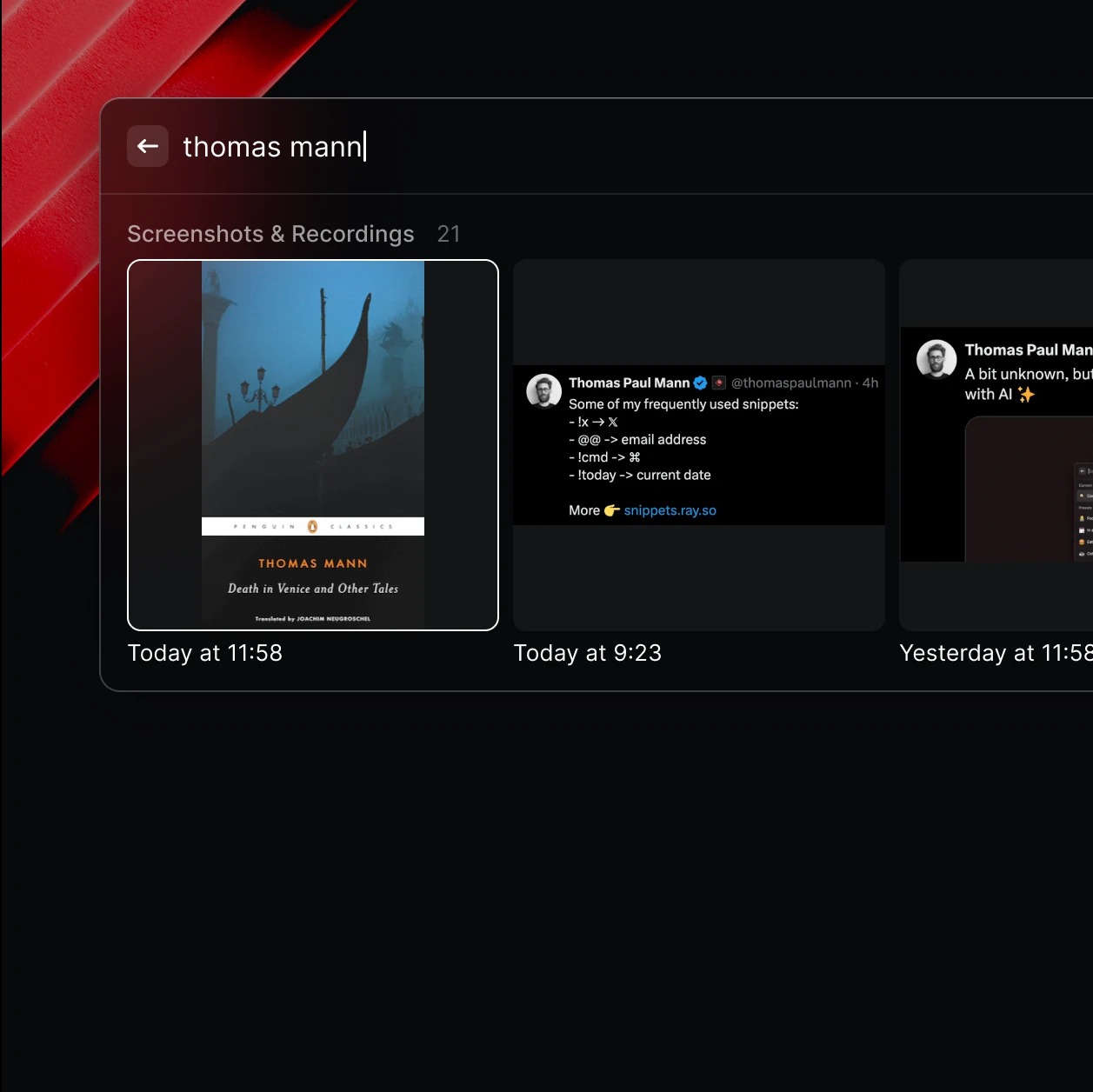
Raycast is designed around keyboard shortcuts and a searchable command interface, making it convenient for users who prefer quick actions over traditional menus.
Beginners may need some time to learn its shortcuts, extensions, and customization options. However, once the basic workflow becomes familiar, many everyday tasks can be performed quickly.
Pros and Cons of Raycast
Pros
- Fast keyboard-first productivity interface.
- Application, file, and command search.
- Thousands of community-built extensions.
- Clipboard history and text snippets.
- Quicklinks and custom hotkeys.
- Built-in AI chat and automation features.
- Window management and productivity utilities.
- Free plan available.
Cons
- Some advanced AI features require paid plans.
- AI usage is limited by monthly credits.
- Learning shortcuts and extensions takes time.
- Some features may be more useful to power users than beginners.
- Certain integrations require additional configuration.
Who Is Raycast Best For?
Raycast is suitable for developers, designers, writers, freelancers, entrepreneurs, and professionals who regularly work with multiple applications.
It is particularly useful for people who want to automate repetitive tasks, access tools quickly, organize their desktop workflows, and use AI without constantly switching between different applications.
Is Raycast Worth It?
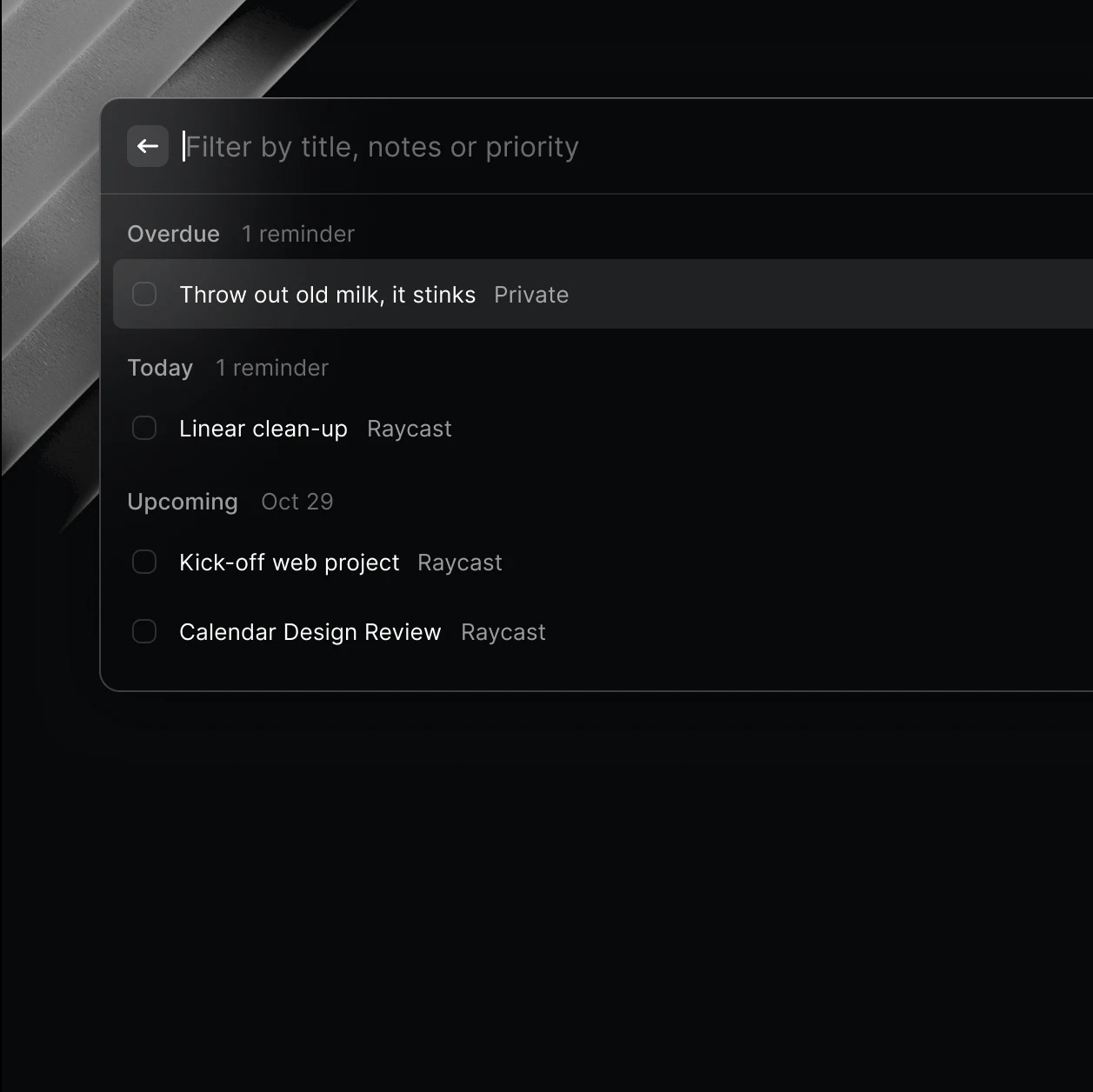
Raycast is worth considering for users who want a faster and more organized way to interact with their computers. Its combination of app search, extensions, shortcuts, clipboard management, window controls, and AI features makes it more than a traditional application launcher.
The free plan is a useful starting point, while paid subscriptions provide additional AI capabilities and synchronization features. However, users who only need basic application launching may not require a paid subscription.
Final Verdict
Raycast is a powerful productivity tool that brings everyday computer actions into one convenient interface. Its extension ecosystem, customizable shortcuts, AI capabilities, and workflow automation make it particularly useful for people who want to work more efficiently.
Although some advanced features require paid subscriptions and learning the interface takes time, Raycast is worth trying for anyone looking to improve their daily productivity.
Frequently Asked Questions
What is Raycast used for?
Raycast is used for launching applications, searching files, managing shortcuts, accessing extensions, organizing windows, and completing tasks with AI tools.
Is Raycast free to use?
Yes. Raycast offers a free plan with core productivity features and access to thousands of extensions. AI features require a paid plan.
How much does Raycast Pro cost?
Raycast Pro costs $10 per month or $96 per year. Other paid options include Pro+ and Max.
Does Raycast support AI features?
Yes. Raycast offers AI Chat, Quick AI, AI commands, AI extensions, automations, and other AI-powered capabilities.
Can I use extensions with Raycast?
Yes. Raycast has thousands of community-built extensions that connect with popular applications and services.
Is Raycast suitable for beginners?
Yes. Beginners can use its basic launcher and productivity tools, although learning shortcuts and advanced extensions may take some time.