Creating professional videos can take considerable time, especially when you need scripts, voiceovers, visuals, subtitles, and background music. For content creators and businesses, managing all these elements can make video production complicated.
Fliki aims to simplify this process with an AI-powered content creation platform that converts text, ideas, blog posts, and presentations into videos with realistic voiceovers and visuals.
But is Fliki worth using for video creation? Let’s explore its features, pricing, advantages, and limitations.
What Is Fliki?

Fliki is an AI-powered video and audio creation platform designed to help users produce content without advanced video editing skills.
It can transform written scripts, ideas, blog articles, and PowerPoint presentations into videos with AI-generated voiceovers, visuals, captions, and background music.
The platform also offers AI avatars, voice cloning, video translation, and editing tools. It is suitable for content creators, marketers, educators, businesses, and social media professionals.
What Can You Do With Fliki?
Text-to-Video and Idea-to-Video
Fliki can convert written scripts, blog posts, and simple ideas into videos. It automatically divides content into scenes and matches them with relevant stock footage, images, and AI-generated visuals.
This makes it useful for creating YouTube videos, explainers, product demonstrations, and social media content.
AI Voiceovers and Voice Cloning
The platform offers a large library of AI voices in multiple languages and dialects. Users can adjust voice settings and select different narration styles.
Fliki also supports voice cloning, allowing users to create a digital version of their own voice for consistent video narration.
AI Avatars and Video Editing
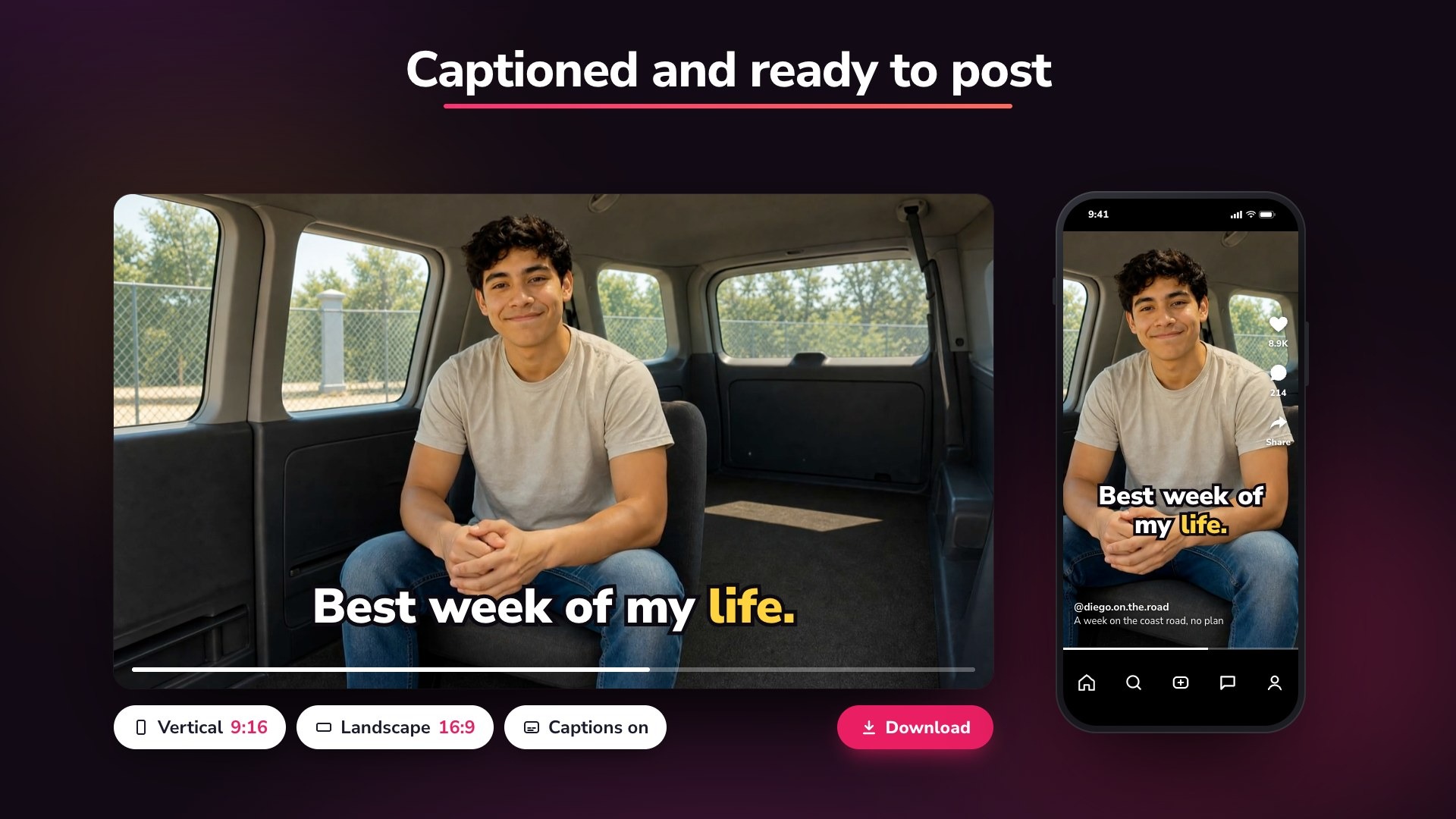
Users can add AI avatars to videos to create presentations, tutorials, training content, and promotional material.
Fliki also provides editing tools for modifying scenes, replacing visuals, adjusting scripts, adding subtitles, and customizing video layouts.
Translation and Content Repurposing
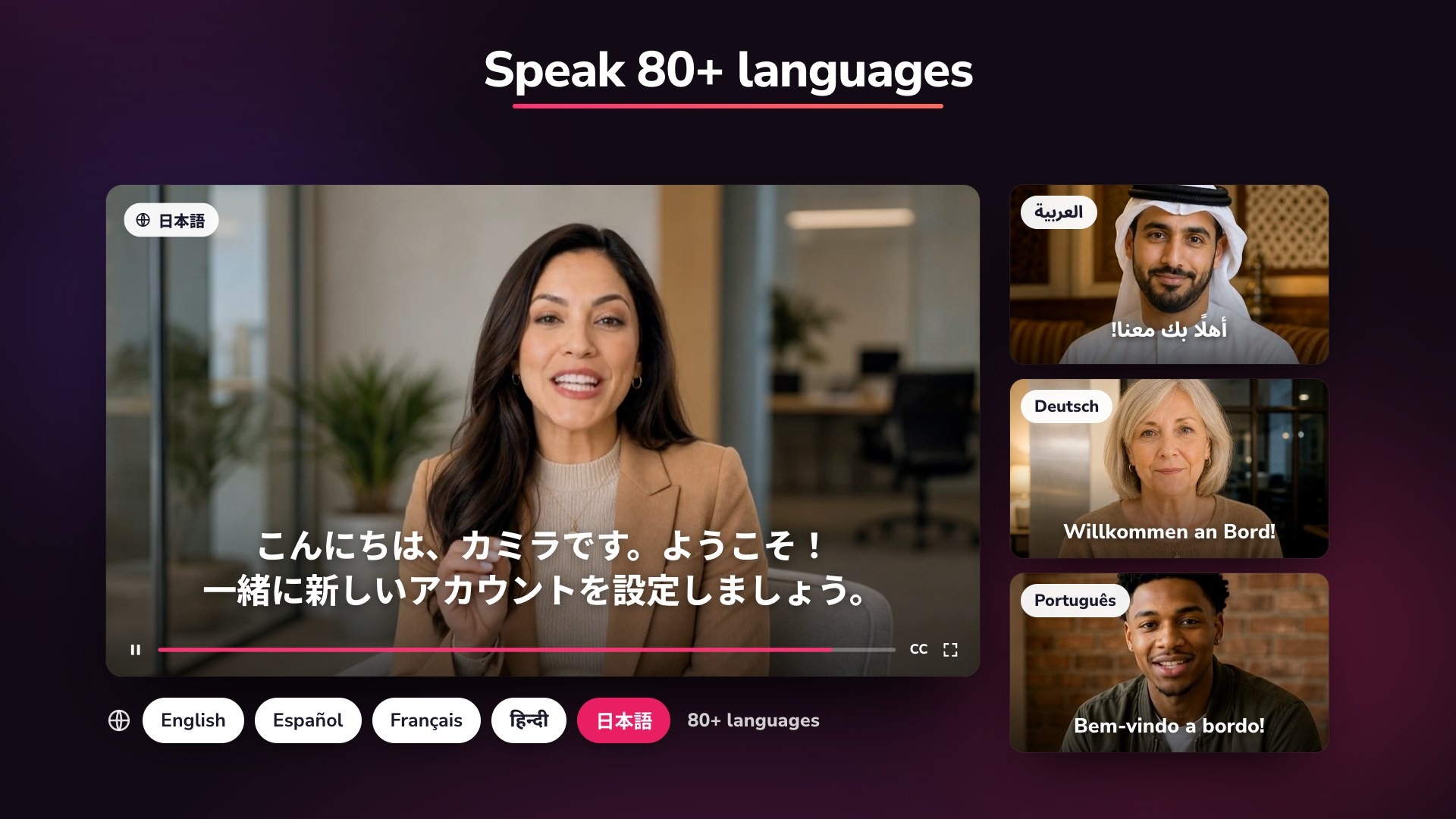
Fliki supports multilingual video creation and translation, helping businesses reach audiences in different regions.
It can also convert presentations and existing written content into video formats suitable for YouTube, Instagram Reels, TikTok, and other platforms.
Fliki Pricing
Fliki offers a free plan, paid subscriptions, and custom enterprise options.
- Free: $0/month. Includes 3 monthly credits, 720p exports, basic AI voices, and a Fliki watermark.
- Standard: Around $28/month. Includes 180 monthly credits, 1080p exports, longer videos, voice cloning, and commercial usage rights.
- Premium: Around $88/month. Includes 600 monthly credits, additional AI voices, longer exports, AI video clips, advanced avatars, and multiple brand kits.
- Enterprise: Custom pricing for organizations requiring tailored credits, API access, team features, and dedicated support.
Is Fliki Easy to Use?
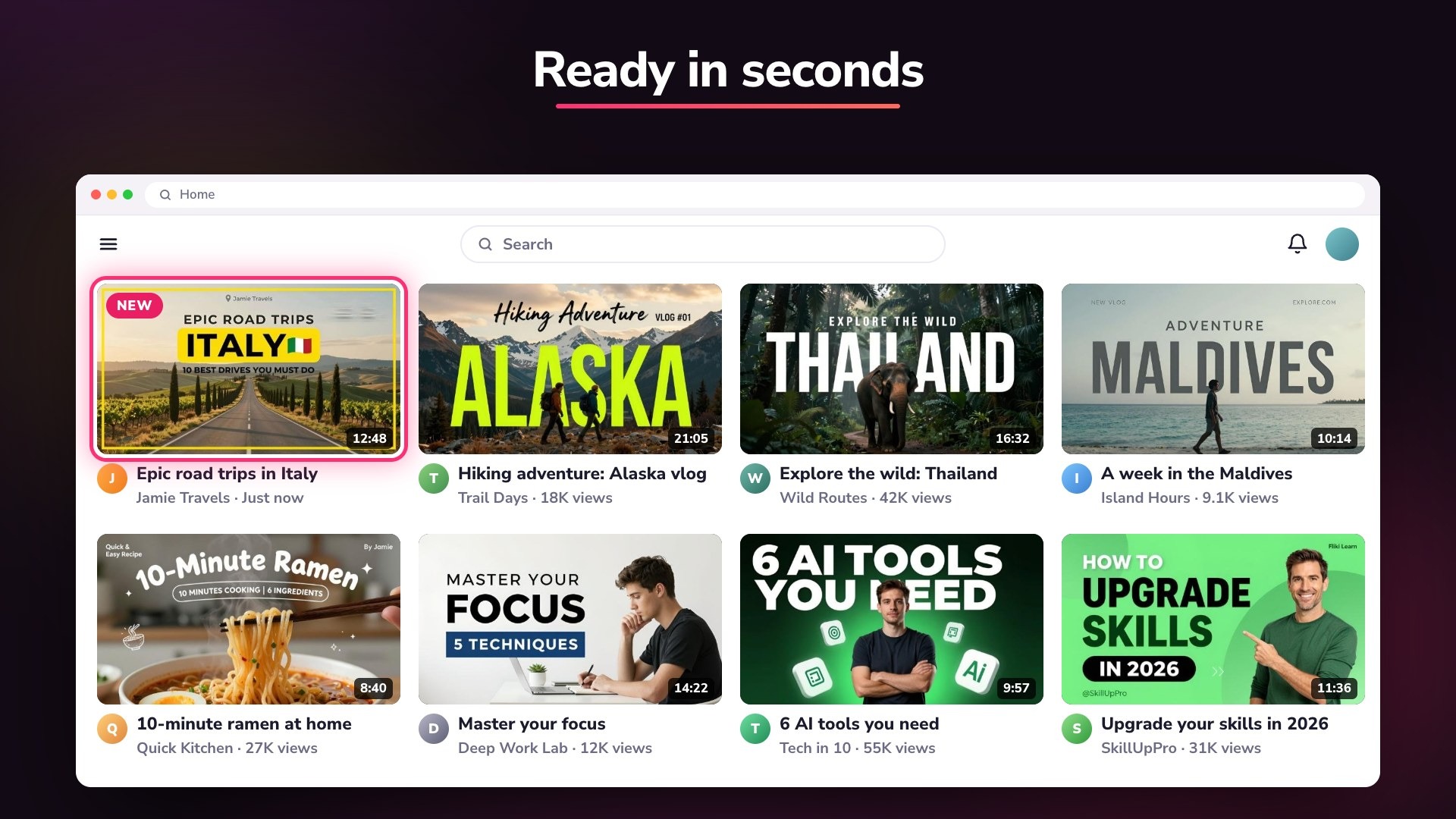
Fliki is designed for users who want to create videos without learning complicated editing software. Its interface provides templates, scene-based editing, AI voice selection, and automatic visual matching.
Users can start with a script or idea, customize the generated scenes, and export their videos.
However, AI-generated content may not always match the original script perfectly. Reviewing scenes, voiceovers, and captions before exporting is important for achieving professional results.
Pros and Cons of Fliki
Pros
- Converts text and ideas into videos.
- Large collection of AI voices.
- Supports multiple languages and dialects.
- AI voice cloning functionality.
- AI avatars for presentations and explainers.
- Automatic subtitles and visual matching.
- Blog and PowerPoint-to-video workflows.
- Free plan available.
Cons
- Free exports include a watermark.
- Monthly credits limit content production.
- Advanced features require paid subscriptions.
- AI-generated visuals may need manual adjustments.
- High-volume video production can become expensive.
Who Is Fliki Best For?
Fliki is suitable for YouTube creators, social media managers, digital marketers, educators, small businesses, and content production teams.
It can be particularly useful for people creating faceless videos, product demonstrations, tutorials, educational content, marketing videos, and multilingual promotional materials.
Is Fliki Worth It?
Fliki is worth considering for users who regularly create videos and want to simplify scripting, voiceovers, visuals, and editing.
Its text-to-video workflow, AI voices, voice cloning, avatars, and multilingual capabilities make it a useful content creation solution.
However, users should consider their monthly video requirements and available credits before choosing a paid plan. Those who only create occasional videos may find the free plan sufficient for initial testing.
Final Verdict
Fliki offers a convenient way to turn written content into professional-looking videos using AI-powered tools. Its combination of text-to-video creation, realistic voiceovers, AI avatars, translation, and editing features makes it useful for creators and businesses.
Although credit limits and subscription costs should be considered, Fliki is a strong option for anyone looking to make video production faster and more accessible.
Frequently Asked Questions
What is Fliki used for?
Fliki is used for AI video creation, text-to-speech, voiceovers, AI avatars, video translation, and converting blog posts or presentations into videos.
Does Fliki offer a free plan?
Yes. Fliki offers a free plan with 3 monthly credits, 720p exports, and a watermark.
Can Fliki convert blog posts into videos?
Yes. Users can provide a blog post or URL and convert the written content into a video with scenes, voiceovers, and visuals.
Does Fliki support voice cloning?
Yes. Fliki offers voice cloning on eligible paid plans, allowing users to create personalized AI narration.
How much does Fliki cost?
Fliki offers a free plan, Standard starting around $28/month, Premium around $88/month, and custom Enterprise pricing.
Can I use Fliki videos commercially?
Paid plans include commercial usage rights for eligible generated content. Users should review Fliki’s licensing terms and ensure their scripts and uploaded materials do not violate third-party rights.