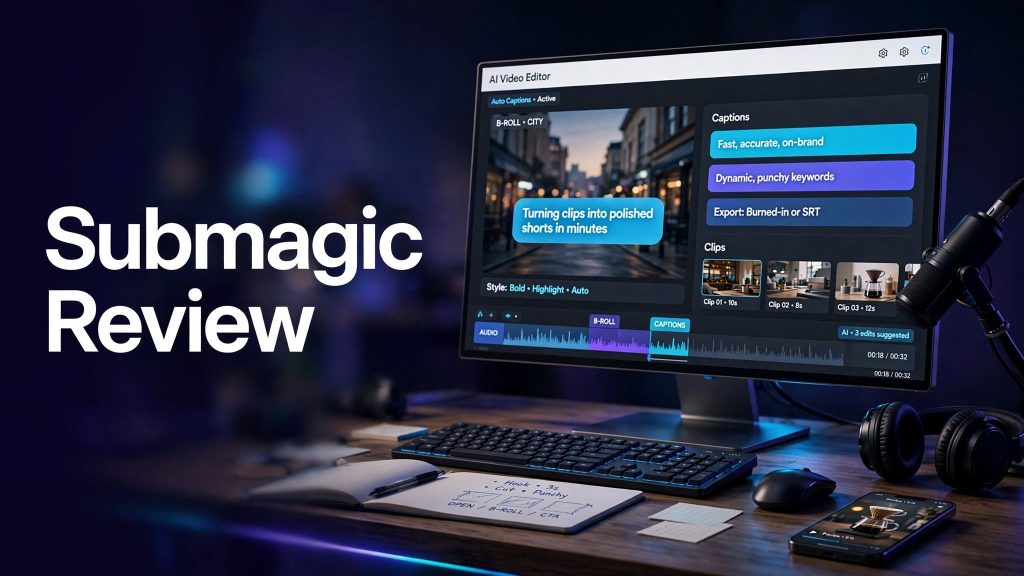
Creating engaging short-form videos takes more than simply recording footage. Captions, transitions, audio cleanup, B-roll, and editing can take hours when done manually. Submagic is an AI-powered video editing platform designed to help creators turn raw footage into polished short videos with less effort.
Whether you create YouTube Shorts, Instagram Reels, TikTok videos, podcasts, or marketing content, Submagic offers tools to simplify video editing and speed up content production.
What Is Submagic?

Submagic is an AI video editing platform focused on creating engaging short-form content. It combines automatic captions, AI-assisted editing, B-roll, audio enhancement, and video generation tools in one workflow.
The platform is designed for content creators, marketers, agencies, and businesses that want to produce social media videos without spending excessive time on manual editing.
What Can You Do With Submagic?
AI Captions and Subtitles
Submagic automatically generates captions for videos and provides customizable caption styles. This helps make content easier to follow, especially when viewers watch without sound.
Magic Clips and Short-Form Editing
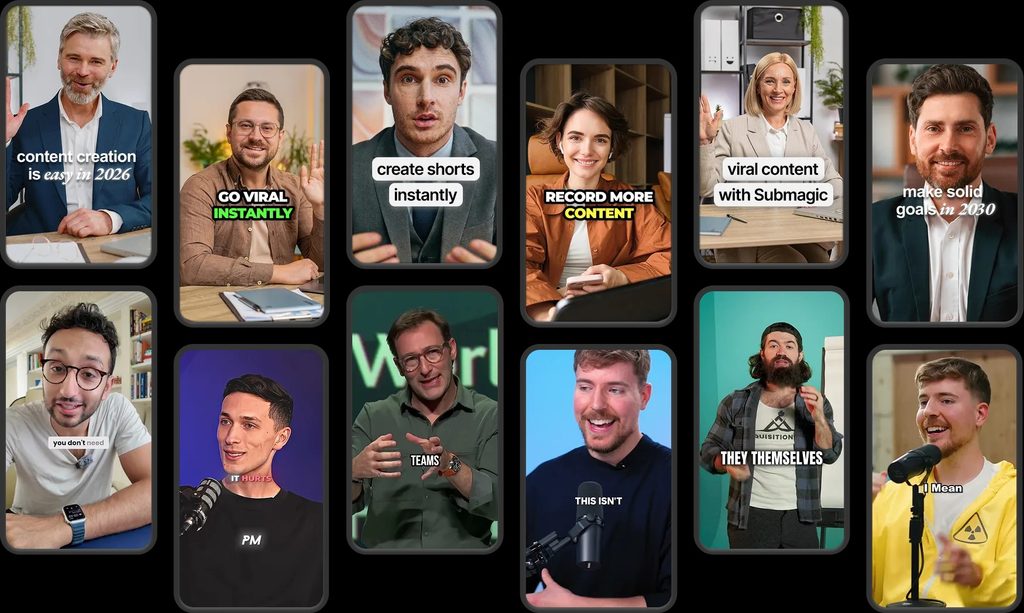
Submagic helps transform longer videos into shorter clips suitable for social media. This can be useful for repurposing podcasts, interviews, webinars, and educational content into multiple short videos.
AI Editing and Audio Cleanup
The platform offers features such as automatic zooms, silence removal, filler-word filtering, bad-take removal, and AI audio cleanup. These tools can reduce repetitive editing work and make videos more polished.
AI B-Roll and Video Generation
Submagic also offers AI-assisted B-roll, AI video and image generation, and hook-title creation. These features can help creators add relevant visuals and make their videos more engaging.
Submagic Pricing
Submagic currently offers Starter, Pro, and Business plans.
- Starter: $19/month, with 45 credits and approximately 15 videos per month.
- Pro: $39/month, with 120 credits and approximately 40 videos per month.
- Business: $69/month, with 300 credits and approximately 100 videos per month.
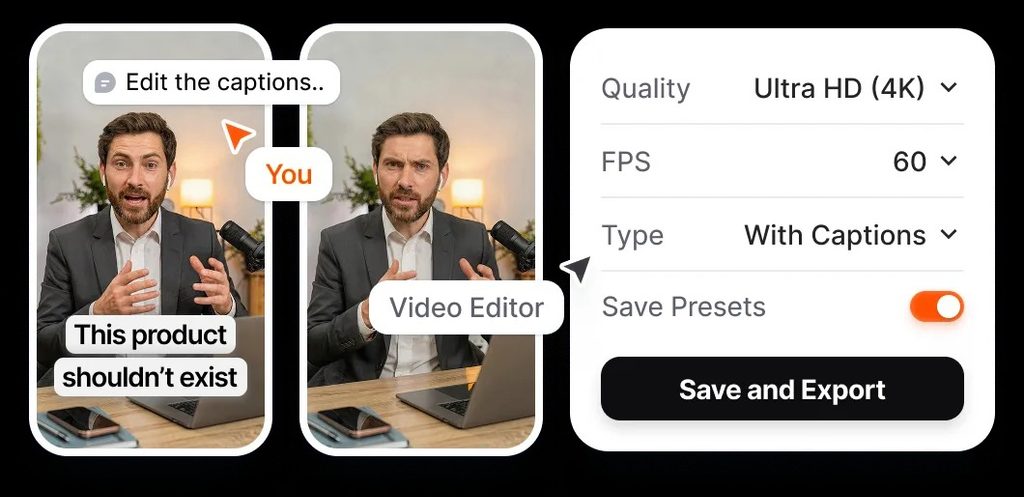
The Starter plan supports videos up to 2 minutes, while Pro supports up to 5 minutes and Business up to 30 minutes. Business also supports 4K exports at 60 FPS. Annual billing offers discounted pricing, and actual credit consumption depends on the features used.
Is Submagic Easy to Use?

Submagic is designed to simplify video editing through automated tools. Creators can import footage, generate captions, remove unwanted pauses, add visual elements, and refine the final video.
Its automated workflow is particularly helpful for people who produce short videos frequently. However, creators should still review captions, pacing, and visual choices before publishing.
Submagic Pros and Cons
Pros
- Automatic captions and customizable subtitles.
- AI-assisted short-form video creation.
- Magic Clips for repurposing longer content.
- Silence removal and audio cleanup.
- AI B-roll and hook-title generation.
- Social publishing and analytics on eligible plans.
- Multiple export-quality options.
- Suitable for creators and marketing teams.
Cons
- Advanced features require a paid plan.
- AI generation uses credits.
- Heavy users may need a more expensive subscription.
- Automated edits may require manual refinement.
Who Is Submagic Best For?
Submagic is particularly useful for YouTubers, podcasters, social media creators, video editors, marketing agencies, and businesses that regularly publish short-form content.
It can be especially valuable when turning one long recording into several engaging clips for different social media platforms.
Is Submagic Worth It?
Submagic can be worth considering if you frequently create short videos and want to reduce repetitive editing tasks. Its combination of automatic captions, AI-assisted clipping, audio cleanup, and B-roll can speed up content production.
The best plan depends on how many videos you produce and which features you use. Occasional creators may need only Starter, while agencies and high-volume creators may benefit from the higher limits offered by Pro or Business.
Final Verdict
Submagic is a useful AI-powered video editing platform for creators who want to produce polished short-form content more efficiently. Its automatic captions, editing automation, Magic Clips, B-roll, and audio tools make it a practical option for social media workflows.
If you regularly publish Reels, Shorts, TikToks, or podcast clips, Submagic is worth exploring.
Frequently Asked Questions
What is Submagic used for?
Submagic is used for AI-assisted video editing, automatic captions, short-form video creation, and content repurposing.
Is Submagic free?
Submagic advertises a free starting experience, with paid plans offering higher credit limits and additional editing features.
Can Submagic turn long videos into Shorts?
Yes. Its Magic Clips workflow can help transform longer videos into short-form content.
How much does Submagic cost?
Current monthly plans are listed at $19 for Starter, $39 for Pro, and $69 for Business. Annual billing offers lower monthly rates.
Does Submagic support 4K video exports?
Yes. The Business plan supports exports up to 4K at 60 FPS.