
Managing projects, tasks, deadlines, and team communication can become complicated as a business grows. monday.com is a work management platform designed to bring these activities into one customizable workspace.
The platform offers boards, dashboards, workflows, automations, integrations, Workdocs, forms, and AI-powered features. It is designed for teams across different departments, including marketing, sales, product development, operations, and customer service.
What Is monday.com?
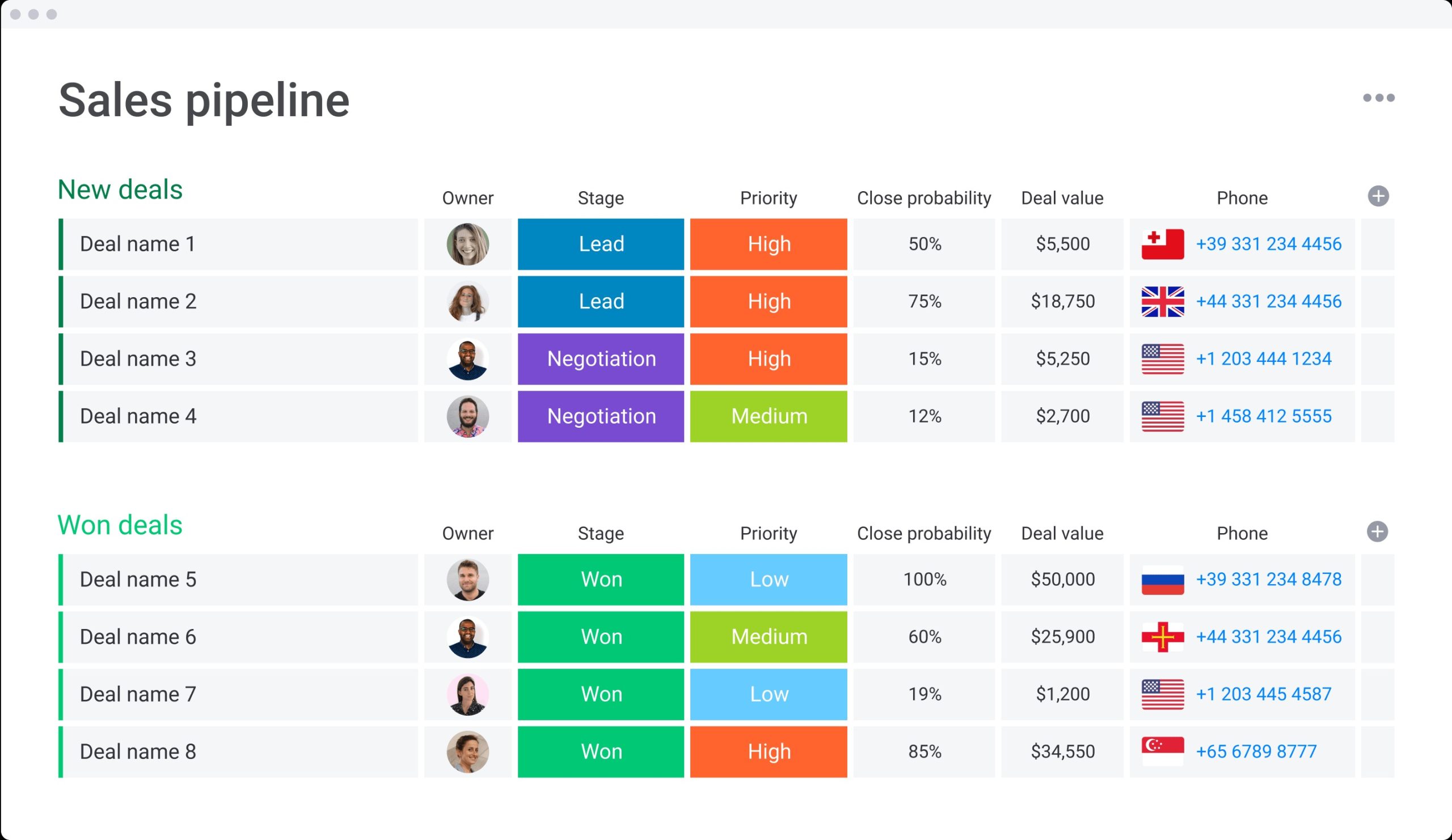
monday.com is a cloud-based work platform that helps teams organize and track their work visually. Its boards are built from items, groups, and columns, allowing users to customize how tasks, projects, deals, requests, or other information are displayed.
Beyond boards, users can create Workdocs, WorkForms, dashboards, and different views to manage and analyze work from multiple perspectives.
What Can You Do With monday.com?
Project and Task Management
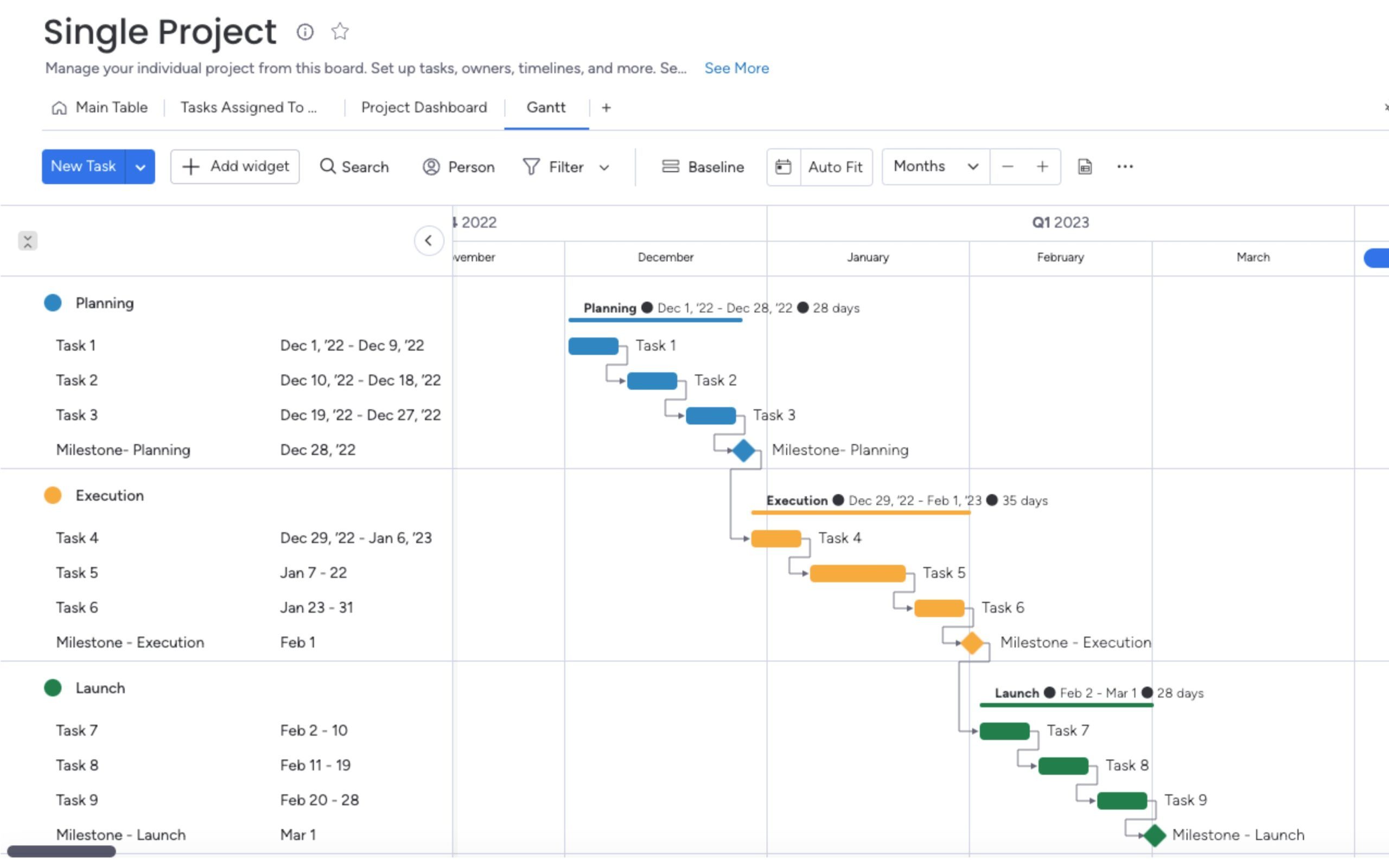
Teams can create project boards, assign tasks, track progress, set deadlines, and organize work using different views. Timeline and Gantt views are available on paid plans.
Team Collaboration
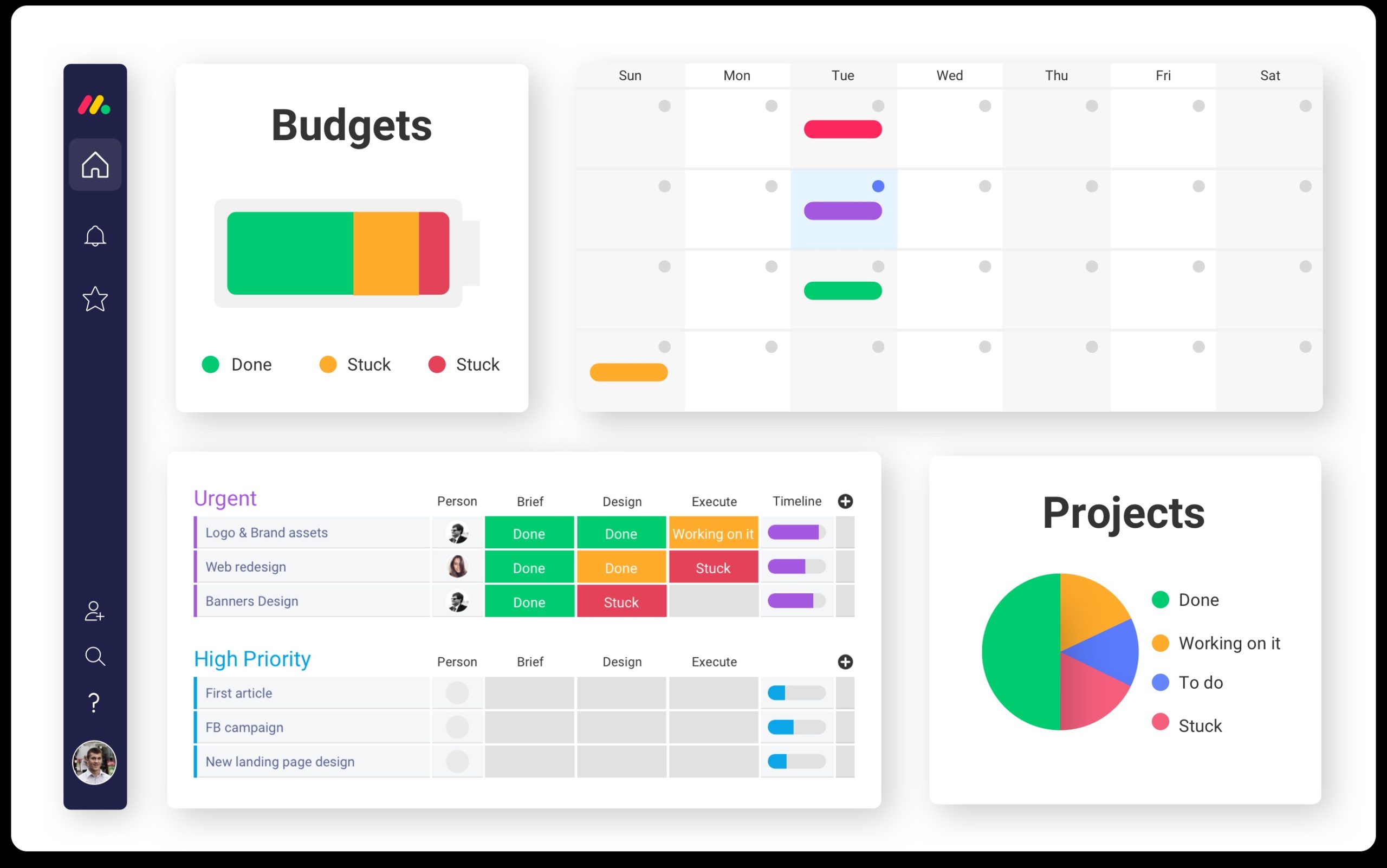
monday.com provides a shared workspace where team members can collaborate around projects and workflows. Workdocs can be used for planning and documentation, while dashboards help teams monitor progress and performance.
Automations and Integrations
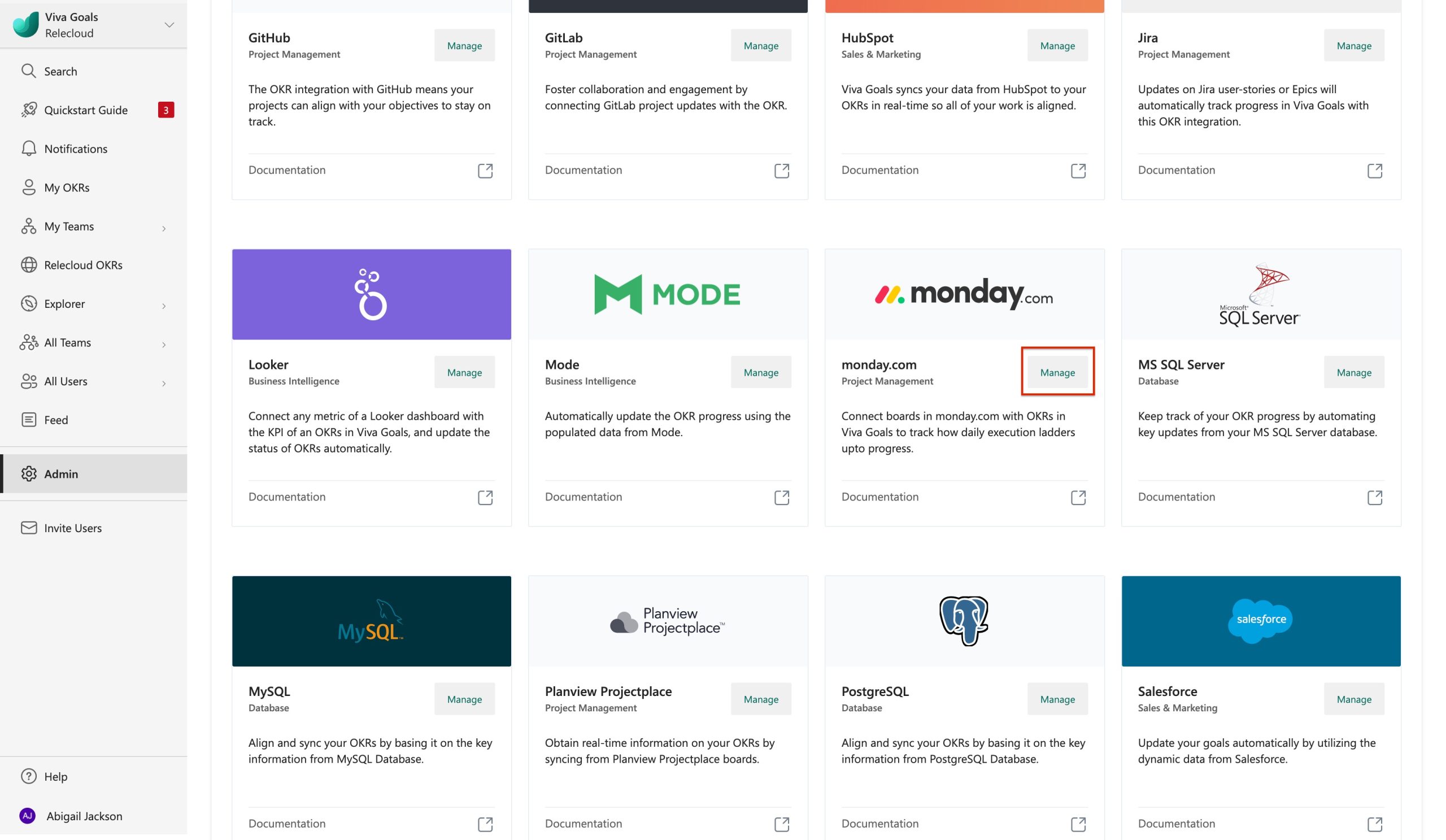
Paid plans can automate repetitive actions and connect monday.com with other workplace tools. The current Basic plan includes automation and integration allowances, while higher plans provide larger limits.
monday AI Features
AI has become a major part of the monday.com platform. monday AI can help users analyze work, summarize information, create content, update tasks, and move projects forward using context from boards, docs, workflows, and apps.
The platform also includes AI Sidekick, AI Workflows, AI Notetaker, AI Blocks, monday agents, and monday vibe across supported products and plans.
For new monday AI work platform customers, AI features use a shared credit-based system. The current minimum monthly AI credit allocation is 1,000 credits on Basic, 2,000 on Standard, and 3,000 on Pro.
monday.com Pricing
monday.com offers a Free plan as well as Basic, Standard, Pro, and Enterprise options for its AI work platform.
The current pricing page lists the Free plan at $0, with up to two seats, up to three boards, up to three Docs, 200+ templates, and basic functionality.
For annual billing, the current pricing page lists Basic at $9 per seat/month, Standard at $12 per seat/month, and Pro at $19 per seat/month based on the displayed 10-seat example. Paid plans add features such as automations, integrations, Timeline and Gantt views, guest access, and advanced reporting.
Enterprise pricing is customized for larger organizations requiring advanced security, governance, permissions, and support.
Is monday.com Easy to Use?
One of monday.com’s biggest advantages is its visual and customizable interface. Teams can start with templates and then adjust boards, columns, views, and workflows to match their processes.
However, the large number of customization options can make the platform feel overwhelming at first. Smaller teams with very simple task-management needs may not need all of its advanced functionality.
Pros and Cons of monday.com
Pros
- Highly customizable work management platform
- Visual project and task management
- Free plan available
- Templates for different workflows
- Automations and integrations
- Dashboards and reporting
- AI-powered productivity features
- Mobile apps for iOS and Android
- Supports multiple business workflows
Cons
- Advanced features require paid plans
- Pricing increases with additional seats
- AI features use credit-based consumption
- Large workspaces can become complex
- Beginners may need time to learn the platform
Who Is monday.com Best For?
monday.com is suitable for small businesses, growing companies, project managers, marketing teams, product teams, sales departments, and remote teams that need a centralized workspace.
It can be particularly useful when a business wants to combine project tracking, collaboration, automation, reporting, and AI capabilities rather than using several disconnected tools.
Is monday.com Worth It?
monday.com can be worth considering if your team needs more than basic task management. Its customizable boards, dashboards, automations, integrations, and AI features provide a broad set of tools for managing different types of work.
The Free plan can be useful for testing the platform, while paid plans become more relevant when teams need advanced views, automation, integrations, reporting, and collaboration features.
Final Verdict
monday.com is a flexible work management platform that combines project tracking, collaboration, automation, reporting, integrations, and AI capabilities in one workspace.
Its customization makes it adaptable to many types of teams and workflows, although the number of features can take some time to learn. The availability of a Free plan also gives teams an easy way to explore the platform before upgrading.
For businesses looking for a centralized system to organize projects and team workflows, monday.com is worth considering.
FAQs
What is monday.com mainly used for?
monday.com is used for project management, task tracking, team collaboration, workflow automation, reporting, and organizing business processes.
Is monday.com free?
Yes. monday.com offers a Free plan with basic features and up to two seats.
Does monday.com have AI?
Yes. monday.com offers AI capabilities for tasks such as summarization, content creation, analysis, task updates, workflows, and AI-powered assistance.
Does monday.com have project management tools?
Yes. Users can manage projects through boards, tasks, timelines, Gantt views, dashboards, automations, and other workflow tools.
Is monday.com good for small businesses?
It can be useful for small businesses that need customizable project and workflow management, particularly if they want to start with the Free plan and upgrade as their needs grow.