Creating engaging videos and visual content can require editing skills, expensive software, and considerable production time. For content creators and businesses, producing professional videos consistently can be challenging.
Pika aims to simplify creative production with an AI-powered platform that generates and transforms videos, images, and audio using simple prompts and creative editing tools.
It offers text-to-video generation, image-to-video animation, visual effects, AI image creation, and video editing capabilities. But is Pika worth using for your creative projects? Let’s explore its features, pricing, advantages, and limitations.
What Is Pika?

Pika is an AI-powered creative platform designed to help users generate, edit, and transform visual content.
It allows creators to turn text prompts and images into videos, modify existing clips, apply creative effects, and experiment with different AI models.
The platform also includes tools for image generation, audio creation, and video editing. It is particularly useful for content creators, marketers, designers, and social media professionals.
What Can You Do With Pika?
Text-to-Video and Image-to-Video
Pika allows users to generate videos from written prompts or animate existing images. Users can describe a scene, select suitable settings, and generate short AI videos.
This is useful for creating promotional clips, social media content, creative scenes, and visual storytelling.
Pikaframes and Video Editing
Pikaframes allows users to animate between images and create smoother visual transitions.
Pika also provides editing applications such as Extend Video, Swap Anything, Motion Transfer, Camera Director, and Relight Media.
These tools help users transform existing footage, adjust camera perspectives, change visual elements, and experiment with different creative styles.
Pikaffects and Creative Effects

Pikaffects allows users to apply imaginative visual effects to images and turn them into animated clips.
Other creative tools, including Pikascenes, Pikadditions, Pikaswaps, and Pikatwists, help users combine scenes, add objects, replace elements, and produce more customized videos.
AI Models, Image and Audio Generation
Pika provides access to multiple AI models for video, image, and audio creation.
Its current model selection includes Pika 2.5, Seedance 2.5, and MiniMax H3 for video, along with image and audio models from other providers.
The platform also supports Pikaformance for creating expressive audio-driven visual content.
Pika Pricing
Pika offers a free option and three main paid subscriptions.
- Free: $0/month. No recurring monthly credits, but users can purchase one-time credit packs. Includes access to available models and limited parallel generations.
- Starter: $10/month or $8/month with annual billing. Includes 900 monthly credits, no-watermark downloads, and access to available models.
- Creator: $35/month or $28/month with annual billing. Includes 3,150 monthly credits, commercial usage rights, and more simultaneous generations.
- Fancy: Starts at $95/month or $76/month with annual billing. Includes 8,550 monthly credits, unlimited parallel generations, priority queue, commercial usage rights, and early access to selected new models.
Credit consumption depends on the selected model, video duration, resolution, and generation type. Unused subscription credits do not roll over, while purchased top-up credits remain valid for 365 days.
Is Pika Easy to Use?
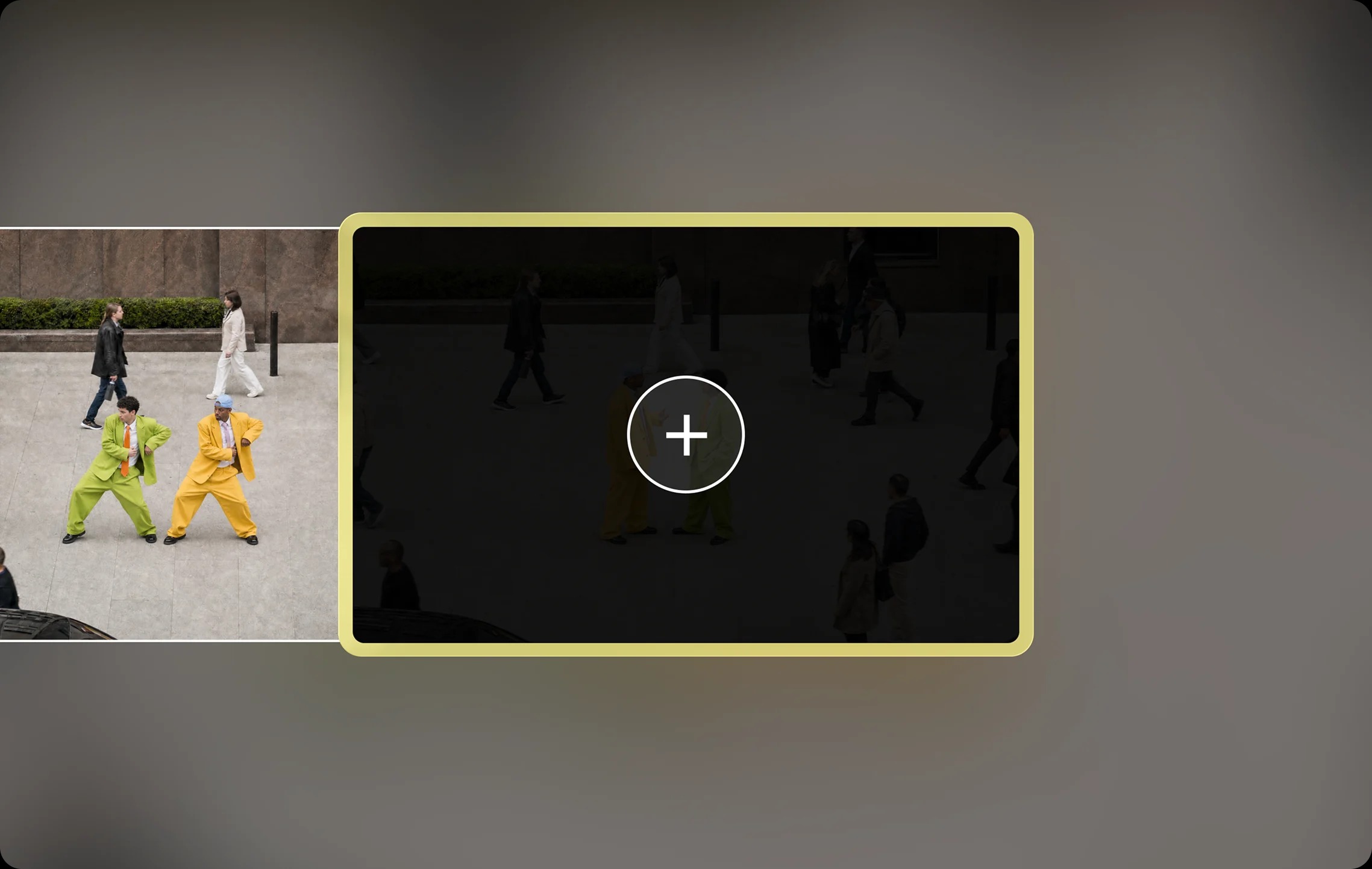
Pika is designed to make AI video creation accessible through a relatively simple interface.
Users can select a creative tool, enter a prompt or upload an image, choose generation settings, and create visual content without traditional video editing skills.
However, achieving consistent results may require experimenting with prompts, models, and settings. Credit consumption can also become an important consideration for users generating videos frequently.
Pros and Cons of Pika
Pros
- Text-to-video and image-to-video generation.
- Creative AI video editing tools.
- Pikaframes and Pikaffects.
- AI image and audio generation.
- Multiple AI models in one platform.
- Video transformation and extension tools.
- No-watermark downloads on listed plans.
- Commercial usage rights on eligible subscriptions.
Cons
- Generation requires credits.
- Video quality and results vary by model.
- Free plan does not include recurring monthly credits.
- Commercial usage rights are not included in every plan.
- Longer and higher-resolution videos can consume more credits.
- Consistent results may require prompt experimentation.
Who Is Pika Best For?
Pika is suitable for content creators, social media managers, digital marketers, designers, filmmakers, and small businesses.
It is particularly useful for people who want to create promotional videos, animate images, produce creative visual effects, develop short-form content, and experiment with AI-generated media.
Is Pika Worth It?

Pika is worth considering for users who want an accessible platform for generating and editing AI-powered visual content.
Its combination of text-to-video, image animation, creative effects, video transformation, and multiple AI models makes it a flexible tool for different creative projects.
The free option allows users to explore the platform through purchased credit packs, while paid plans provide recurring credits and additional features. Users should compare their expected video generation requirements with the available subscriptions before upgrading.
Final Verdict
Pika offers a creative AI platform for generating, editing, and transforming videos and images without relying entirely on traditional production software.
Its Pikaframes, Pikaffects, video editing tools, and access to multiple AI models make it an interesting option for creators and businesses.
Although credit consumption and subscription limits require attention, Pika is worth exploring for anyone interested in AI-powered video creation and visual storytelling.
Frequently Asked Questions
What is Pika used for?
Pika is used for AI video generation, image animation, video editing, visual effects, image creation, and audio-driven creative content.
Does Pika offer a free plan?
Yes. Pika provides free access with the option to purchase one-time credit packs. The Free plan does not include recurring monthly credits.
Can Pika generate videos from images?
Yes. Its image-to-video tools can animate still images and turn them into short video clips.
How much does Pika cost?
Pika’s paid subscriptions start at $10/month for Starter, $35/month for Creator, and $95/month for Fancy.
Does Pika support AI video editing?
Yes. Tools such as Extend Video, Swap Anything, Motion Transfer, and Pikaffects support different video transformation and editing tasks.
Can Pika videos be used commercially?
Commercial usage rights are included in Creator and Fancy subscriptions. The Free and Starter plans do not include a commercial license according to the current pricing comparison.