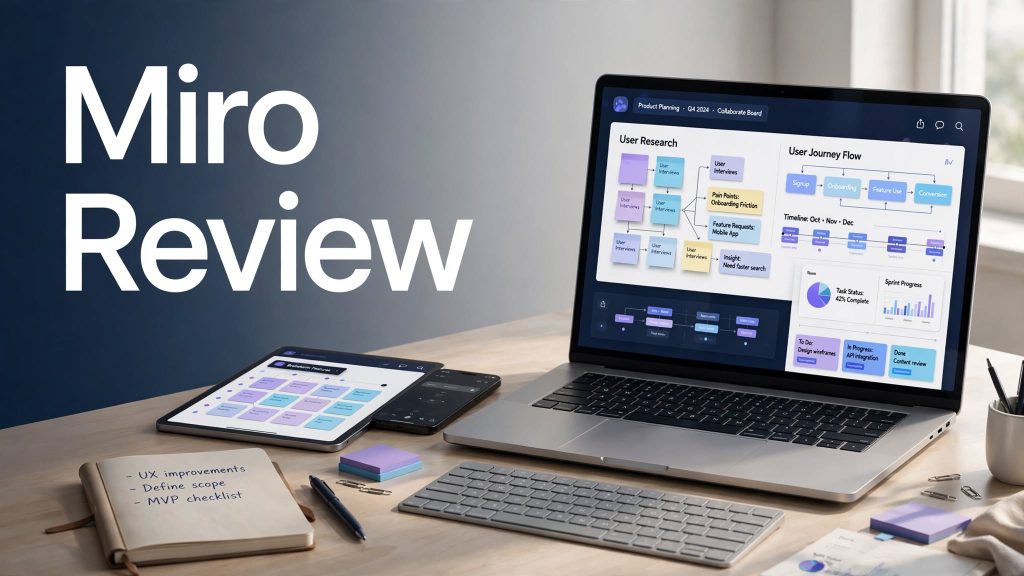
Miro is a visual collaboration and online whiteboard platform designed to help teams organize ideas, plan projects, brainstorm, create diagrams, and collaborate in one shared workspace. It combines visual boards with tools such as Docs, Tables, Slides, Kanban, timelines, templates, integrations, and AI features.
For remote teams, businesses, students, designers, marketers, and project managers, Miro can provide a flexible way to turn ideas into structured projects. But with paid plans and different feature limits, is Miro actually worth it? Let’s take a closer look.
What Is Miro?
Miro is an online visual workspace built around an interactive canvas. Instead of working only with traditional documents or spreadsheets, users can place text, sticky notes, diagrams, images, tables, documents, and other content together on a board.
Miro is particularly useful for brainstorming, workshops, project planning, product development, UX design, mind mapping, and team meetings.
The platform also supports more than 250 integrations, allowing teams to connect Miro with tools such as Microsoft, Slack, Google, Adobe, Jira, Asana, and other workplace applications.
What Can You Do With Miro?
Brainstorming and Idea Organization
Miro provides a flexible canvas where teams can collect ideas using sticky notes, diagrams, images, and other visual elements. This makes it useful for brainstorming sessions and collaborative workshops.
Project Planning and Roadmaps
Teams can use Miro for timelines, Kanban boards, tables, diagrams, and project roadmaps. These tools can help organize tasks and make project information easier to visualize.
Team Collaboration
Multiple users can work on boards together, making Miro useful for remote and hybrid teams. Paid plans also provide more advanced sharing, guest access, private boards, and collaboration controls.
Miro AI Features
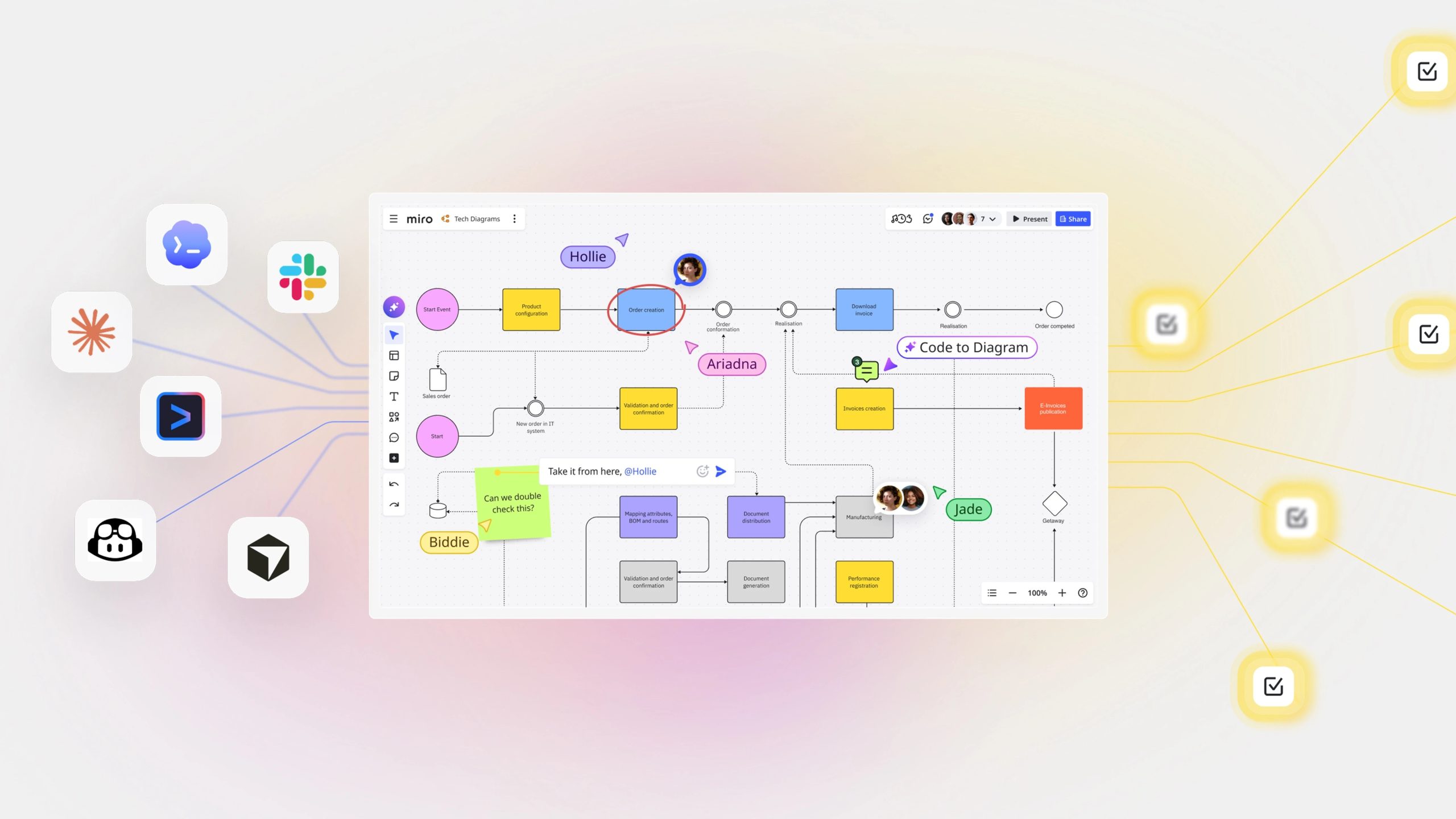
Miro has expanded beyond its traditional whiteboard functionality with AI-powered features. Depending on the plan, Miro AI can help generate diagrams, tables, summaries, and other content.
Miro also offers AI Workflows, Sidekicks, and AI agents on supported plans. AI usage is based on monthly credits, which vary by subscription and are shared across the organization.
These tools can be useful when teams want to turn brainstorming sessions into more structured information without doing everything manually.
Miro Pricing
Miro offers a Free plan along with paid Starter, Business, and Enterprise options.
The Free plan costs $0 and includes three editable boards, templates, Docs, Tables, Slides, Kanban functionality, limited AI features, and 250+ integrations.
The Starter plan starts at $8 per member per month when billed yearly and adds unlimited private boards, high-resolution exports, project spaces, facilitation tools, and additional AI credits.
The Business plan starts at $20 per member per month when billed yearly and adds unlimited workspaces, advanced collaboration features, interactive prototypes, AI workflows and agents, two-way integrations, and SSO.
Enterprise pricing is customized for larger organizations that need advanced security, administration, governance, and scalability.
Is Miro Easy to Use?
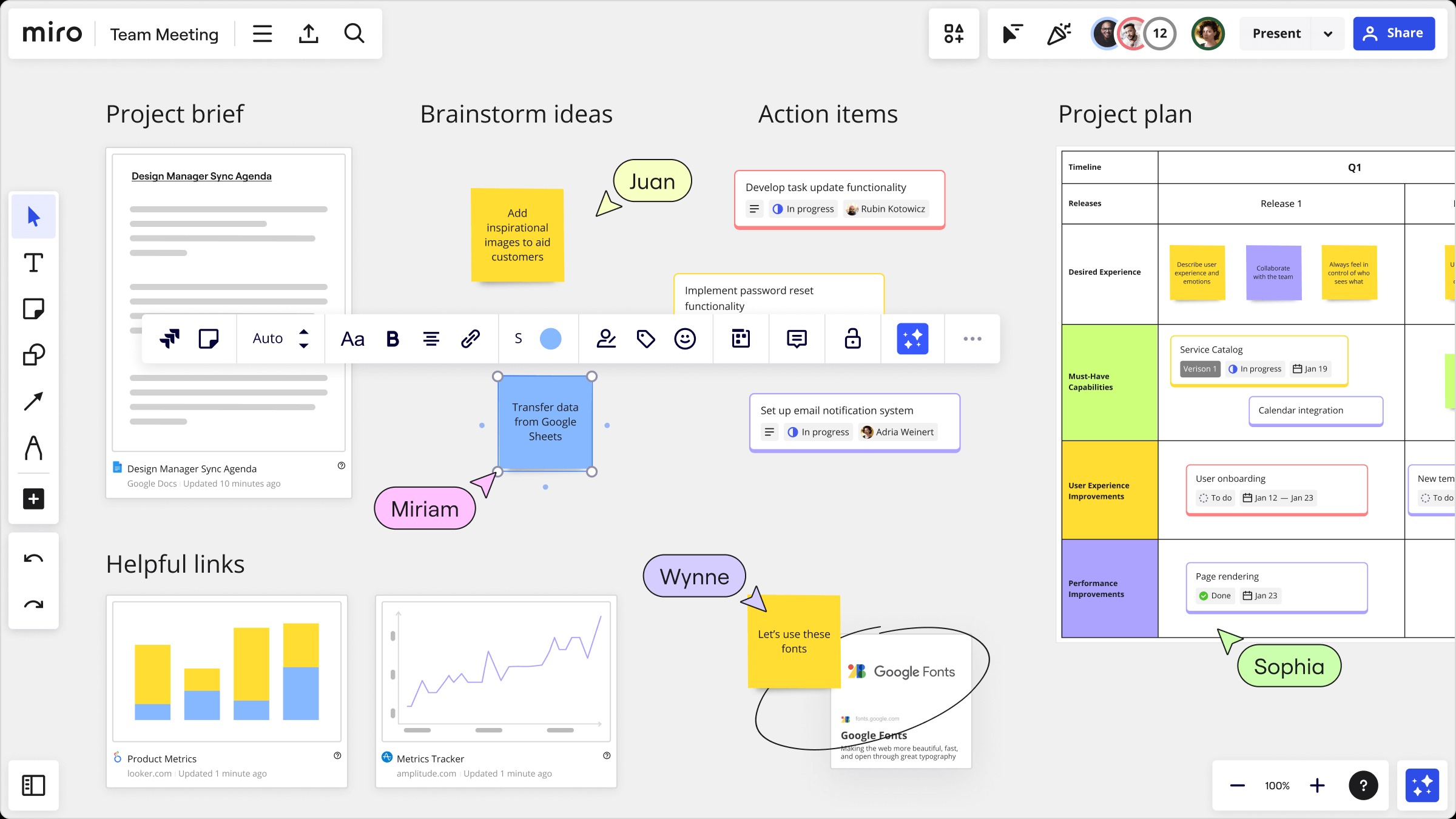
Miro is generally designed to be flexible rather than restrictive. The visual canvas makes it easy to move ideas around and create different types of workflows.
However, the large number of tools and customization options can take some time to learn. Beginners may need a little practice before they become comfortable with advanced boards, templates, integrations, and AI features.
For teams that regularly conduct brainstorming sessions or collaborative planning, the learning curve can become easier to manage with regular use.
Pros and Cons of Miro
Pros
- Flexible visual collaboration workspace
- Free plan available
- Thousands of templates
- Useful brainstorming and project-planning tools
- AI-powered features
- 250+ integrations
- Supports Docs, Tables, Slides, Kanban, and timelines
- Useful for remote and hybrid teams
Cons
- Advanced features require paid plans
- Large boards can become complicated
- AI features have credit limits
- Pricing is based on paid seats
- New users may need time to learn the platform
Who Is Miro Best For?
Miro is well suited for remote teams, project managers, product teams, designers, marketers, consultants, educators, and businesses that need a shared visual workspace.
It can also be useful for workshops, product discovery, UX planning, brainstorming, strategic planning, and team meetings.
For larger organizations, Miro Enterprise provides additional security, administration, permissions, and governance features.
Is Miro Worth It?
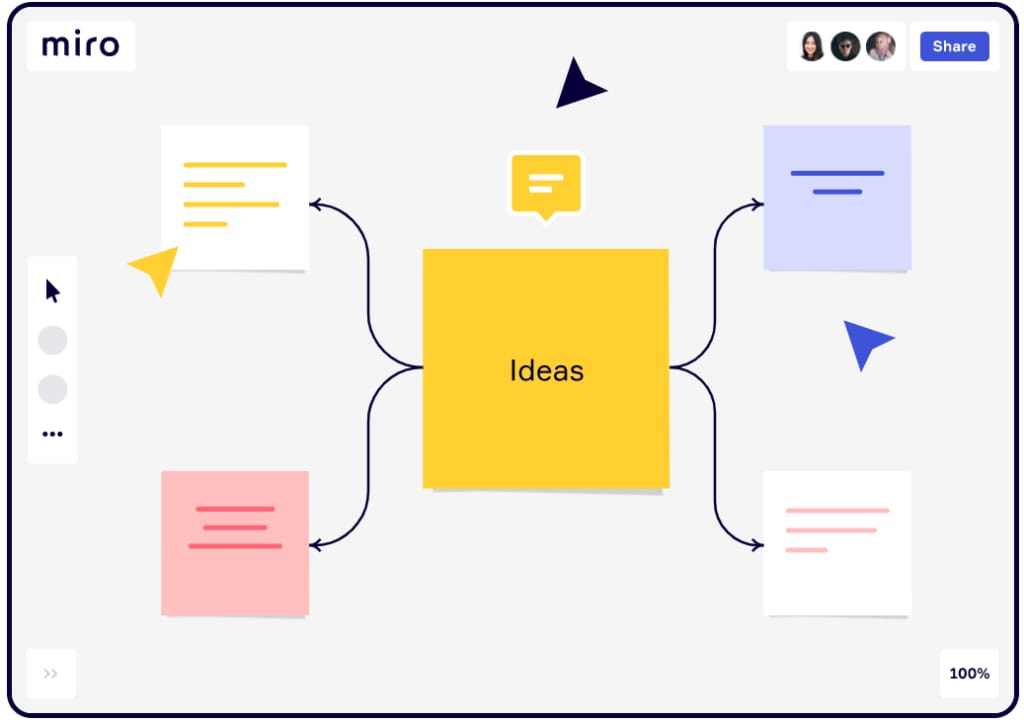
Miro can be a useful option for teams that rely heavily on visual collaboration and interactive planning. The Free plan provides a way to test the platform, while paid plans add private boards, advanced collaboration, AI capabilities, and more organizational controls.
Whether it is worth paying for depends largely on how frequently your team uses collaborative boards and whether the additional features justify the per-member cost.
Final Verdict
Miro is more than a basic online whiteboard. Its combination of visual collaboration, project-planning formats, templates, integrations, and AI tools makes it a versatile workspace for modern teams.
The Free plan is a practical starting point, while Starter and Business provide more advanced capabilities for teams that need unlimited boards, better collaboration controls, integrations, and AI workflows.
Overall, Miro is worth considering if your workflow depends on brainstorming, visual planning, workshops, project management, or collaborative idea development.
FAQs
Is Miro free?
Yes. Miro offers a free plan with three editable boards and unlimited team members, along with templates, integrations, and limited AI functionality.
What is Miro mainly used for?
Miro is mainly used for brainstorming, visual collaboration, project planning, workshops, diagrams, roadmaps, and team communication.
Does Miro have AI?
Yes. Miro offers AI-powered features for generating and summarizing content, diagrams, tables, and AI workflows. Available functionality depends on the plan.
Is Miro good for remote teams?
Yes. Its shared visual boards and collaboration features make it suitable for remote and hybrid teams.
Does Miro integrate with other tools?
Yes. Miro supports 250+ integrations, with additional integrations and two-way synchronization available on higher plans.