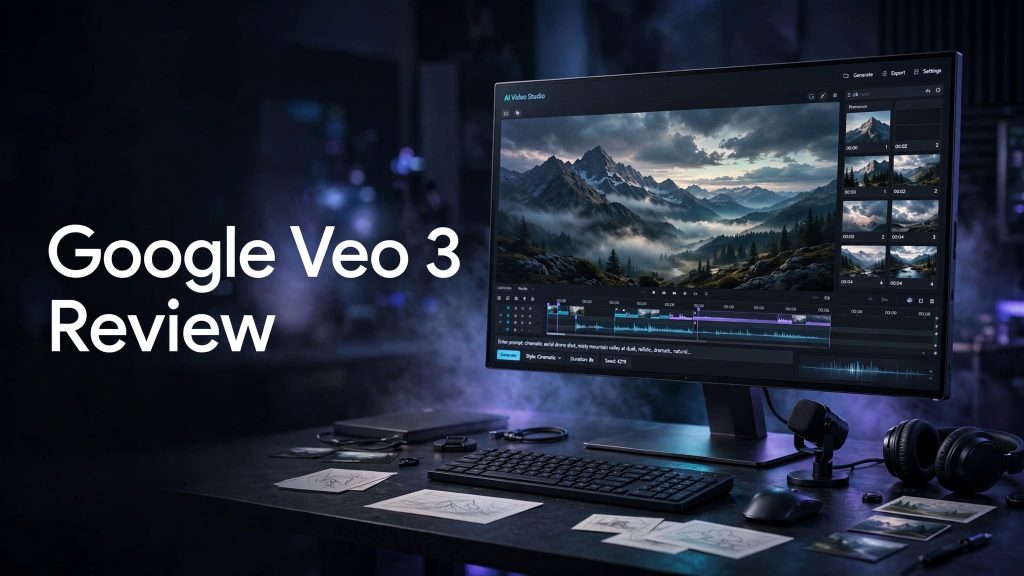
AI video generation has become increasingly useful for creators, marketers, filmmakers, and businesses. Google Veo 3 is Google’s generative video model designed to create realistic video from prompts, with one of its major features being native audio generation. Google has since introduced Veo 3.1, adding further control and consistency to the Veo family.
What Is Google Veo 3?
Google Veo 3 is an AI video-generation model from Google DeepMind. It can turn text descriptions into video and generate elements such as dialogue, sound effects, and ambient audio alongside the visuals.
The technology is designed for realistic physics, strong prompt following, and cinematic storytelling. Veo can be accessed through Google’s AI products, including Gemini and Google Flow, depending on the plan and availability.
What Can You Do With Google Veo 3?
Text-to-Video Generation
You can describe a scene, subject, camera movement, environment, and visual style in a prompt, and Veo can generate a corresponding video.
Image-to-Video
Veo can also use images as references to guide video generation, allowing creators to turn still visuals into moving scenes.
Native Audio
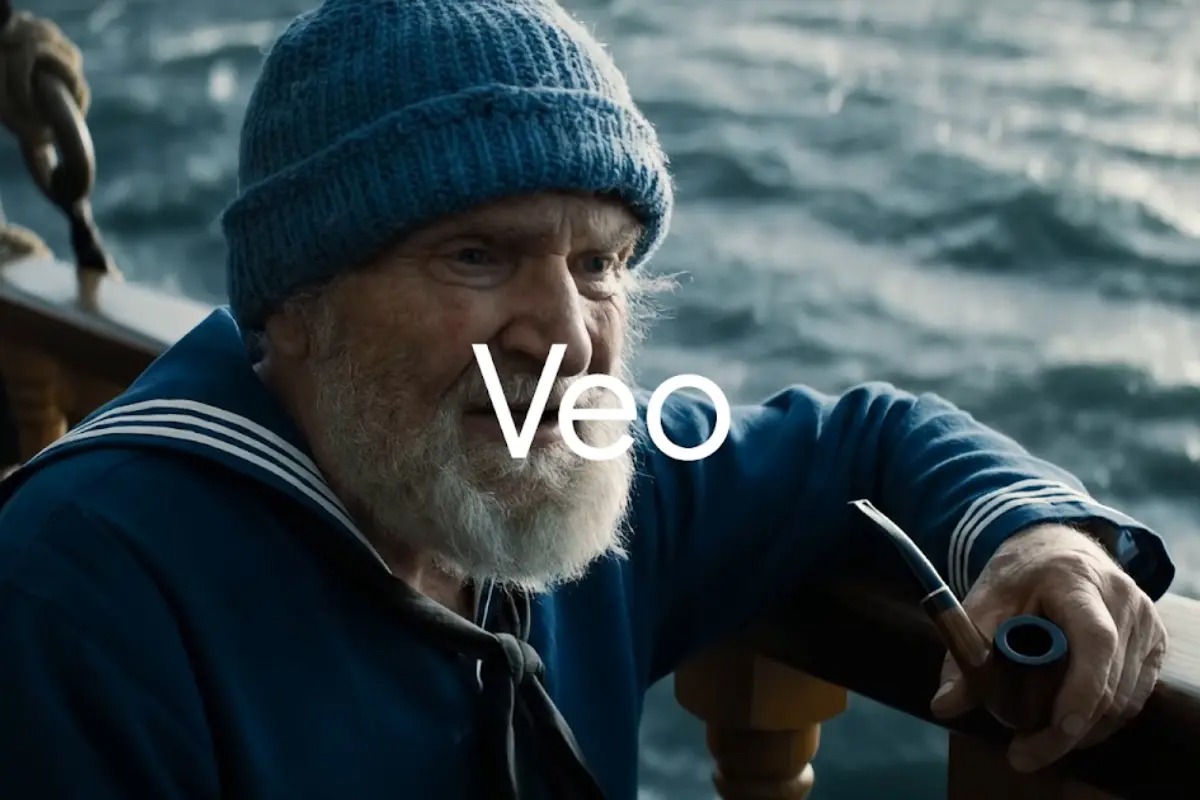
One of Veo 3’s notable capabilities is generating audio directly with the video. This can include dialogue, sound effects, and ambient sounds, helping create more complete video clips without separately producing every audio element.
Creative Controls
The newer Veo 3.1 generation adds features such as reference images, scene extension, camera controls, first-and-last-frame transitions, object insertion and removal, and character and motion controls.
Google Veo 3 Pricing
Veo access depends on the Google AI product or plan through which you use it rather than being a simple standalone subscription to the model.
Google currently provides Veo 3.1 access through products such as Gemini and Google Flow, with different usage limits depending on the Google AI plan. Google AI Pro and Google AI Ultra provide expanded or higher access to Google’s video-generation capabilities.
Because AI video-generation limits and plan benefits can change, it is best to check the current Google AI plan before subscribing.
Is Google Veo 3 Easy to Use?
Veo is designed around natural-language prompting, so users can create videos by describing what they want rather than manually animating every element.
For quick experiments, Gemini can be used to generate short clips from prompts. Google Flow is aimed more at cinematic creation and provides additional control over shots, structure, pacing, and storytelling.
Google Veo 3 Pros and Cons
Pros
- High-quality AI video generation
- Native audio generation
- Text-to-video and image-to-video capabilities
- Strong prompt adherence
- Cinematic creative controls
- Useful for creators and marketers
- Newer Veo 3.1 adds additional controls
- Access depends on Google AI products and plans
- Usage limits vary by plan
- AI-generated videos can still contain inconsistencies
- Complex scenes may require multiple generations
Who Is Google Veo 3 Best For?
Google Veo 3 is suited to content creators, filmmakers, marketers, social media creators, advertisers, and businesses experimenting with AI-generated video.
It can also be useful for quickly visualizing creative ideas, producing short promotional clips, developing story concepts, and experimenting with cinematic video without traditional production equipment.
Is Google Veo 3 Worth It?
Veo 3 can be worth exploring if you want realistic AI-generated video with integrated audio and strong creative controls. Its combination of visual generation, audio, reference images, and cinematic tools makes it more than a basic text-to-video generator.
However, the overall value depends on how frequently you create videos and which Google AI plan provides the access and usage limits you need.
Final Verdict
Google Veo 3 Review: Google Veo 3 is a powerful AI video-generation technology focused on realistic visuals, native audio, prompt-based creation, and cinematic storytelling.
With the newer Veo 3.1 generation adding more control over references, scenes, cameras, objects, and motion, the Veo family provides a flexible option for creators and businesses exploring AI video production.
FAQs
What is Google Veo 3 used for?
Veo 3 is used to generate AI videos from text and image inputs, including visual scenes, dialogue, sound effects, and ambient audio.
Is Veo 3 available in Gemini?
Yes. Google provides access to its newer Veo video-generation technology through Gemini, with availability and usage limits depending on the Google AI plan and region.
What is the difference between Veo 3 and Veo 3.1?
Veo 3.1 is the newer generation of Google’s Veo model family. It adds improvements in realism, prompt adherence, consistency, reference-image control, scene extension, camera controls, and other creative features.
Does Veo 3 generate audio?
Yes. Veo 3 introduced native audio generation, including dialogue, sound effects, and ambient sounds.
Can Veo generate videos from images?
Yes. Veo supports image-to-video workflows and can use reference images to guide characters, objects, scenes, and visual style.