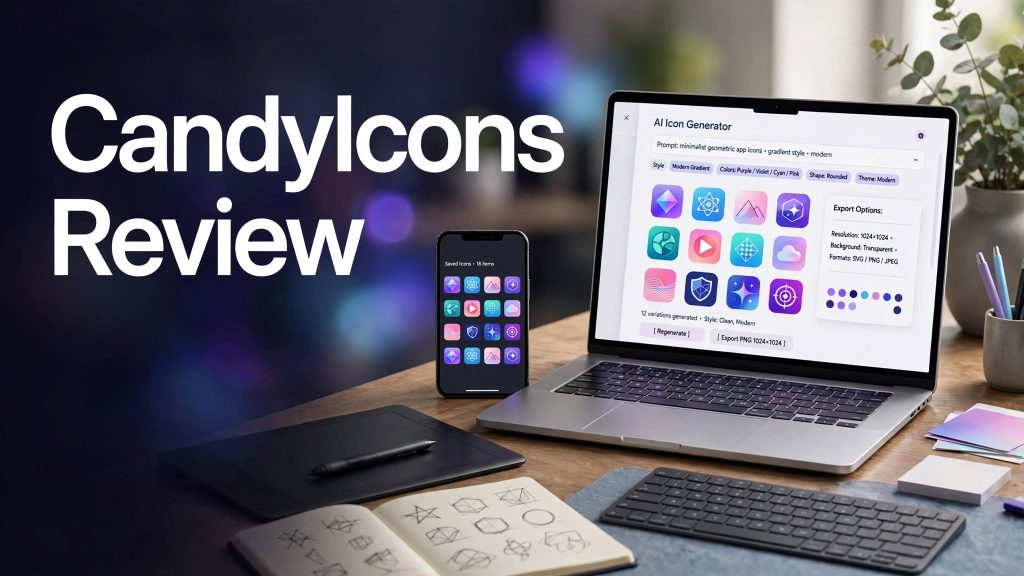
Creating a professional app icon can be challenging when you don’t have graphic design experience or the budget to hire a designer. CandyIcons is an AI-powered app icon generator designed to help developers, startups, and designers create customized icons from simple text descriptions.
With customizable colors, multiple visual styles, premade icons, and tools for generating app assets and favicons, CandyIcons aims to make the design process faster and more accessible.
What Is CandyIcons?
CandyIcons is an online AI design tool focused on creating app icons for mobile applications, desktop software, and digital products.
Users can describe the icon they want, choose colors, select a visual style, and generate artwork. The platform also offers a library of premade icons, along with tools for generating website favicons and iOS/macOS app assets.
This makes CandyIcons particularly useful for developers who want professional-looking graphics without designing every icon from scratch.
What Can You Do With CandyIcons?
Generate Icons With AI
CandyIcons can turn a text description into a customized app icon. You can describe an object, symbol, or concept and let the AI generate a design based on your instructions.
Customize Colors and Styles

The platform provides multiple visual styles, including minimalist, geometric, retro, neon, pixel, clay, cartoon, and abstract designs. You can also choose color combinations to match your application’s branding.
Browse Premade Icons
CandyIcons includes a collection of premade icons covering categories such as technology, animals, food, travel, shapes, and other subjects. This can help when you need inspiration or prefer selecting an existing design.
Generate App Assets and Favicons
CandyIcons also provides tools for generating iOS/macOS app assets and website favicons. Its favicon generator lets users upload an image and create different favicon shapes for websites.
CandyIcons Pricing
CandyIcons uses a credit-based pricing model, where one credit generates one image. Its currently listed packages include:
- Fun Size: $15 for 15 credits.
- Regular: $25 for 50 credits.
- Jumbo: $45 for 120 credits.
- Lifetime: $49 with 40 credits per month.
The packages include high-resolution 1024 × 1024 PNG images, multiple visual styles, and app icon assets designed for iOS/macOS. The service also includes a custom favicon and meta tag generator.
Prices are listed in US dollars with taxes included, according to the current offering. Before purchasing, review the package terms and credit allowance to make sure they fit your expected usage.
Is CandyIcons Easy to Use?

CandyIcons is designed around a straightforward workflow. You describe the icon, choose your preferred colors, select one or more styles, and generate the result.
The process can be convenient for people who need several icon concepts without spending hours learning complex design software. If the first result isn’t quite right, you can adjust the description or color choices and generate alternatives.
However, you should still check the final icon at different sizes to make sure it remains clear and recognizable on an actual device screen.
CandyIcons Pros and Cons
Pros
- AI-powered app icon generation.
- Multiple colors and visual styles.
- Library of premade icons.
- High-resolution PNG exports.
- iOS/macOS app asset support.
- Website favicon generator.
- Credit packages for different usage levels.
- No advanced design skills required.
Cons
- Paid credits are required for generation.
- Results may need several attempts.
- PNG format may not suit every professional design workflow.
- The best package depends on how many icons you need.
Who Is CandyIcons Best For?
CandyIcons is particularly useful for app developers, indie hackers, startups, designers, and small businesses that need app icons without building a complete design workflow.
It can also help website owners generate favicons and founders experiment with different visual directions before finalizing their product branding.
Is CandyIcons Worth It?
CandyIcons can be worth considering if you want to create app icons quickly without investing heavily in professional design software or outsourcing every design.
Its combination of AI generation, customizable styles, premade icons, and platform-specific assets makes it useful for launching new apps and creating consistent visual branding.
The main consideration is how much customization you need. For simple app icons and favicons, CandyIcons offers a convenient workflow. For highly detailed brand systems, you may still want a dedicated design tool.
Final Verdict
CandyIcons is a practical option for creating AI-generated app icons and related visual assets. Its simple generation process, range of styles, high-resolution exports, and favicon tools make it useful for developers, startups, and website owners.
If you want a faster way to create app icons without advanced design skills, CandyIcons is worth exploring.
Frequently Asked Questions
What is CandyIcons used for?
CandyIcons is used to generate app icons with AI, browse premade icons, and create website favicon assets.
Does CandyIcons offer different icon styles?
Yes. It provides a range of styles, including minimalist, geometric, retro, neon, pixel, clay, cartoon, and abstract designs.
How much does CandyIcons cost?
Current packages include $15 for 15 credits, $25 for 50 credits, $45 for 120 credits, and a $49 package offering 40 credits per month.
Can CandyIcons generate favicons?
Yes. Its favicon generator lets users upload an image and create favicon assets in different shapes.
Can I use CandyIcons for app branding?
Yes. The platform is designed for creating app icons and provides assets intended for iOS/macOS applications. The company also advertises full ownership and usage rights for generated or purchased icons.