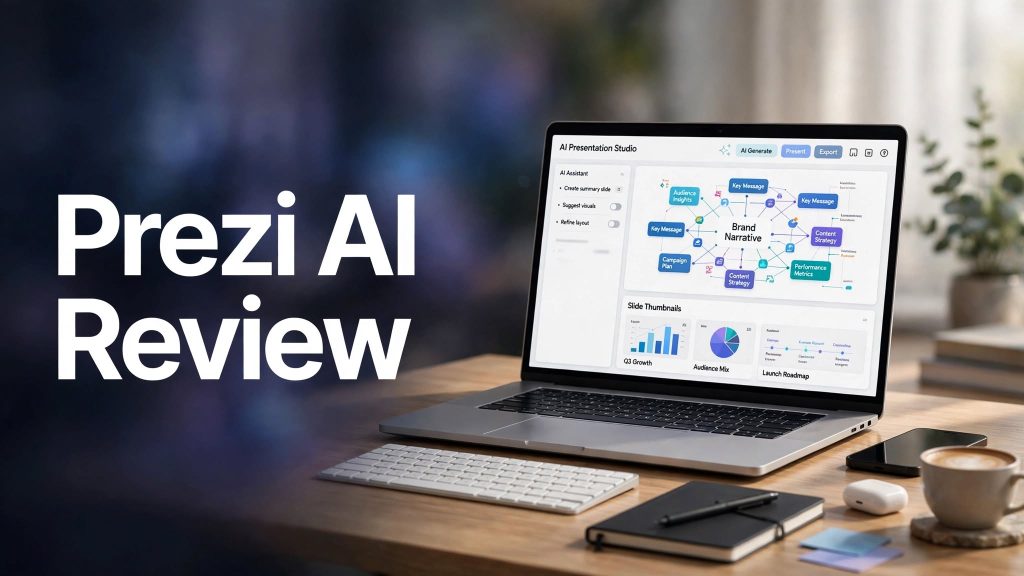
Creating professional presentations can take hours when you need to organize information, design slides, choose visuals, and structure your ideas. Prezi AI is an AI-powered presentation tool designed to make this process faster by turning simple prompts and existing documents into visually engaging presentations.
Unlike traditional slide-based presentations, Prezi is known for its dynamic layouts and zooming visual storytelling. But is Prezi AI worth using? In this review, we’ll explore its features, pricing, pros and cons, and who can benefit most from it.
What Is Prezi AI?
Prezi AI is an AI presentation maker that helps users create structured, visually appealing presentations from text prompts or uploaded documents.
Users can start with an idea, upload a PowerPoint, PDF, or Word document, and let the AI generate a presentation with layouts, visuals, and a logical content structure. The generated presentation can then be customized to match the user’s message and style.
The platform is designed for students, educators, business professionals, marketers, and anyone who wants to create engaging presentations without spending too much time on manual design.
What Can You Do With Prezi AI?
Generate Presentations With AI
Prezi AI can turn a topic or prompt into a complete presentation. It helps organize information, suggest layouts, generate visual elements, and create a structured presentation that users can refine.
Transform Existing Documents

You can upload supported files, including PowerPoint presentations, PDFs, and Word documents. Prezi AI uses their content to create or improve a presentation, making it useful for turning existing reports and notes into more engaging visual material.
Create Dynamic Visual Stories
Prezi is known for its zooming presentation format, which allows users to move between topics and highlight relationships between ideas rather than relying only on conventional slides.
Customize Text and Visuals
Prezi AI can help rewrite text, suggest design improvements, generate images, create charts from structured information, and adapt presentations to different audiences. It also offers tools for branding and presenter analytics on eligible plans.
Prezi AI Pricing
Prezi offers different plans depending on how frequently you create presentations and which features you need.
- Basic: Free access with limited AI credits and core presentation tools.
- Standard: $7/month when billed annually, with additional privacy and presentation features.
- Plus: $19/month when billed annually, including unlimited AI use, presentation recording, premium visuals, and offline access.
- Premium: $29/month when billed annually, adding presentation analytics and other professional features.
Paid plans currently include a 14-day free trial, subject to the applicable terms. Prices and plan benefits can change, so check the current offer before subscribing.
Is Prezi AI Easy to Use?

Prezi AI is designed to simplify presentation creation, even for users who aren’t experienced designers. You can start with a prompt or upload a document, review the generated presentation, and make adjustments before sharing it.
The AI-generated structure can save time during the initial drafting stage, while the editing tools give you control over the final result.
However, generated content should still be reviewed for accuracy, clarity, and suitability for the intended audience.
Prezi AI Pros and Cons
Pros
- Quickly generates presentations from prompts.
- Converts existing documents into presentations.
- Dynamic zooming presentation style.
- AI-generated visuals and text improvements.
- Customization and branding options.
- Useful for education and business.
- Free plan available.
Cons
- Advanced AI features require a suitable plan.
- Free usage has limitations.
- Generated content may require manual editing.
- Dynamic layouts may not suit every presentation style.
- Some professional features are available only on higher plans.
Who Is Prezi AI Best For?
Prezi AI is particularly suitable for students, teachers, business professionals, trainers, marketers, and content creators who regularly prepare presentations.
It can be useful for classroom lessons, business pitches, training materials, project reports, and presentations that need more visual storytelling than a traditional slide deck.
Is Prezi AI Worth It?

Prezi AI can be worth considering if you want to reduce the time spent creating presentations and make your ideas easier to understand visually.
Its combination of AI content generation, document imports, image creation, editing tools, and dynamic presentation layouts makes it more than a basic slide generator.
The best value depends on how often you create presentations and whether you will use the advanced features included in the paid plans.
Final Verdict
Prezi AI is a useful presentation tool for people who want to turn ideas and existing documents into visually engaging presentations more efficiently. Its AI-assisted creation process and distinctive zooming format can help users communicate complex information in a more memorable way.
If you regularly create presentations for school, business, or training, Prezi AI is worth exploring.
Frequently Asked Questions
Is Prezi AI free?
Yes. Prezi offers a free Basic plan with limited AI credits and core presentation features.
Can Prezi AI create presentations from documents?
Yes. You can upload supported PowerPoint, PDF, and Word files to help generate a presentation.
How much does Prezi AI cost?
Paid plans currently include Standard at $7/month, Plus at $19/month, and Premium at $29/month when billed annually.
Is Prezi AI good for business presentations?
Yes. Its AI generation, visual storytelling, customization, and analytics features can be useful for business pitches, training, and professional presentations.
Does Prezi AI generate images?
Yes. Prezi AI can generate custom visual elements to complement presentation content.