Online threats are becoming increasingly difficult to ignore. Malware, spyware, phishing websites, malicious downloads, and unauthorized webcam access can all put personal information and devices at risk.
Surfshark Antivirus is designed to provide device-level protection alongside Surfshark’s broader privacy and security tools. It offers features such as real-time malware protection, customizable scans, scheduled scans, webcam protection, web protection, quarantine management, and regularly updated threat databases. Surfshark states that its antivirus is independently certified by AV-TEST.
But is Surfshark Antivirus actually worth using, especially if you already have another antivirus program?
In this Surfshark Antivirus review, we’ll look at its features, security capabilities, supported devices, pricing, performance, ease of use, pros and cons, and who it may be best suited for.
What Is Surfshark Antivirus?

Surfshark Antivirus is an antivirus and malware-protection solution from Surfshark.
It is designed to scan files and applications for malicious threats while providing continuous protection through its real-time security features. It can also perform manual and scheduled scans and isolate suspicious files through quarantine.
Unlike a traditional standalone antivirus product, Surfshark positions Antivirus as part of its wider cybersecurity ecosystem, which can include VPN protection, data-leak monitoring, identity protection, private search, and other privacy tools depending on the subscription.
This makes Surfshark Antivirus particularly interesting for users who want multiple privacy and security tools within one account.
How Does Surfshark Antivirus Work?
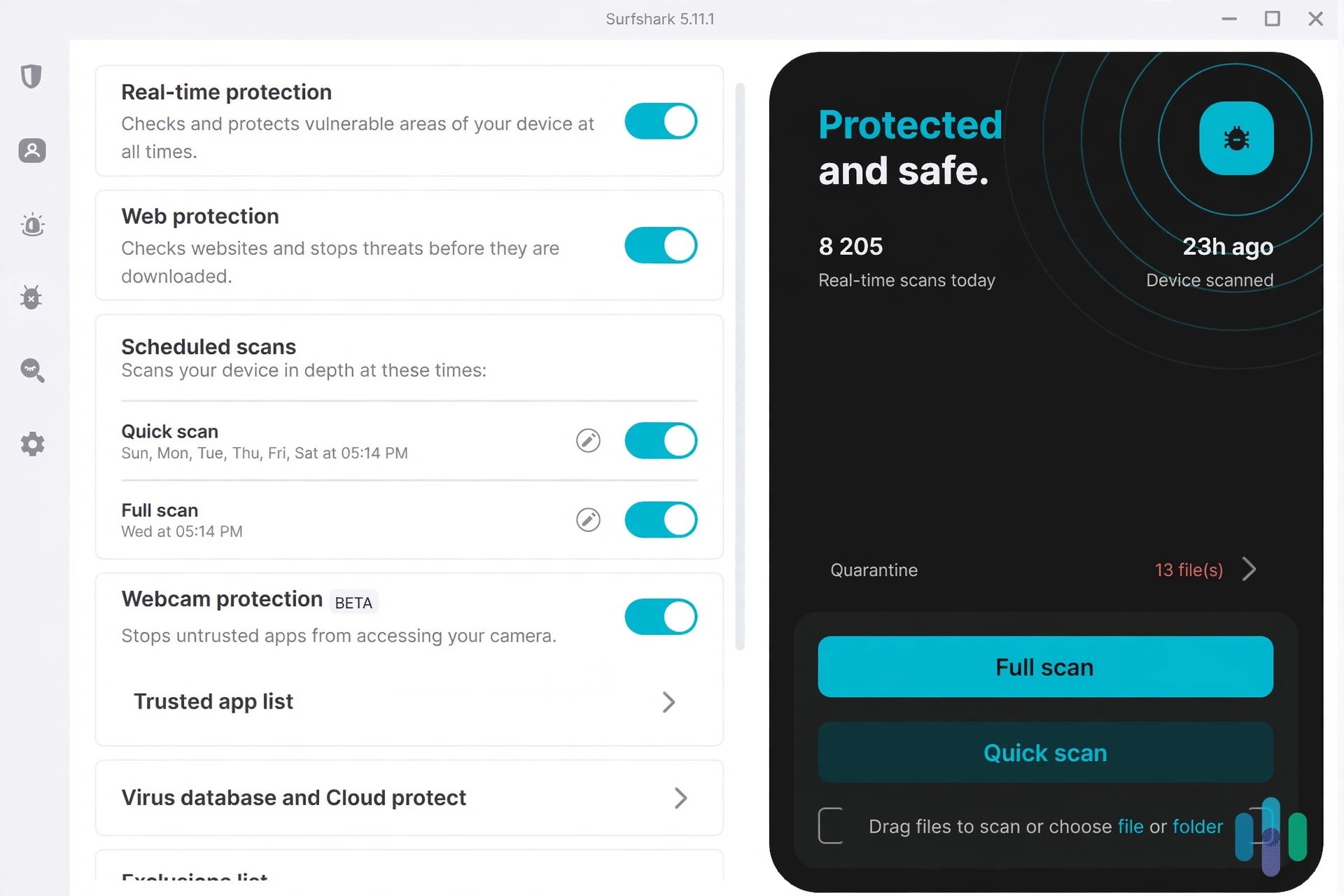
Surfshark Antivirus works by scanning files and applications for potential security threats.
You can use different types of protection depending on your device and configuration.
Real-Time Protection
Real-time protection continuously monitors files and applications accessed or downloaded on your device.
According to Surfshark, the feature can detect and block malware before it causes damage, while operating in the background.
This is useful because users don’t have to manually scan every file they download.
On-Demand Scans
Surfshark also provides manual scanning options.
You can start a scan whenever you want to check your device for malware. Depending on the available options, users can perform broader scans or focus on specific files and folders.
Scheduled Scans
Scheduled scanning allows users to automate antivirus checks.
Instead of remembering to run a scan manually, you can configure scans to run according to your preferred schedule.
Surfshark Antivirus Features
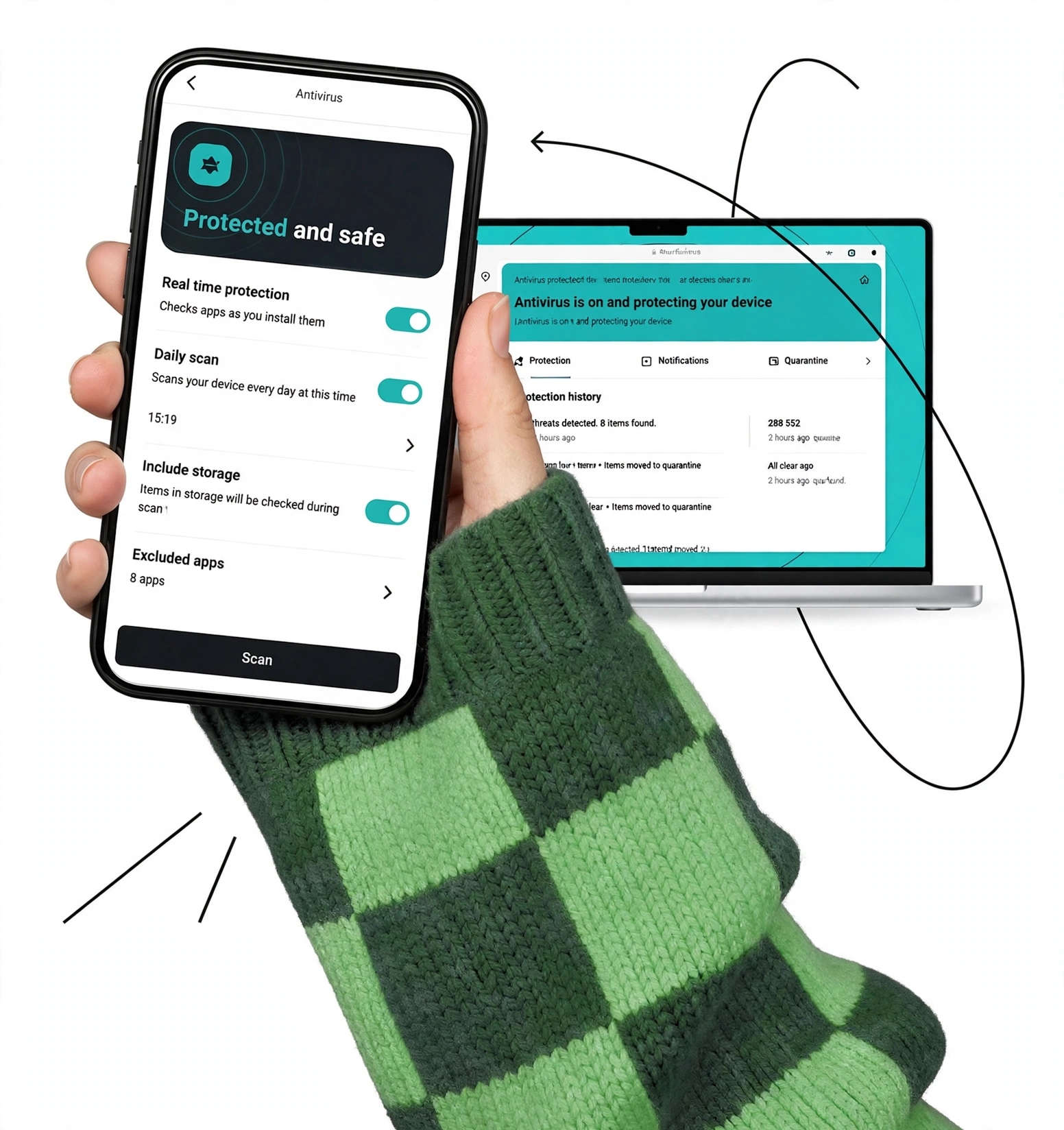
Surfshark Antivirus offers several features designed to provide protection beyond basic malware scanning.
Malware and Spyware Protection
One of the primary functions of Surfshark Antivirus is detecting viruses, malware, and spyware.
Its real-time protection monitors files and applications while they are downloaded, opened, or accessed, helping identify potential threats before they can cause problems.
Web Protection
Surfshark’s Web Protection feature is designed to block malicious and phishing websites before users interact with them.
Surfshark states that the feature checks URLs accessed by browsers and other programs on Windows devices to determine whether they are potentially malicious.
This can add another layer of protection when browsing unfamiliar websites.
Webcam Protection
Webcam protection is another notable feature.
Surfshark says its antivirus can block unauthorized access attempts to your webcam and alert you when applications or websites attempt to access it.
This can be particularly useful for laptops and desktop computers with built-in or connected webcams.
Customizable Scans
Surfshark allows users to customize certain scanning preferences.
For example, you can choose between different scan types, schedule scans, and exclude selected files or folders from scanning.
This provides more control than simply running one standard system scan.
Quarantine Management
When suspicious files are detected, Surfshark Antivirus can place them in quarantine.
Quarantining isolates potentially harmful files so they cannot continue interacting with the rest of the system. Surfshark also provides management options for reviewing quarantined items.
Cloud Protection
Surfshark also uses cloud-based protection to help identify potentially unknown threats.
Its Cloud Protect feature is designed to examine suspicious files and help detect newer or previously unidentified threats.
Heuristic and Behavioral Scanning
Surfshark Antivirus also uses techniques beyond traditional signature-based detection.
Heuristic scanning looks for suspicious characteristics in potentially harmful files, while behavioral scanning can identify unusual activity that may indicate malicious software.
These technologies can be useful because new malware may not always match an existing known threat signature.
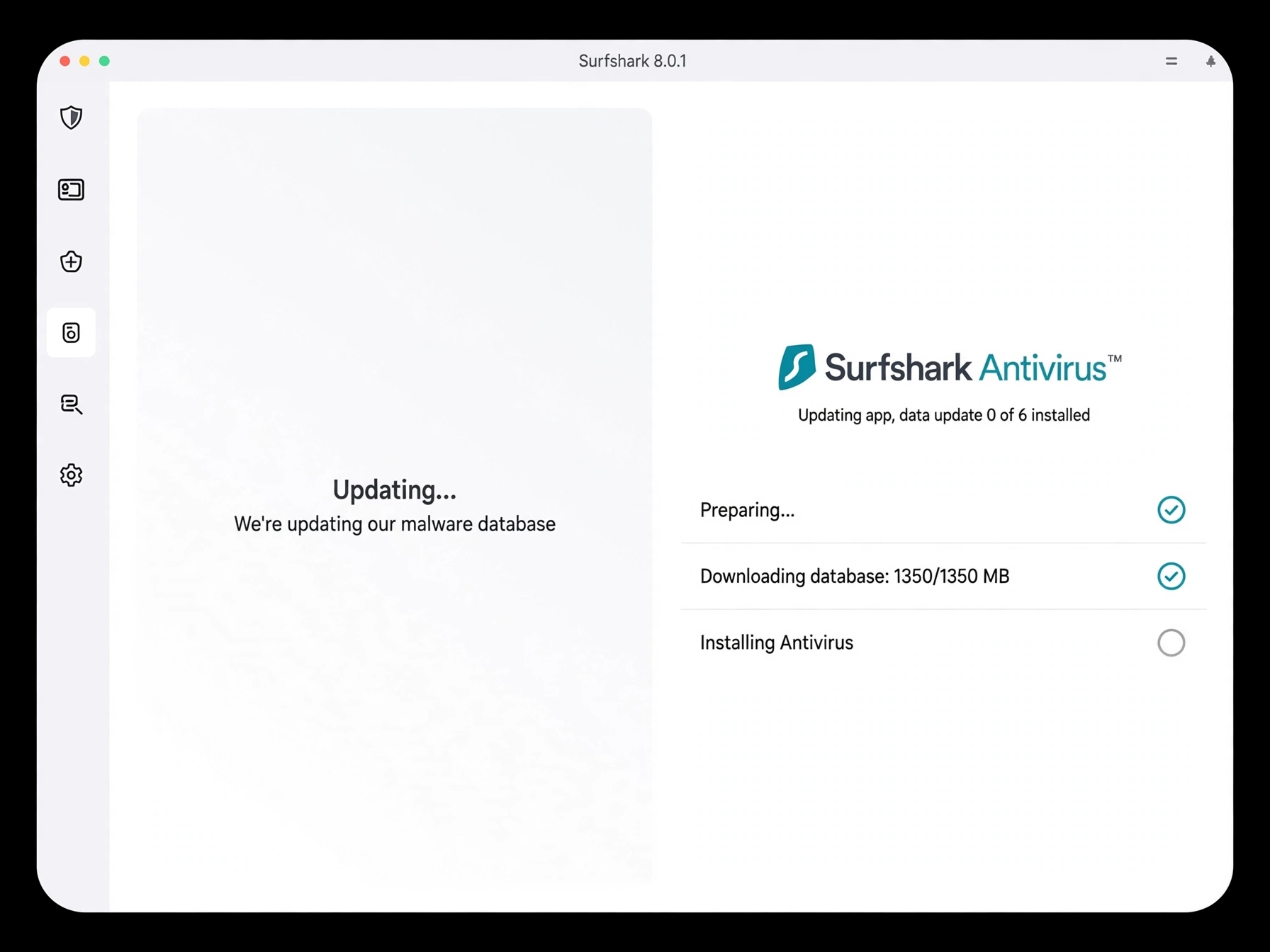
Automatic Threat Database Updates
Surfshark says its antivirus database receives updates every three hours.
Regular updates help the software recognize newer malware and other evolving threats.
Surfshark Antivirus Performance
Antivirus software needs to provide protection without making everyday computing unnecessarily frustrating.
Surfshark describes its antivirus as lightweight and designed to run quietly in the background without heavily consuming CPU or RAM.
The company also reports AV-TEST certification for its antivirus product, with its current product page displaying AV-TEST results for protection, performance, and usability.
Actual performance can still vary depending on the device, operating system, background applications, scan type, and other factors.
Is Surfshark Antivirus Easy to Use?
Surfshark Antivirus is integrated into the broader Surfshark application, which can make it convenient for existing Surfshark users.
The interface provides access to antivirus scans and protection settings without requiring a separate antivirus application.
On Android, for example, users can access the Antivirus section from the Surfshark application, run scans, manage real-time protection, configure daily scans, and manage excluded apps.
For users who prefer having VPN, antivirus, and privacy tools under one interface, this approach can be convenient.
Which Devices Does Surfshark Antivirus Support?
Surfshark’s current antivirus information lists support for:
- Windows 10 and later
- Windows on ARM
- Android
- macOS
Surfshark’s feature page currently lists Android 6+, while its newer Android support documentation describes the standard Android application as requiring Android 7.0 or later, with an APK option mentioned for Android 6.0 devices.
Feature availability can also differ between operating systems.
For example, Surfshark currently identifies certain web-protection features as Windows-only.
How Many Devices Does Surfshark Antivirus Cover?

Surfshark states that its Antivirus product supports protection for up to five devices on the relevant subscription.
This can be useful for people who use multiple computers and mobile devices.
However, exact device limits and how other Surfshark products can be used may depend on the subscription plan.
Surfshark Antivirus Pricing
Surfshark’s current pricing structure is based around its broader subscription packages rather than positioning Antivirus as a separate standalone subscription.
The current Surfshark pricing page lists Starter, One, and One+ plans. The page currently shows promotional pricing of approximately:
- Surfshark Starter: $2.49/month
- Surfshark One: $2.79/month
- Surfshark One+: $4.49/month
These displayed prices are promotional rates associated with longer-term subscriptions, and the current page also shows introductory extra months and a 30-day money-back guarantee. Prices, promotions, taxes, and renewal terms can change.
The current pricing page lists Antivirus among the included security features, while Surfshark’s support documentation describes Antivirus as part of its broader Surfshark security bundles.
Surfshark Starter
Starter is positioned around essential privacy and security features, including VPN and Alternative ID, with the current pricing page also listing Antivirus among its included features.
Surfshark One
Surfshark One adds a broader collection of security and privacy tools, including VPN, Antivirus, Alert, Alternative ID, and other features depending on the current plan configuration.
Surfshark One+
One+ adds additional identity-protection functionality, including Incogni data-removal services, alongside the features available with One.
Because Surfshark frequently changes promotional pricing, it’s worth checking the final checkout price before subscribing.
Does Surfshark Antivirus Have a Free Trial?
Surfshark currently advertises a 7-day free trial for its Antivirus service, with the trial page showing $0.00 to start and support for certified security on up to three devices during the trial.
Surfshark also advertises a 30-day money-back guarantee on its subscription pricing pages.
Surfshark Antivirus vs. Traditional Antivirus Software
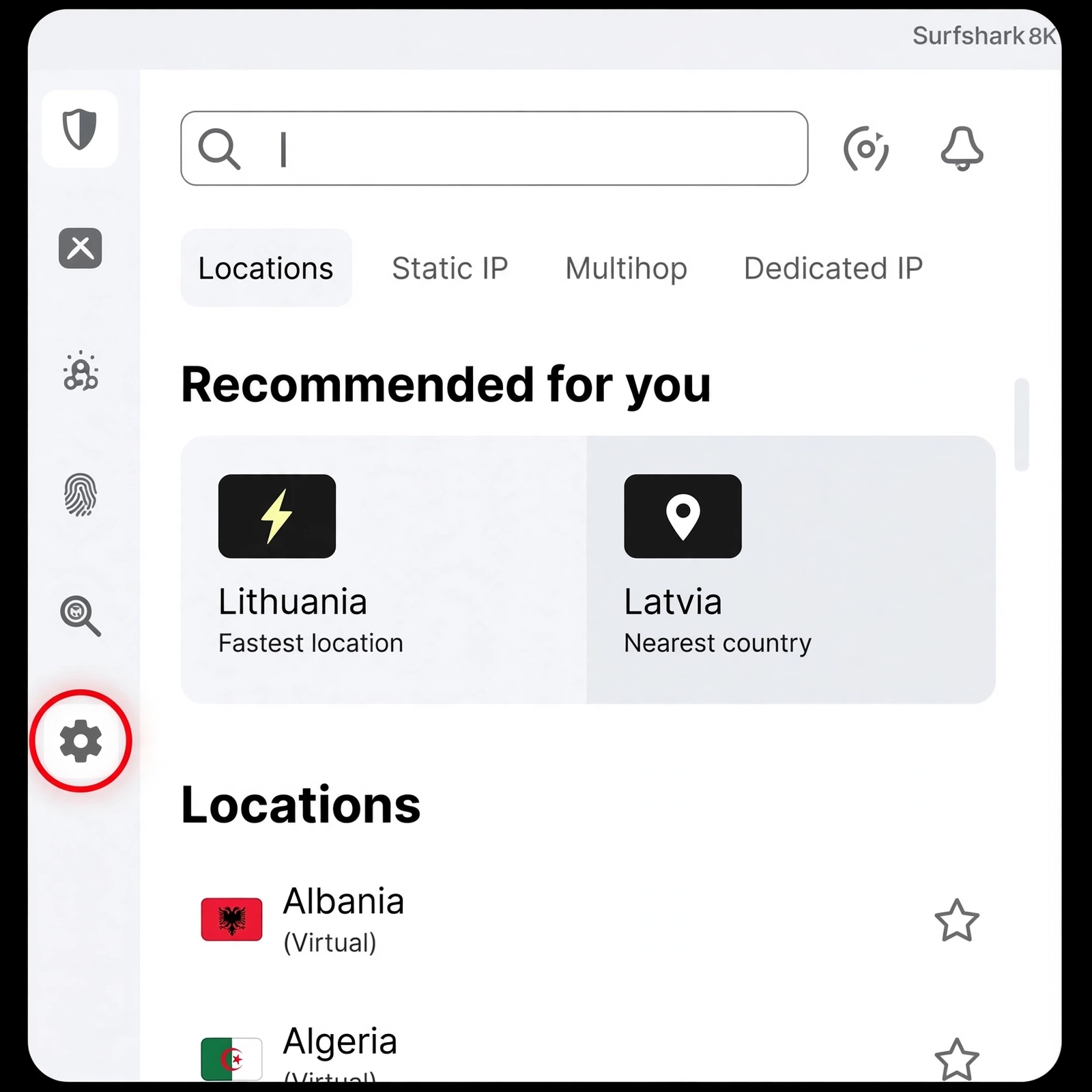
One of Surfshark Antivirus’s biggest differences is its integration with a broader privacy ecosystem.
A conventional antivirus product may focus primarily on malware detection, ransomware protection, firewall functionality, or broader endpoint security.
Surfshark combines antivirus with products such as:
- VPN
- Data-leak monitoring
- Alternative ID
- Private search
- Identity protection
- Data-removal services on eligible plans
Surfshark One, for example, includes VPN, Antivirus, Alert, Search, and Alternative ID.
This can make Surfshark interesting for people who want multiple security tools rather than antivirus protection alone.
Surfshark Antivirus Pros and Cons
Pros
- Real-time malware protection
- On-demand and scheduled scans
- Web protection
- Webcam protection
- Quarantine management
- Cloud-based threat protection
- Heuristic and behavioral scanning
- Frequent database updates
- Support across major desktop and mobile platforms
- AV-TEST certification
- Integration with Surfshark’s broader privacy tools
- 7-day antivirus trial is currently available
- 30-day money-back guarantee on subscriptions
Cons
- Antivirus is tied to Surfshark’s subscription ecosystem
- Some features are platform-specific
- Web Protection is currently limited to Windows
- Device coverage for Antivirus is limited to five devices on the relevant plan
- Promotional pricing can make long-term pricing less straightforward
- Users looking only for basic antivirus may not need the additional Surfshark services
Is Surfshark Antivirus Legit?
Yes, Surfshark Antivirus is a legitimate cybersecurity product offered by Surfshark.
The product is independently certified by AV-TEST, and Surfshark provides dedicated antivirus features including malware detection, real-time protection, scheduled scans, web protection, and webcam protection.
However, being a legitimate antivirus product does not mean every cybersecurity threat can be eliminated. Antivirus software works as one component of a broader security strategy.
Is Surfshark Antivirus Safe?
Surfshark Antivirus is designed specifically to protect devices from malware and other digital threats.
Its real-time protection, web protection, cloud scanning, behavioral detection, quarantine functionality, and regular threat-database updates provide multiple layers of security.
For users already interested in Surfshark’s VPN and privacy services, combining these tools under one subscription can also simplify security management.
Who Is Surfshark Antivirus Best For?
Existing Surfshark Users
If you already use Surfshark VPN, adding antivirus protection can provide a more centralized security setup.
Multi-Device Users
Users with several Windows, macOS, and Android devices may appreciate having antivirus protection available across multiple supported devices.
Privacy-Focused Users
Surfshark’s broader ecosystem includes VPN, data-leak alerts, Alternative ID, private search, and identity-focused services, making it relevant to users interested in more than traditional antivirus protection.
Everyday Internet Users
For users who primarily need protection against malware, malicious files, and potentially dangerous websites, Surfshark Antivirus provides a range of automated and manual security features.
Who May Not Need Surfshark Antivirus?
If you already have a comprehensive security suite that provides the features you need, adding another antivirus product may not be necessary.
Likewise, users who only want a basic antivirus solution may find Surfshark’s broader subscription model includes tools they don’t intend to use.
The value therefore depends heavily on whether you want antivirus plus additional privacy and identity features, rather than antivirus protection by itself.
Is Surfshark Antivirus Worth It?
Surfshark Antivirus can be worth considering if you want malware protection combined with other privacy and security tools.
Its real-time protection, scheduled scans, web protection, webcam protection, cloud-based threat detection, and customizable scanning provide a fairly broad set of security features.
The value proposition becomes more interesting for people who also want a VPN, data-leak monitoring, Alternative ID, private search, or identity-protection features within the same ecosystem.
However, if you already have a security suite that covers your devices and privacy needs, the additional subscription may offer less practical value.
Final Verdict
Surfshark Antivirus is a feature-rich security solution that goes beyond basic malware scanning.
Its combination of real-time protection, manual and scheduled scans, web protection, webcam protection, cloud-based threat detection, quarantine management, and frequent database updates makes it a comprehensive part of Surfshark’s broader cybersecurity ecosystem.
Its biggest appeal is the integration with other Surfshark services. Instead of managing separate products for VPN, antivirus, data-leak monitoring, and identity protection, eligible Surfshark plans bring many of these tools together.
For users looking for an all-in-one privacy and security subscription, Surfshark Antivirus is worth considering. For someone who already has a complete security suite and only needs basic antivirus protection, comparing the total subscription cost and included features makes sense.
Frequently Asked Questions About Surfshark Antivirus
Is Surfshark Antivirus a real antivirus?
Yes. Surfshark Antivirus provides malware detection, real-time protection, manual scans, scheduled scans, quarantine management, and other antivirus features. Surfshark also states that the product is AV-TEST certified.
Does Surfshark Antivirus work on Windows?
Yes. Surfshark Antivirus supports Windows 10 and later, and Surfshark lists additional Windows-specific security features such as Web Protection.
Does Surfshark Antivirus work on Mac?
Yes. Surfshark Antivirus supports macOS, although some features may differ from the Windows version.
Does Surfshark Antivirus work on Android?
Yes. Surfshark provides Antivirus functionality through its Android application on supported Android versions.
Does Surfshark Antivirus include real-time protection?
Yes. Real-time protection continuously monitors files and applications for potential threats.
Does Surfshark Antivirus protect your webcam?
Yes. Surfshark lists webcam protection among its antivirus features and says it can block unauthorized webcam-access attempts.
Can Surfshark Antivirus scan files manually?
Yes. Surfshark Antivirus provides on-demand scanning that allows users to manually check files and devices for threats.
Is Surfshark Antivirus available separately?
Surfshark’s current product and support pages position Antivirus within its subscription bundles rather than as a conventional standalone antivirus plan.
Does Surfshark Antivirus have a free trial?
Surfshark currently advertises a 7-day free trial for Antivirus.