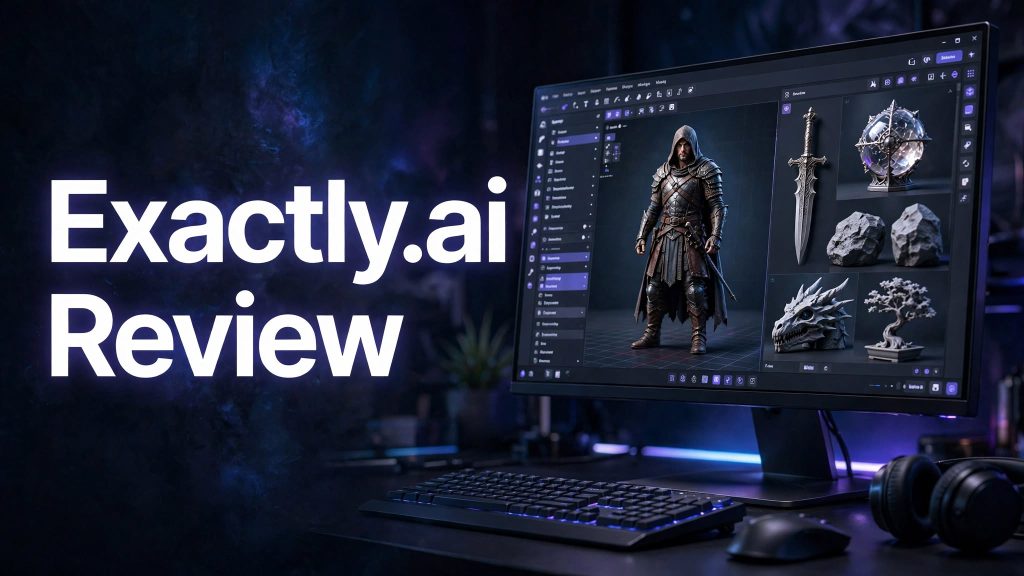
Creating 3D models traditionally requires specialized software, time, and technical skills. Meshy AI aims to make this process easier by allowing users to generate 3D assets from text prompts and images. But is Meshy AI worth using for game development, 3D printing, animation, and product design? Let’s take a closer look.
What Is Meshy AI?
Meshy AI is an AI-powered 3D creation platform that helps users turn written descriptions and reference images into 3D models. It also offers tools for AI texturing, rigging, animation, and other parts of the 3D creation workflow.
The platform is designed for beginners as well as experienced creators who want to speed up their work without building every asset manually.
Key Features of Meshy AI
Meshy AI offers several useful tools for creating and refining 3D assets.
- Text to 3D: Generate a 3D model by describing the object, style, and materials in a text prompt.
- Image to 3D: Turn a reference image, sketch, or concept image into a 3D model.
- AI Texturing: Apply or customize surface textures to give models a more realistic appearance.
- Rigging and Animation: Prepare supported 3D characters for movement and use animation tools to bring them to life.
- 3D Export Options: Export models in supported formats for use in other creative applications and workflows.
How Can You Use Meshy AI?
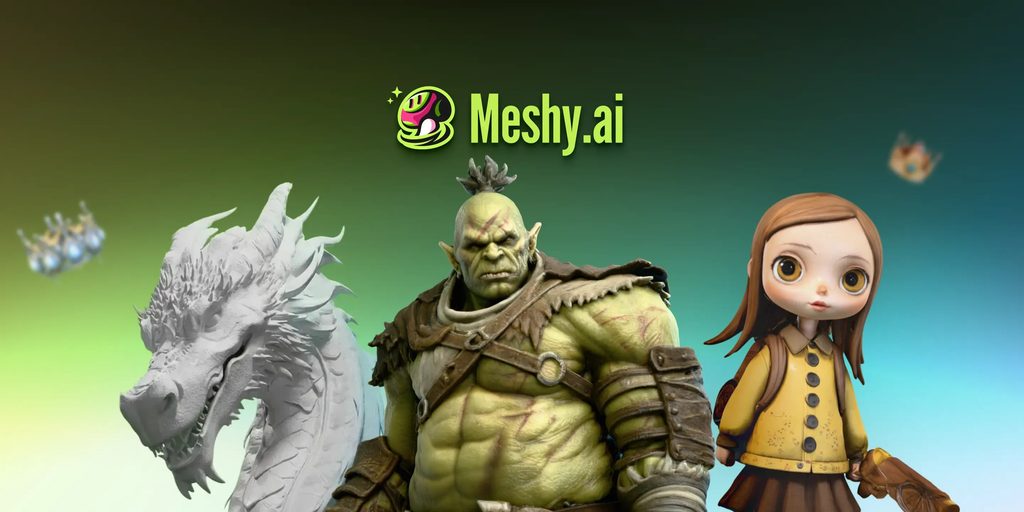
Meshy AI can be useful for game developers creating characters and environment assets, designers exploring product concepts, and hobbyists preparing models for 3D printing. Content creators can also use it to experiment with props, creatures, and other visual assets.
For beginners, generating a model from a simple prompt can be a convenient way to explore 3D creation. However, complex projects may still require manual editing, geometry adjustments, or cleanup in another 3D application.
Meshy AI Pricing
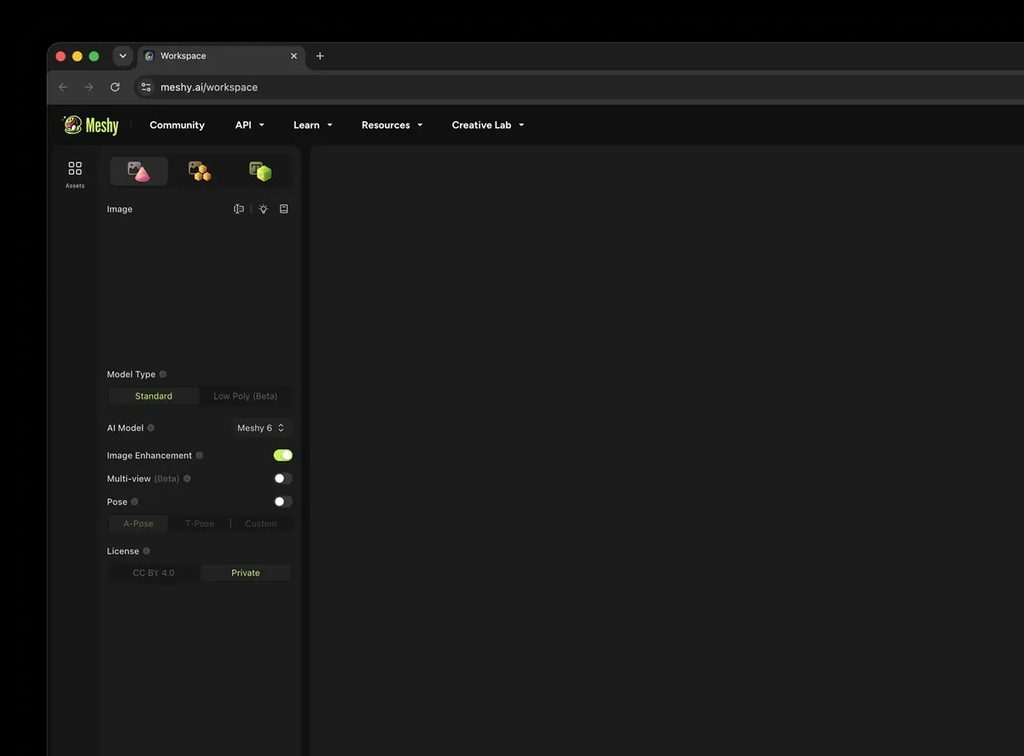
Meshy AI offers a free plan with 100 monthly credits, allowing users to try its core tools before upgrading. Paid plans include options such as Pro, Premium, Ultra, and Studio, with different credit allowances and features. Enterprise options are also available for larger organizations.
Before subscribing, check the current plan details, as credit limits, prices, and included features may change. Also review the license terms: free-plan assets use a CC BY 4.0 license, which requires attribution, while paid plans provide different asset usage rights.
Pros and Cons of Meshy AI
Pros
- Helps speed up 3D asset creation.
- Supports both text-based and image-based generation.
- Includes texturing and animation tools.
- Offers a free plan for testing the platform.
Cons
- Generated models may need manual refinement.
- Results depend on prompt quality and reference images.
- Credits can run out when generating multiple variations.
- Some advanced features and usage rights require a paid plan.
Is Meshy AI Worth It?
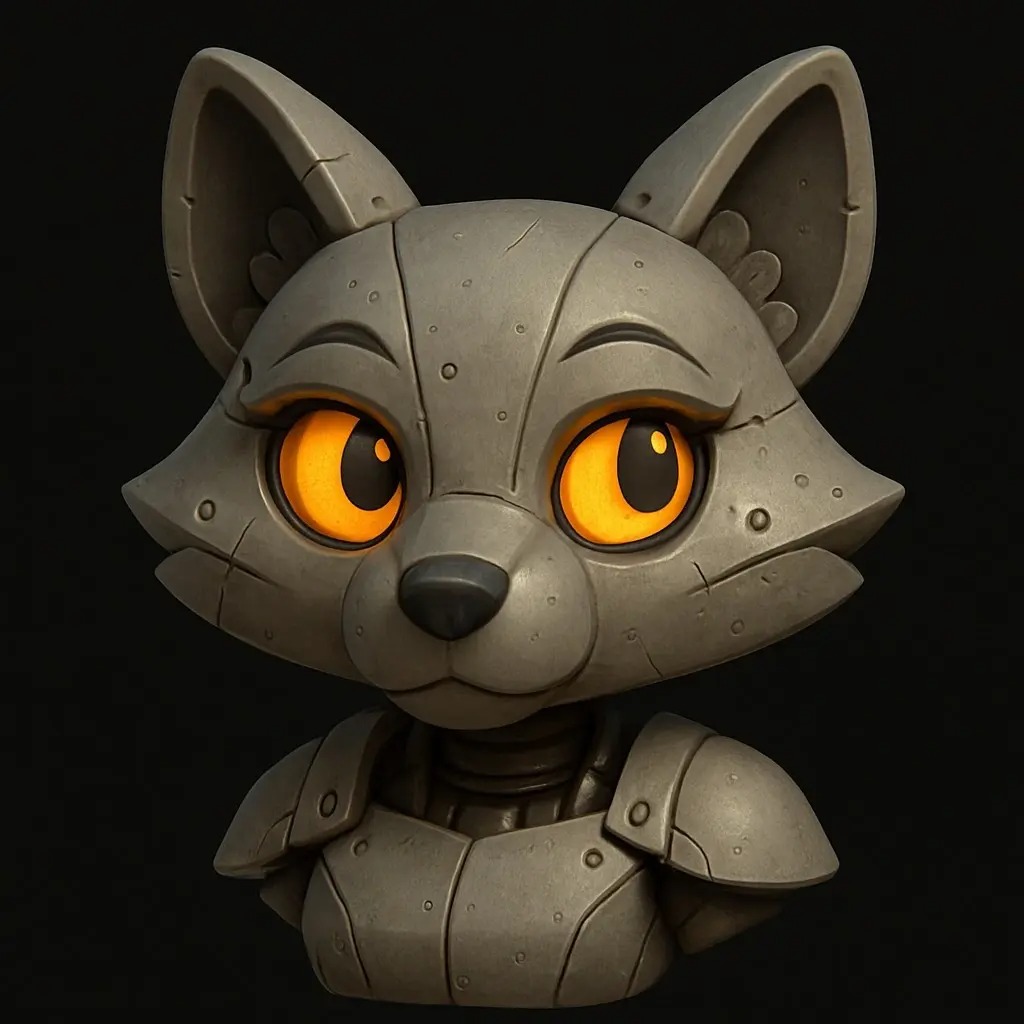
Meshy AI is worth considering if you want to create 3D assets more quickly or experiment with 3D modeling without starting from scratch. Its text-to-3D, image-to-3D, texturing, and animation tools can be especially helpful for indie game developers, designers, and hobbyists.
However, it may not eliminate the need for traditional 3D software when a project requires precise geometry, detailed customization, or production-ready results.
Final Verdict
Meshy AI is a useful AI-assisted 3D creation tool for prototyping, creative exploration, and speeding up asset workflows. Try the free plan first to see whether its output quality and available tools fit your needs before paying for a subscription.
Frequently Asked Questions
1. Is Meshy AI free to use?
Yes, Meshy AI offers a free plan with 100 credits per month. Some features and download options have limitations.
2. Can Meshy AI generate 3D models from text?
Yes, its Text to 3D feature lets users describe an object in words and generate a 3D model.
3. Can I convert an image into a 3D model using Meshy AI?
Yes, the Image to 3D feature converts reference images, photos, and concept art into 3D models.
4. Can I use Meshy AI models commercially?
Commercial use depends on the applicable license. Free-plan assets use a CC BY 4.0 license, which requires attribution. Paid-plan assets have different ownership and usage terms, so review the current license before using models commercially.
5. Is Meshy AI suitable for beginners?
Yes, its prompt-based workflow makes 3D creation more accessible to beginners. However, some projects may still require editing in traditional 3D software.