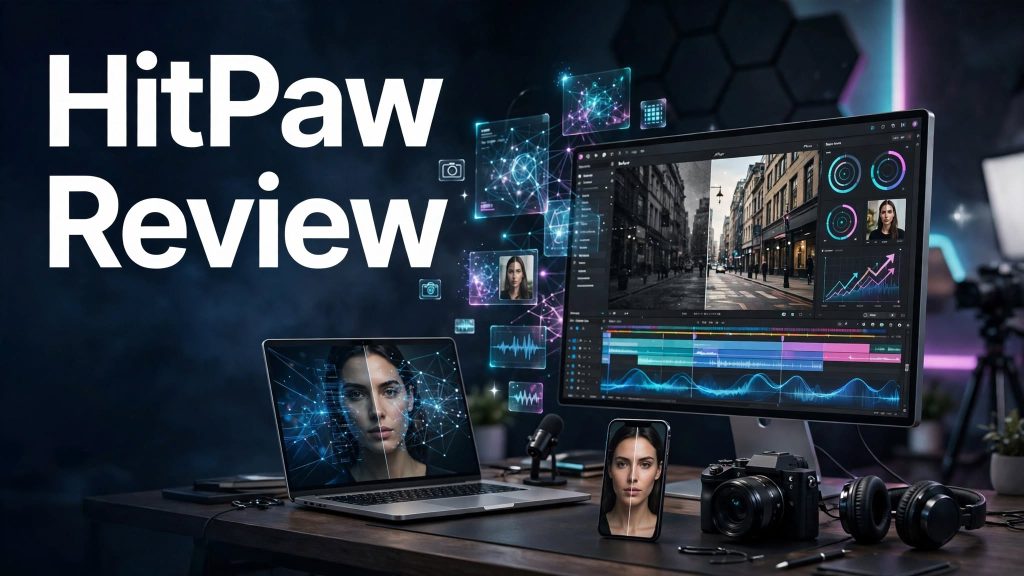
Editing videos, enhancing low-quality photos, and improving audio can be challenging without professional software.
HitPaw is a multimedia software brand offering AI-powered tools for video enhancement, photo editing, audio processing, and content creation.
Its products help creators improve media quality, remove unwanted elements, and simplify everyday editing tasks.
What Is HitPaw?

HitPaw is a multimedia software brand that provides AI-powered editing and enhancement tools for content creators, photographers, video editors, and everyday users.
Its product lineup includes tools such as HitPaw VikPea for video enhancement, HitPaw FotorPea for photo editing, and HitPaw VoicePea for AI voice effects.
Rather than being a single editing application, HitPaw offers different products for specific multimedia tasks.
What Can You Do With HitPaw?
AI Video Enhancement
HitPaw VikPea helps users enhance video quality, improve resolution, reduce noise, and restore older or blurry footage.
AI Photo Enhancement
HitPaw FotorPea provides tools for improving image sharpness, enhancing portraits, and restoring low-quality photographs.
AI Background Removal
Supported HitPaw photo tools can remove or replace image backgrounds for creative projects and product photography.
AI Voice Changer
HitPaw VoicePea offers AI-powered voice effects for gaming, streaming, and content creation.
Video Conversion

HitPaw offers multimedia conversion tools for changing video and audio formats and preparing files for different devices.
AI Object Removal
Selected HitPaw tools help remove unwanted objects, distractions, or watermarks from images and videos.
Audio and Multimedia Editing
HitPaw’s product range includes tools for audio processing, media editing, and creative content workflows.
HitPaw Pricing
HitPaw products are generally sold separately, with pricing depending on the selected software.
- Free Trials: Selected products offer trial access with feature or export limitations.
- Monthly Plans: Available for certain tools with recurring billing.
- Annual Plans: May provide better value for regular users.
- Lifetime Licenses: Offered for some products, depending on current availability.
Is HitPaw Easy to Use?

HitPaw products generally provide beginner-friendly interfaces with AI-assisted editing features.
Many enhancement tasks can be completed by importing a file, selecting an AI model, and exporting the result.
However, processing speed and output quality may depend on the selected product, computer hardware, and source file quality.
Pros and Cons of HitPaw
Pros
- AI-powered video enhancement.
- Photo restoration and image improvement.
- AI voice-changing tools.
- Background and object removal.
- Video and audio conversion options.
- Beginner-friendly editing interfaces.
- Multiple multimedia products.
- Trial options for selected tools.
Cons
- Different products require separate purchases.
- Some AI features need powerful hardware.
- Free trials may limit exports.
- Processing large video files can take time.
- AI enhancement results vary by source quality.
Who Is HitPaw Best For?
HitPaw is suitable for YouTubers, video editors, photographers, gamers, streamers, social media creators, and small businesses.
It is especially useful for users who want AI-assisted video enhancement, photo restoration, and multimedia editing without learning complex professional software.
Is HitPaw Worth It?

HitPaw is worth considering for creators who need accessible AI-powered multimedia enhancement tools.
Its specialized applications can simplify video restoration, image improvement, and voice effects.
However, users should evaluate the specific HitPaw product they need, since features and pricing differ across applications.
Final Verdict
HitPaw offers a versatile collection of AI-powered multimedia tools for video, photo, and audio editing.
Its beginner-friendly applications make it a practical option for creators who want to improve media quality with less manual effort.
For users looking for specialized AI editing tools, HitPaw is worth exploring.
Frequently Asked Questions
What is HitPaw used for?
HitPaw is used for AI video enhancement, photo editing, image restoration, voice changing, and multimedia conversion.
Is HitPaw free to use?
Some HitPaw products offer free trials, but full functionality and unrestricted exports generally require paid licenses.
Can HitPaw improve video quality?
Yes. HitPaw VikPea offers AI tools for enhancing video resolution, reducing noise, and restoring footage.
Does HitPaw have an AI photo enhancer?
Yes. HitPaw FotorPea provides AI-powered photo enhancement and restoration features.
Does HitPaw offer a voice changer?
Yes. HitPaw VoicePea provides AI voice-changing tools for gaming, streaming, and creative projects.
Is HitPaw suitable for beginners?
Yes. Many HitPaw products are designed with straightforward interfaces and automated AI editing features.