
Organizing ideas, planning projects, and creating visual diagrams can be time-consuming, especially when working with complex information.
GitMind is an AI-powered mind mapping and diagramming tool designed to help individuals and teams visualize ideas, organize information, and improve productivity.
It combines AI-assisted mind mapping, brainstorming, flowchart creation, and collaboration features in one platform.
What Is GitMind?

GitMind is an online mind mapping and visual collaboration platform that helps users turn ideas into structured diagrams.
It allows users to create mind maps, flowcharts, organizational charts, and other visual representations of information.
With AI-powered features, GitMind can also assist with generating ideas, organizing topics, and creating mind maps more efficiently.
What Can You Do With GitMind?
AI-Powered Mind Mapping
GitMind helps users generate and organize mind maps using AI, making brainstorming and idea development easier.
Flowchart Creation
Users can create flowcharts to visualize processes, workflows, and step-by-step plans.
AI Brainstorming
The platform offers AI-assisted idea generation to help users explore topics and structure their thoughts.
Visual Project Planning
GitMind allows users to organize project goals, tasks, and workflows through visual diagrams.
Team Collaboration
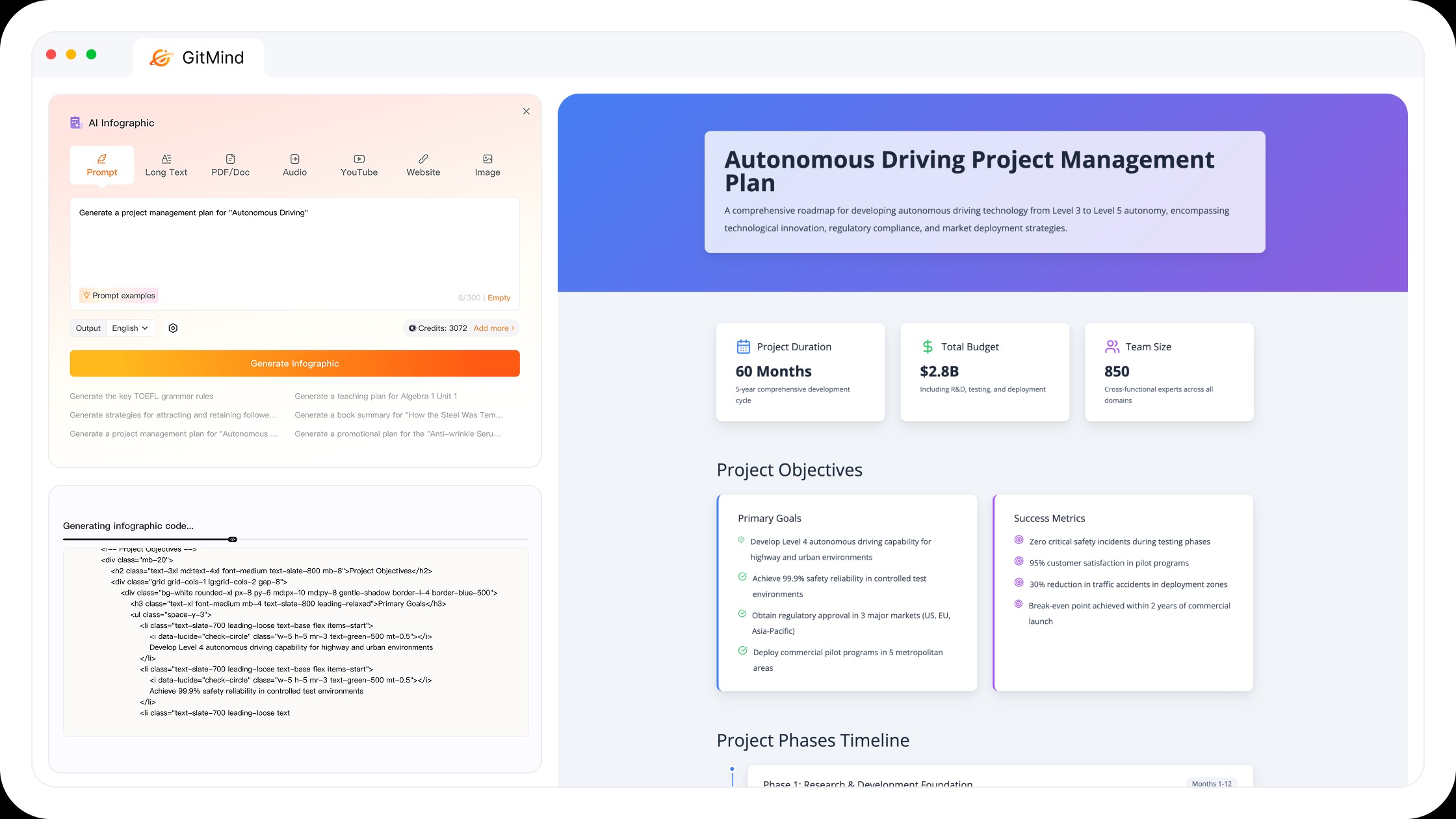
Users can share mind maps and collaborate with others on ideas, plans, and diagrams.
Templates and Customization
GitMind provides templates and customization options for creating professional-looking mind maps and charts.
Export and Sharing
Users can export supported diagrams and share their visual projects with colleagues or team members.
GitMind Pricing
GitMind offers free access and paid subscription options, with limits depending on the plan.
- Free Plan: Provides access to selected mind mapping features with usage limitations.
- Paid Plans: Offer expanded AI usage, additional capabilities, and higher limits.
- Team Options: Collaboration and organizational features may depend on the selected offering.
Is GitMind Easy to Use?
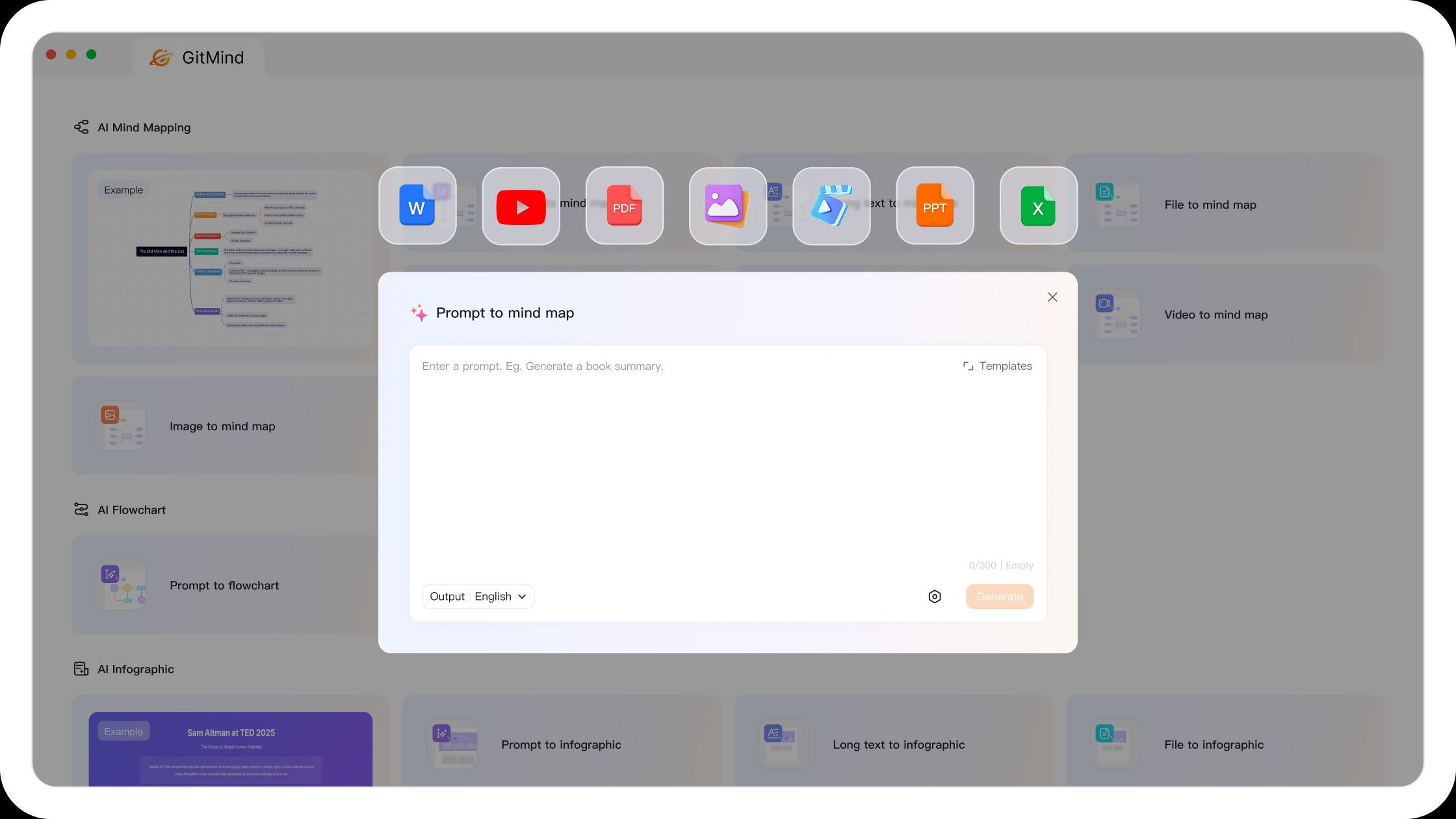
GitMind offers a visual interface that makes creating mind maps and diagrams relatively straightforward.
Users can start with a template, create connected idea nodes, and customize their diagrams.
Its AI features can also reduce the time needed to organize information and brainstorm new ideas.
Pros and Cons of GitMind
Pros
- AI-powered mind map generation.
- Easy-to-use visual editor.
- Flowchart and diagram creation.
- AI-assisted brainstorming.
- Ready-made templates.
- Team collaboration features.
- Export and sharing options.
- Useful for students and professionals.
- Free plan available.
Cons
- Free plan has usage limitations.
- Advanced AI features may require payment.
- AI-generated mind maps may need editing.
- Complex diagrams can become difficult to manage.
- Some collaboration features may depend on the plan.
Who Is GitMind Best For?
GitMind is suitable for students, teachers, content creators, business professionals, project managers, and teams.
It is especially useful for people who want to organize ideas visually, plan projects, create diagrams, or brainstorm with AI assistance.
Is GitMind Worth It?
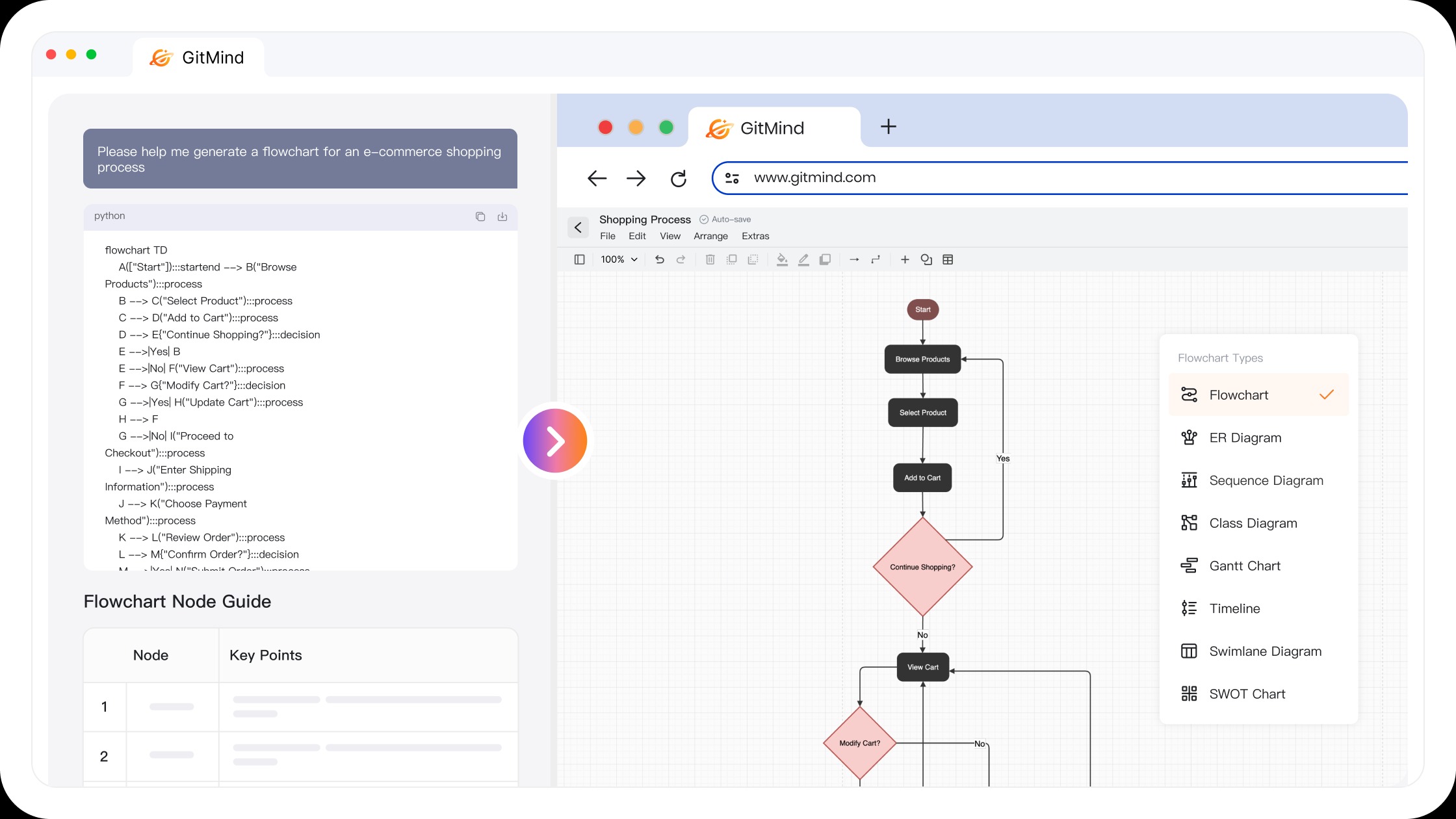
GitMind is worth considering for users who frequently create mind maps, flowcharts, and visual plans.
Its AI-assisted brainstorming and diagramming features can help simplify idea organization and project planning.
However, users should compare its AI usage limits, export options, and paid features before upgrading.
Final Verdict
GitMind provides a practical solution for AI-powered mind mapping, brainstorming, and visual planning.
Its combination of AI tools, diagram templates, and collaboration capabilities makes it useful for both individual and professional projects.
For users looking to organize ideas more efficiently, GitMind is worth exploring.
Frequently Asked Questions
What is GitMind used for?
GitMind is used for creating mind maps, flowcharts, brainstorming ideas, organizing information, and planning projects.
Is GitMind an AI-powered tool?
Yes. GitMind includes AI-assisted features for generating ideas and creating mind maps.
Is GitMind free?
GitMind offers free access with certain usage limitations, along with paid subscription options.
Can GitMind create flowcharts?
Yes. GitMind supports flowcharts and other visual diagrams.
Is GitMind suitable for students?
Yes. Students can use GitMind for study notes, brainstorming, concept mapping, and organizing learning materials.
Does GitMind support collaboration?
Yes. GitMind provides sharing and collaboration features for working on visual projects.