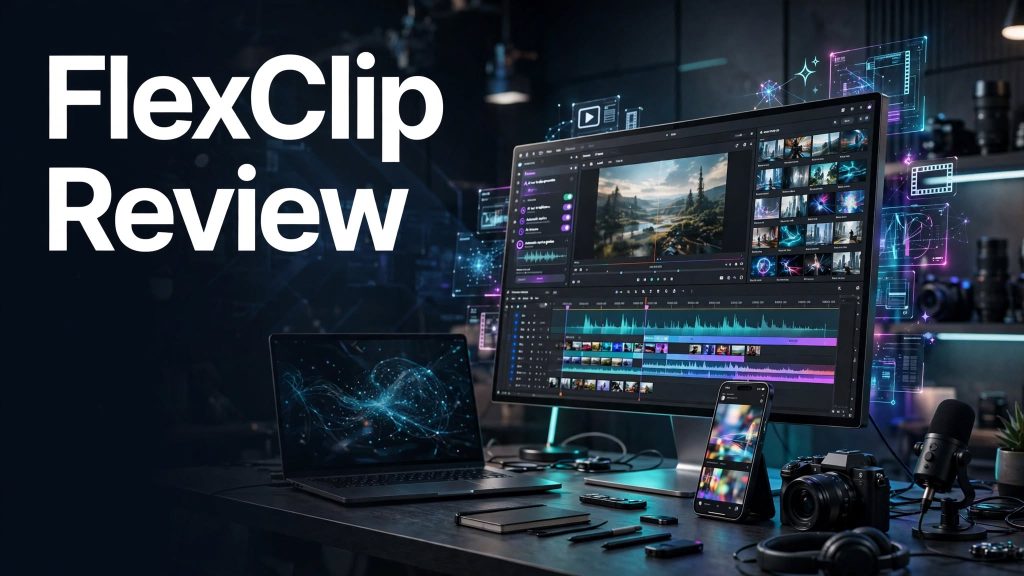
Creating professional videos for social media, marketing, and business presentations can be time-consuming, especially without advanced editing skills.
FlexClip is an online video editor and AI-powered video creation platform that helps users create, edit, and customize videos directly from a web browser.
With ready-made templates, AI tools, stock media, and easy editing features, FlexClip makes video production more accessible to beginners and content creators.
What Is FlexClip?

FlexClip is a cloud-based video editing and creation platform designed for content creators, marketers, educators, and businesses.
It allows users to create videos using customizable templates, stock footage, music, text animations, and AI-powered tools.
The platform focuses on simplifying video production without requiring professional editing software.
What Can You Do With FlexClip?
AI Video Generator
FlexClip offers AI-powered tools that help users generate video content from text prompts and other inputs.
Online Video Editor
Users can trim, split, merge, crop, and customize videos using an intuitive browser-based editor.
Ready-Made Video Templates
FlexClip provides customizable templates for social media videos, advertisements, presentations, promotional content, and personal projects.
AI Text-to-Speech
The platform can convert written text into AI-generated voiceovers for video narration.
Automatic Subtitles
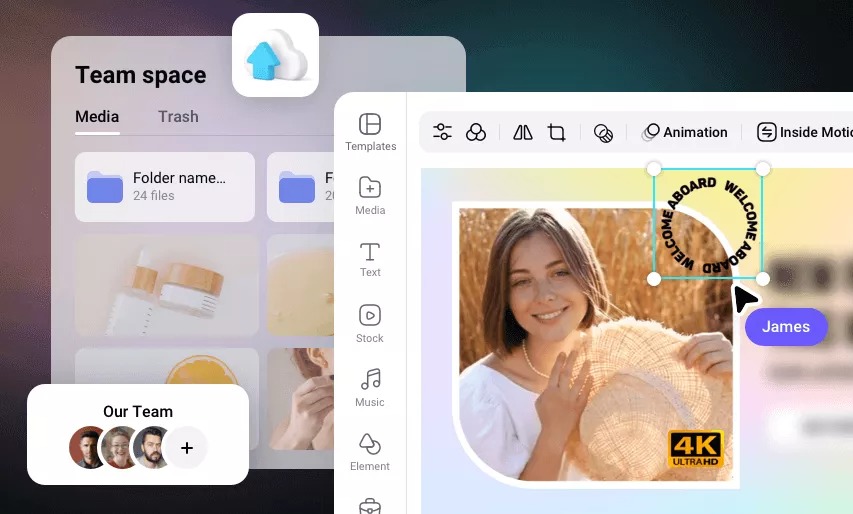
FlexClip includes AI subtitle generation to help users add captions to their videos.
Stock Media Library
Users can access stock videos, images, music, and visual elements to enhance their projects.
Video Effects and Transitions
FlexClip offers text animations, filters, transitions, overlays, and other visual effects to improve video quality.
FlexClip Pricing
FlexClip offers free and paid subscription options.
- Free Plan: Includes basic video editing features with limitations on exports, project length, and available resources.
- Plus Plan: Provides expanded editing capabilities, higher-quality exports, and additional premium resources.
- Business Plan: Offers increased resource allowances and additional features for more frequent video production.
Is FlexClip Easy to Use?
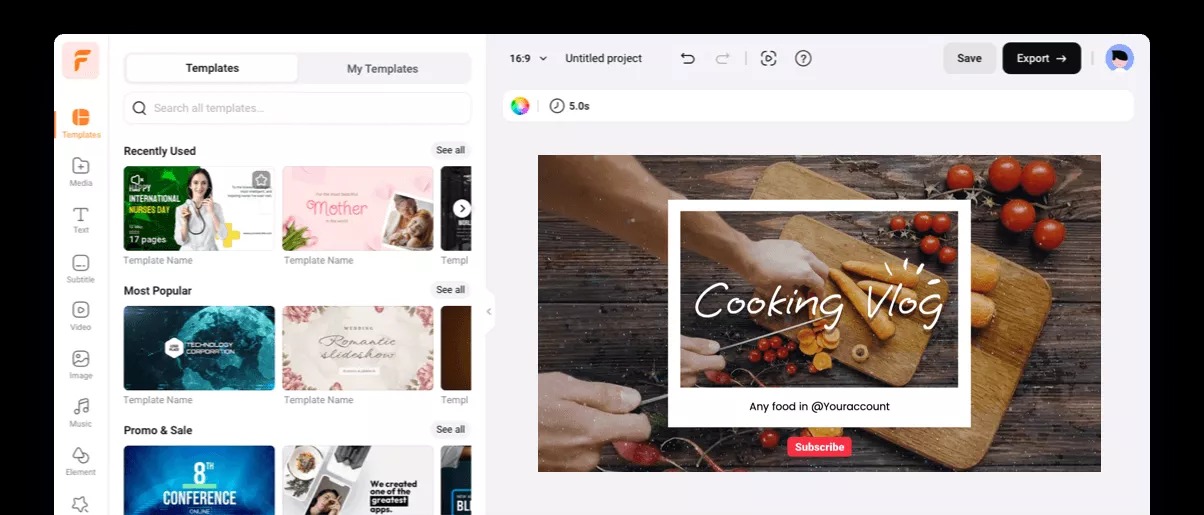
FlexClip is designed for beginners and users who want to create videos quickly.
Its drag-and-drop editor, templates, and AI tools make it easy to produce videos without extensive technical experience.
However, advanced video editors may find some professional editing capabilities limited compared with desktop software.
Pros and Cons of FlexClip
Pros
- Beginner-friendly online video editor.
- AI-powered video creation tools.
- Ready-made video templates.
- AI text-to-speech and subtitles.
- Stock videos, images, and music.
- Drag-and-drop editing interface.
- Video effects and transitions.
- No software installation required.
- Free plan available.
Cons
- Free plan has export limitations.
- Advanced features require paid plans or credits.
- Some AI tools have usage limits.
- Requires a stable internet connection.
- May not replace professional desktop video editing software.
Who Is FlexClip Best For?
FlexClip is suitable for YouTubers, social media creators, digital marketers, educators, freelancers, and small businesses.
It is particularly useful for users who want to create promotional videos, social media content, tutorials, and presentations quickly.
Is FlexClip Worth It?
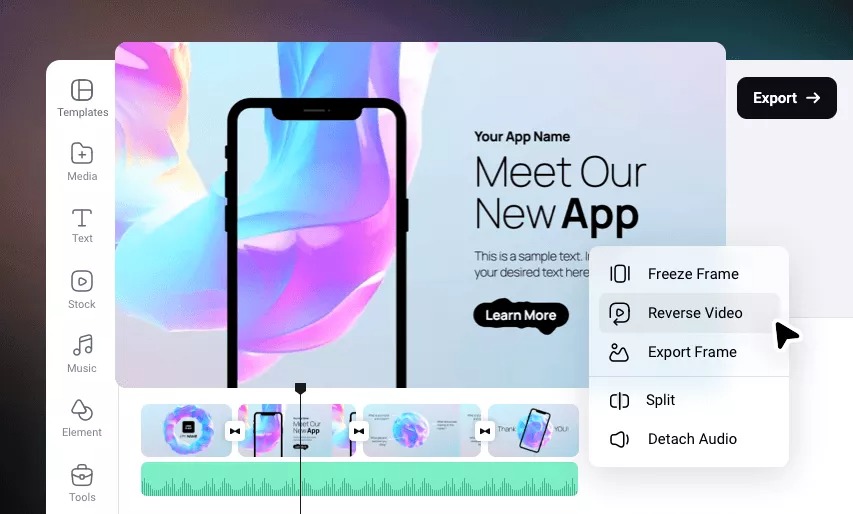
FlexClip is worth considering for beginners and businesses looking for a simple online video creation platform.
Its combination of AI tools, templates, and editing features helps reduce the time needed to produce videos.
However, users requiring advanced editing controls should compare it with professional video editing software.
Final Verdict
FlexClip provides an accessible solution for AI-assisted video creation and online editing.
Its easy-to-use editor, customizable templates, AI features, and stock media library make it a practical option for everyday video production.
For creators and businesses looking to produce videos without complicated software, FlexClip is worth exploring.
Frequently Asked Questions
What is FlexClip used for?
FlexClip is used for creating and editing videos, generating AI-assisted content, adding subtitles, and producing marketing videos.
Is FlexClip free to use?
Yes. FlexClip offers a free plan with limited features and export capabilities.
Does FlexClip have an AI video generator?
Yes. FlexClip includes AI-powered video generation tools.
Can beginners use FlexClip?
Yes. FlexClip is designed for beginners and users without professional video editing experience.
Does FlexClip support text-to-speech?
Yes. FlexClip offers AI text-to-speech tools for generating video voiceovers.
Can FlexClip create social media videos?
Yes. Users can create videos for YouTube, Instagram, TikTok, Facebook, and other platforms.