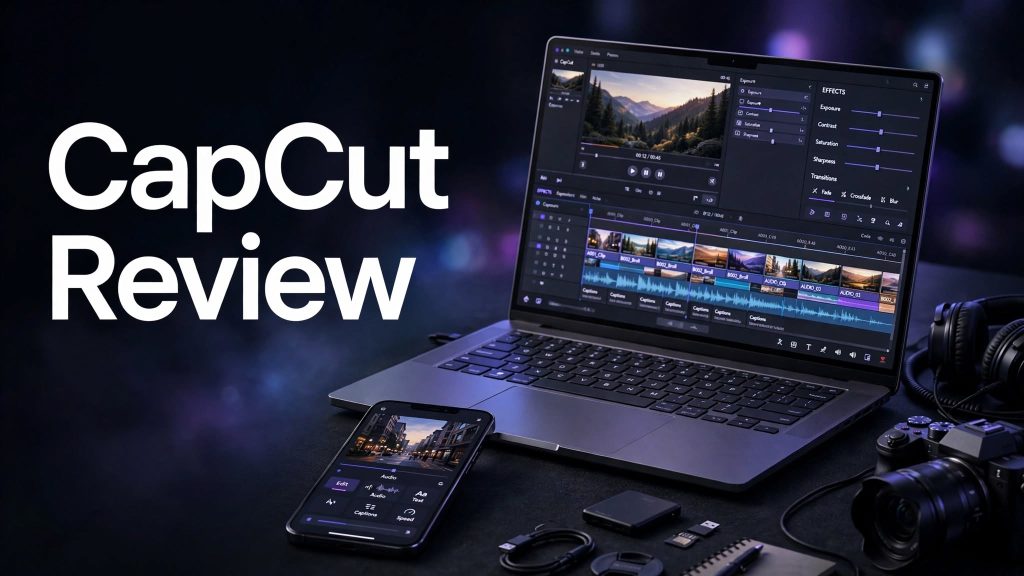
Video editing has become more important than ever for creators, influencers, marketers, businesses, and everyday social media users. While professional editing software can be powerful, it can also have a steep learning curve. This is where CapCut has become a popular option for people who want to create polished videos without spending hours learning complicated editing tools.
CapCut is a video editing platform designed for creating and editing videos across different devices. It combines traditional editing tools with templates, effects, transitions, captions, filters, audio features, and AI-powered tools, making it suitable for both beginners and more experienced creators.
But is CapCut actually worth using? Does the free version offer enough features, or do you need CapCut Pro for serious editing?
In this CapCut review, we’ll look at its features, ease of use, AI tools, pricing, pros and cons, who it’s best for, and whether CapCut is worth it for your video editing needs.
What Is CapCut?

CapCut is a video editing application and creative editing platform that allows users to create, edit, and enhance videos. It is available across multiple platforms and is particularly popular among social media creators who need to produce short-form videos quickly.
The platform provides standard editing tools such as trimming, splitting, cropping, transitions, filters, text, stickers, music, sound effects, and video effects. It also adds more advanced capabilities, including automated captions, background removal, AI-powered editing features, and other creator-focused tools.
One of CapCut’s biggest advantages is its focus on simplicity. Instead of requiring users to understand complicated professional editing workflows, CapCut provides an interface that makes many common editing tasks relatively straightforward.
How Does CapCut Work?

Getting started with CapCut is relatively simple.
You can import your video clips, images, or other media and place them on the editing timeline. From there, you can cut unwanted sections, rearrange clips, add music, insert text, apply effects, and adjust the overall appearance of your video.
Import Your Media
The first step is to add the videos, photos, or other media you want to use. CapCut then organizes your content within the editing workspace.
Edit Your Video
Once your clips are imported, you can trim and split them, change their order, adjust the speed, crop the frame, and make other basic edits.
Add Effects and Transitions
CapCut provides numerous visual effects, filters, animations, and transitions that can help make videos more dynamic.
Add Text and Captions
Text overlays and captions can be added directly to videos. Automated captioning can also reduce the amount of manual work required when creating talking-head videos, interviews, or social media content.
Export and Share
After finishing your project, you can export the video and use it on platforms such as social media, websites, or other digital channels, depending on your workflow and export settings.
CapCut Features

CapCut’s feature set is one of the main reasons it has attracted such a large creator audience.
Video Editing Tools
CapCut includes the essential editing tools most creators expect. You can trim, split, crop, resize, rotate, adjust playback speed, and combine multiple clips.
These tools are useful for everything from simple social media edits to more structured video projects.
Templates
Templates are especially useful for beginners who don’t want to build every video from scratch.
Instead of manually creating animations, transitions, and timing, users can start with an existing template and replace elements with their own content.
This can significantly speed up content creation.
Filters and Effects
CapCut includes a large selection of filters, effects, animations, and visual adjustments.
Creators can use these tools to establish a particular style or make ordinary footage more visually interesting.
Transitions
Transitions help connect multiple clips smoothly. CapCut provides various transition styles, allowing users to choose between subtle cuts and more noticeable visual effects.
Text and Animation
The platform supports customizable text overlays and animated text elements. This is particularly useful for social media videos where text plays an important role in communicating information.
Music and Sound Effects
Audio is another important part of CapCut’s editing experience. Users can add music and sound effects to their projects and adjust audio elements to match the video’s timing.
Speed Controls
CapCut lets creators change video playback speed. Speed adjustments can be useful for creating slow-motion sequences, fast-paced edits, tutorials, and short-form social content.
CapCut AI Features
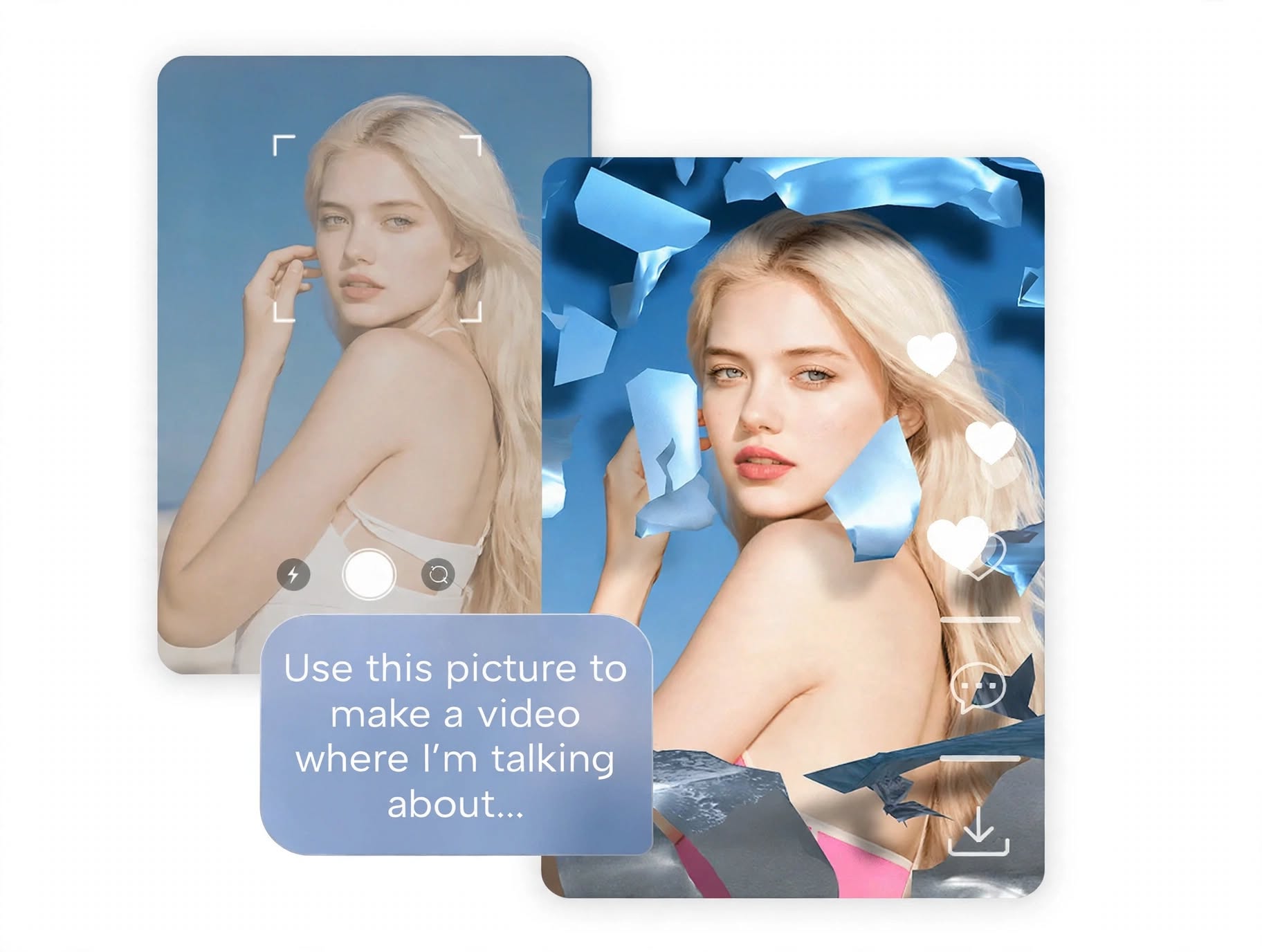
One of CapCut’s more interesting areas is its growing collection of AI-powered tools.
AI features can help automate tasks that would otherwise require additional editing time.
Depending on the version, plan, region, and platform, CapCut may provide tools for tasks such as automatic captions, background removal, image and video generation, AI-assisted editing, text-to-speech, speech-to-text, and other creative workflows.
Automatic Captions
Automatic caption generation can convert spoken dialogue into text, making it easier to create videos for audiences who watch without sound.
Creators can then customize the appearance and timing of captions.
Background Removal
Background removal tools can help isolate a subject from its original background without requiring traditional manual masking techniques.
This can be useful for social media videos, product content, presentations, and creative edits.
AI-Powered Creative Tools
CapCut continues to incorporate AI into different parts of its editing workflow. These tools are designed to reduce repetitive work and help creators produce content faster.
For users who regularly create short-form content, AI-assisted editing can be a useful productivity feature.
Is CapCut Easy to Use?
Yes, ease of use is one of CapCut’s strongest advantages.
The interface is designed around a relatively familiar timeline-based editing workflow. Beginners can start with basic trimming and text tools, while more experienced users can explore advanced effects, keyframe-style editing workflows, audio controls, and other features.
The learning curve is generally lower than that of many professional desktop video editors.
That makes CapCut particularly appealing to:
- Beginners
- TikTok creators
- YouTube Shorts creators
- Instagram Reels creators
- Social media marketers
- Small businesses
- Influencers
- Casual video editors
However, users who need highly specialized professional post-production workflows may eventually want more advanced software.
CapCut for Social Media Creators

CapCut is particularly well suited to short-form social media content.
Creators can quickly combine clips, add captions, apply transitions, synchronize visuals with audio, and use templates to create content optimized for fast-moving social platforms.
Its mobile-friendly workflow is another advantage for creators who prefer editing directly from their phones.
For someone who publishes frequently, the ability to produce a finished video without a complicated editing process can save considerable time.
CapCut for YouTube
CapCut can also be useful for YouTube creators.
It works particularly well for:
- YouTube Shorts
- Vlogs
- Tutorials
- Commentary videos
- Product videos
- Social media clips
- Promotional videos
For highly complex long-form productions, however, dedicated professional editing software may provide greater control over advanced color grading, audio production, media management, and other post-production tasks.
CapCut for Businesses and Marketing
Small businesses and marketers can use CapCut to produce promotional videos without necessarily hiring a professional video editor for every project.
For example, businesses can create:
- Product demonstrations
- Promotional clips
- Social media advertisements
- Short educational videos
- Customer-focused content
- Behind-the-scenes videos
Templates and reusable editing workflows can also make it easier to maintain consistent content production.
CapCut Pricing
CapCut offers a free version along with paid features and subscription options. However, pricing and the exact features included can vary depending on the platform, region, subscription type, and current CapCut offerings.
The free version can be enough for users who only need basic editing tools.
Paid plans are more relevant for creators who want access to additional premium effects, templates, AI tools, storage or other advanced capabilities available under CapCut’s current subscription structure.
Because CapCut can change its plans and pricing over time, users should check the current pricing displayed by CapCut before subscribing.
Is CapCut Free?
CapCut does offer a free editing experience, which is one of the reasons it is attractive to beginners.
The free version provides access to many core editing functions, allowing users to create and export videos without immediately paying for a subscription.
However, some premium features, effects, templates, and advanced tools may require a paid plan.
For occasional editing, the free version may be sufficient. Frequent creators should evaluate whether the premium tools justify the subscription cost.
CapCut Pros and Cons
Pros
- Beginner-friendly editing interface
- Large selection of effects and templates
- Useful tools for short-form content
- Mobile and desktop editing options
- Automated caption capabilities
- AI-powered creative features
- Good selection of text and animation tools
- Useful for social media marketing
- Free version available
Cons
- Some advanced features require a paid plan
- Feature availability can vary by region and platform
- Large template and effect libraries may feel overwhelming
- Professional editors may eventually need more advanced software
- Subscription requirements for premium tools can reduce the value of the free version
Who Is CapCut Best For?

CapCut is a strong choice for creators who prioritize speed and ease of use.
Beginners
If you’re new to video editing, CapCut provides enough basic and intermediate tools to learn the fundamentals without immediately dealing with a complicated professional interface.
Social Media Creators
TikTok, Instagram Reels, YouTube Shorts, and similar content creators can benefit from CapCut’s templates, captions, effects, and fast editing workflow.
Small Businesses
Businesses that need affordable promotional video creation can use CapCut to produce content without investing in expensive professional editing software.
Content Marketers
Marketers can use CapCut to quickly create videos for social campaigns, advertisements, educational content, and product promotion.
Who Might Want an Alternative?
CapCut may not be the ideal choice for everyone.
Professional filmmakers, advanced video editors, and production teams requiring sophisticated color grading, complex audio workflows, extensive project management, or highly specialized post-production tools may prefer professional editing platforms.
In those situations, software such as Adobe Premiere Pro, DaVinci Resolve, or Final Cut Pro may provide a deeper professional feature set.
CapCut vs Professional Video Editors
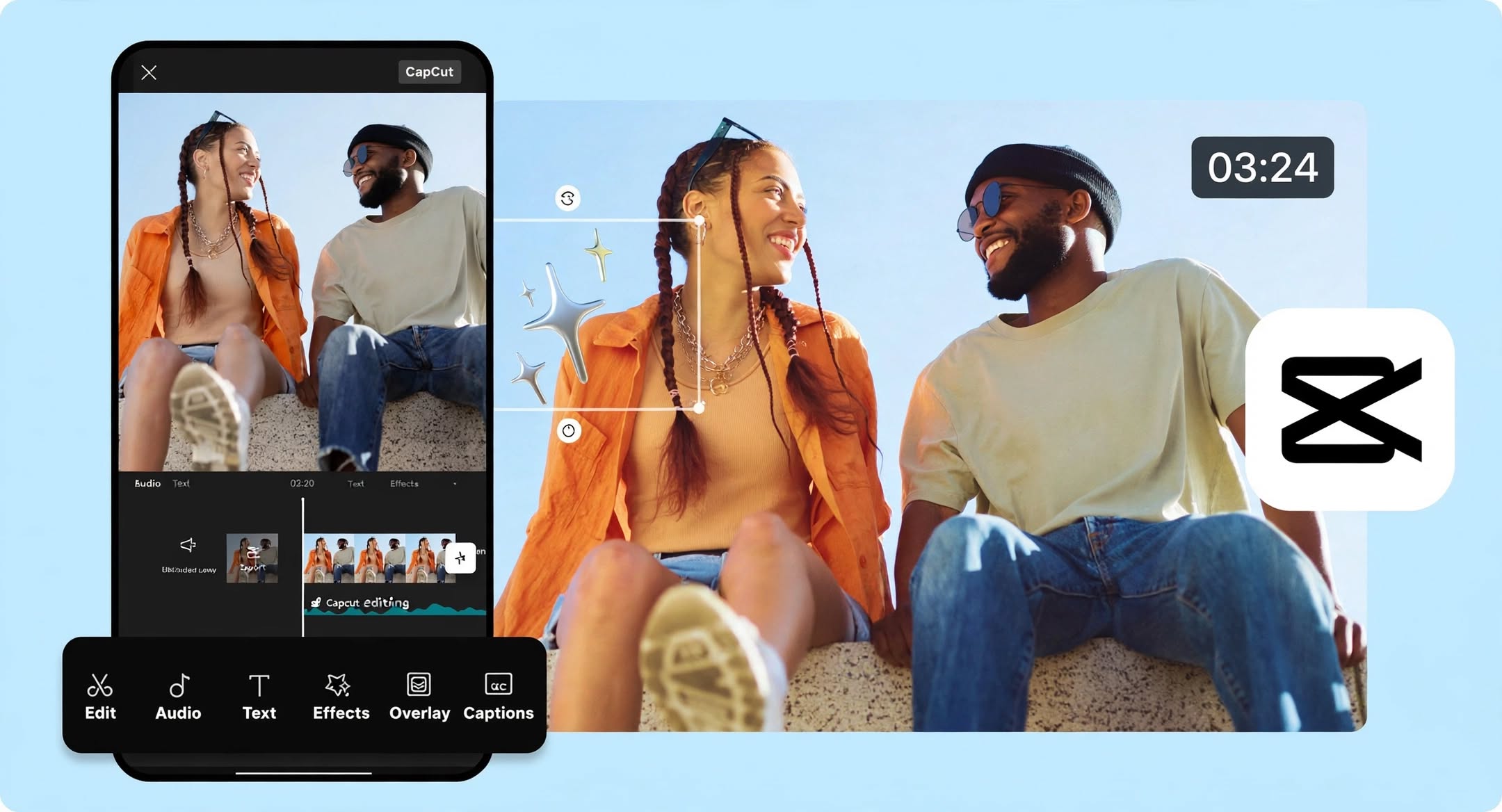
The biggest difference between CapCut and professional editing software is the balance between simplicity and control.
CapCut focuses heavily on accessibility and fast content creation. Professional editors typically provide much deeper control over the editing process but can require more time to learn.
For a beginner creating social media videos, CapCut may be the more convenient option.
For professional film, television, or complex commercial projects, a dedicated professional editor may be a better fit.
Is CapCut Legit?
Yes, CapCut is a legitimate video editing platform used by a large number of creators and businesses.
Its popularity comes largely from its combination of accessible editing tools, templates, effects, mobile editing capabilities, and AI-powered creative features.
However, as with any online creative platform, users should review current privacy, data-handling, subscription, and account terms before using the service for sensitive or business-critical content.
Is CapCut Worth It?
For many users, CapCut is worth trying, especially if the main goal is creating social media content quickly.
The free version provides a relatively capable starting point, while premium features can expand the editing toolkit for frequent creators.
CapCut is especially compelling if you value:
- Fast editing
- Ready-made templates
- Social media content creation
- Automated captions
- AI-assisted tools
- Mobile editing
- Easy-to-learn workflows
If your work requires advanced professional post-production, you may eventually benefit from a more specialized editing application.
Final Verdict: Should You Use CapCut?
CapCut is a strong video editing option for beginners, social media creators, marketers, and anyone who wants to produce polished videos without a complicated editing workflow.
Its combination of standard editing tools, templates, effects, captions, audio features, and AI-powered capabilities makes it more versatile than a basic mobile video editor.
The free version makes it easy to get started, while premium features can be useful for creators who need additional creative tools.
Overall, if your priority is fast, accessible, and social-media-friendly video editing, CapCut is worth considering.
Frequently Asked Questions About CapCut
Is CapCut good for beginners?
Yes. CapCut is designed to make video editing accessible, with a straightforward interface and a large collection of templates, effects, transitions, and editing tools.
Is CapCut free?
CapCut offers a free version with many core editing tools. Some premium features and content require a paid subscription.
Is CapCut good for YouTube?
Yes. CapCut can be useful for YouTube Shorts, vlogs, tutorials, promotional videos, and other types of content. Advanced long-form productions may benefit from professional editing software.
Does CapCut have AI features?
Yes. CapCut offers various AI-powered and automated creative tools, although specific features can vary based on the platform, region, and subscription plan.
Can beginners edit videos with CapCut?
Absolutely. CapCut’s beginner-friendly interface and templates make it relatively easy to start creating videos without previous professional editing experience.
Is CapCut better than professional video editing software?
Not necessarily. CapCut prioritizes simplicity and fast content creation, while professional applications generally offer more advanced control and production capabilities. The better option depends on your editing needs.
Is CapCut worth paying for?
It depends on how frequently you edit videos and which premium tools you need. Casual users may be happy with the free version, while frequent creators may find additional value in premium features.
Is CapCut good for social media?
Yes. Social media content is one of CapCut’s strongest use cases because of its templates, effects, captions, animations, and fast editing workflow.