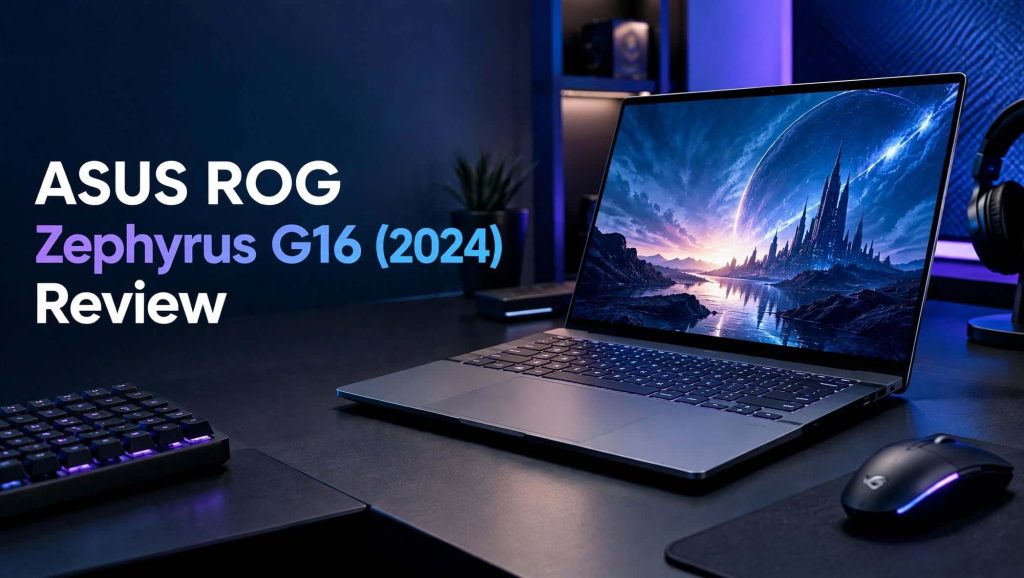
The ASUS ROG Zephyrus G16 (2024) takes a different approach to the traditional gaming laptop. Instead of focusing only on maximum performance, ASUS combines powerful gaming hardware with a remarkably slim design, a premium OLED display, and a chassis that can also fit naturally into a productivity or creative-work environment.
Depending on the configuration, the 2024 Zephyrus G16 can be equipped with Intel Core Ultra processors and NVIDIA GeForce RTX graphics, while the AMD GA605 version uses the Ryzen AI 9 HX 370 processor with RTX 4060 or RTX 4070 graphics.
One of the biggest attractions is the 16-inch ROG Nebula OLED display. ASUS offers a 2.5K 2560 × 1600 resolution, 16:10 aspect ratio, 240Hz refresh rate, 0.2ms response time, 100% DCI-P3 coverage, G-SYNC, and Pantone validation on supported configurations.
The result is a gaming laptop that looks considerably more refined than many bulky gaming machines.
But does the thin design compromise gaming performance?
And is the 2024 ASUS ROG Zephyrus G16 worth buying for gamers, creators, and professionals?
Let’s take a closer look.
ASUS ROG Zephyrus G16 (2024) at a Glance
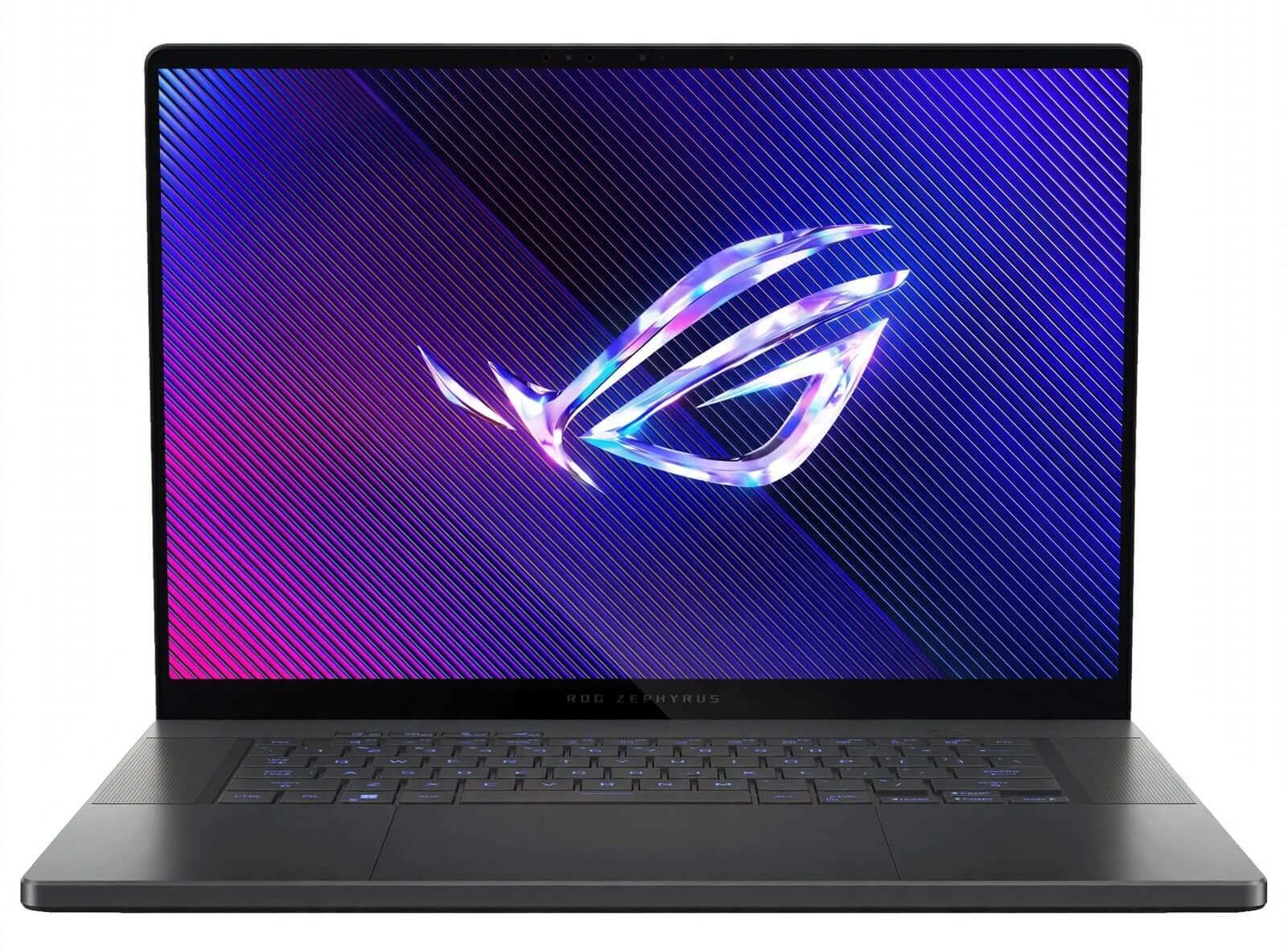
The Zephyrus G16 is designed as a premium thin-and-light gaming laptop that can also handle demanding productivity and creative workloads.
Key Specifications
- 16-inch ROG Nebula OLED display
- 2560 × 1600 resolution
- 16:10 aspect ratio
- Up to 240Hz refresh rate
- 0.2ms response time
- 100% DCI-P3 color coverage
- G-SYNC support
- Pantone Validated display
- Intel Core Ultra 9 185H on GU605 configurations
- AMD Ryzen AI 9 HX 370 on GA605 configurations
- NVIDIA GeForce RTX 4060 or RTX 4070 on AMD GA605 models
- Higher RTX 4080 and RTX 4090 options on selected Intel configurations
- Up to 32GB LPDDR5X onboard memory depending on configuration
- PCIe 4.0 NVMe SSD
- 90Wh battery on GA605 models
- Wi-Fi 7 on supported configurations
- HDMI 2.1
- USB4
- USB-C with DisplayPort and Power Delivery
- SD Express 7.0 card reader
- 3.5mm audio jack
ASUS lists the AMD GA605 RTX 4070 configuration with a 105W maximum GPU power rating, 32GB onboard LPDDR5X memory, and a 1TB PCIe 4.0 SSD in some configurations.
Design and Build Quality
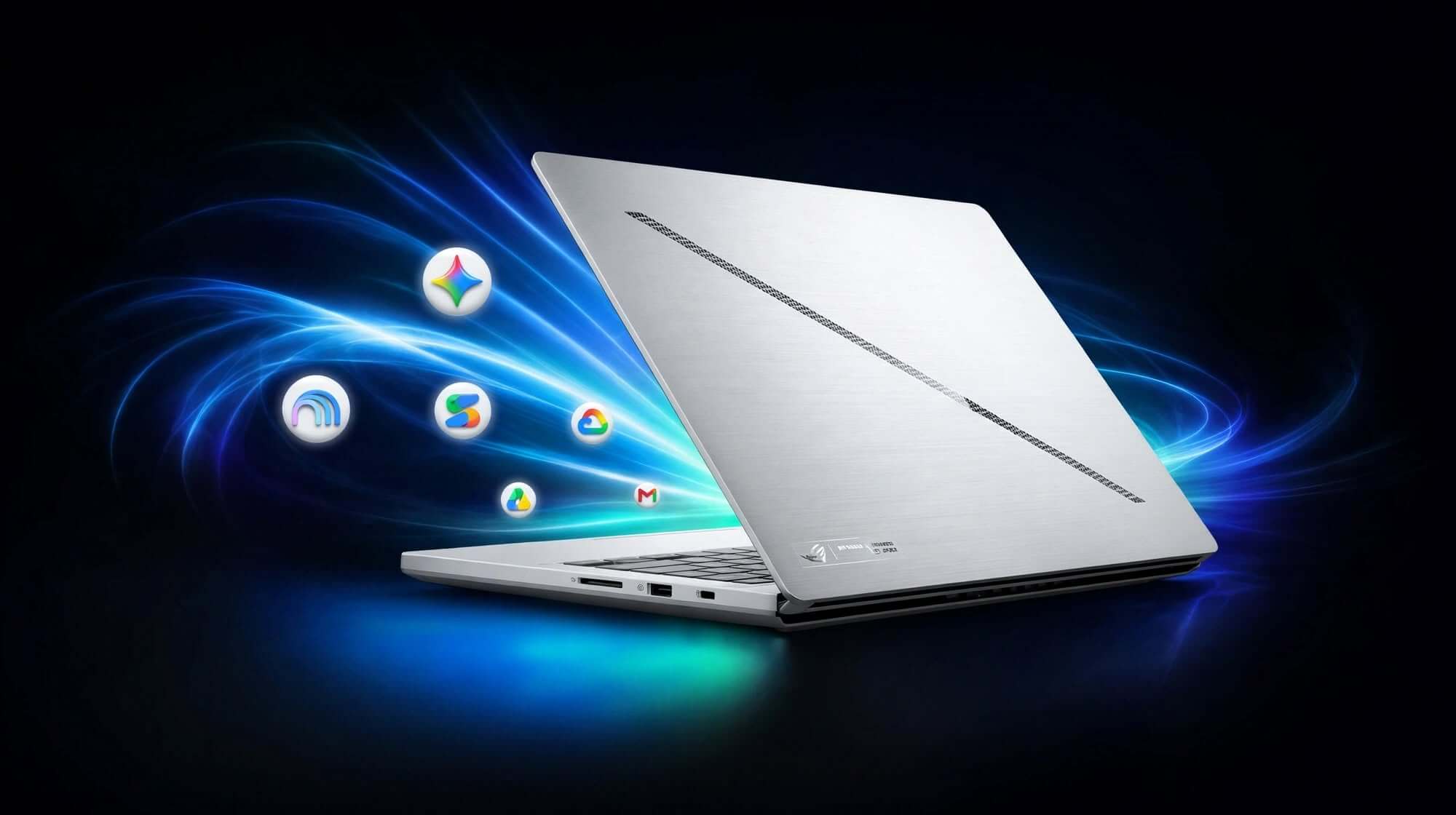
The first thing that stands out about the Zephyrus G16 is its design.
This doesn’t look like a conventional gaming laptop.
Instead of aggressive styling, oversized vents, and excessive RGB lighting, ASUS uses a cleaner and more understated aesthetic.
That makes the laptop much easier to use in professional environments, classrooms, offices, cafes, or creative studios.
The thin aluminum chassis also gives the G16 a premium feel.
A Slim Gaming Laptop
ASUS designed the Zephyrus G16 around portability.
The AMD GA605 version measures approximately 35.4 × 24.6 × 1.49–1.74 cm and weighs around 1.85 kg, or approximately 4.08 pounds.
That’s impressive considering the amount of gaming hardware inside.
The slim profile is one of the laptop’s biggest selling points because it allows you to carry serious gaming performance without the bulk traditionally associated with gaming laptops.
Is the Zephyrus G16 Portable?
Yes.
For a 16-inch gaming laptop, the G16 is relatively easy to transport.
It’s still larger than an ultrabook, but the combination of its thin chassis and moderate weight makes it considerably more travel-friendly than many high-performance gaming laptops.
Display Quality
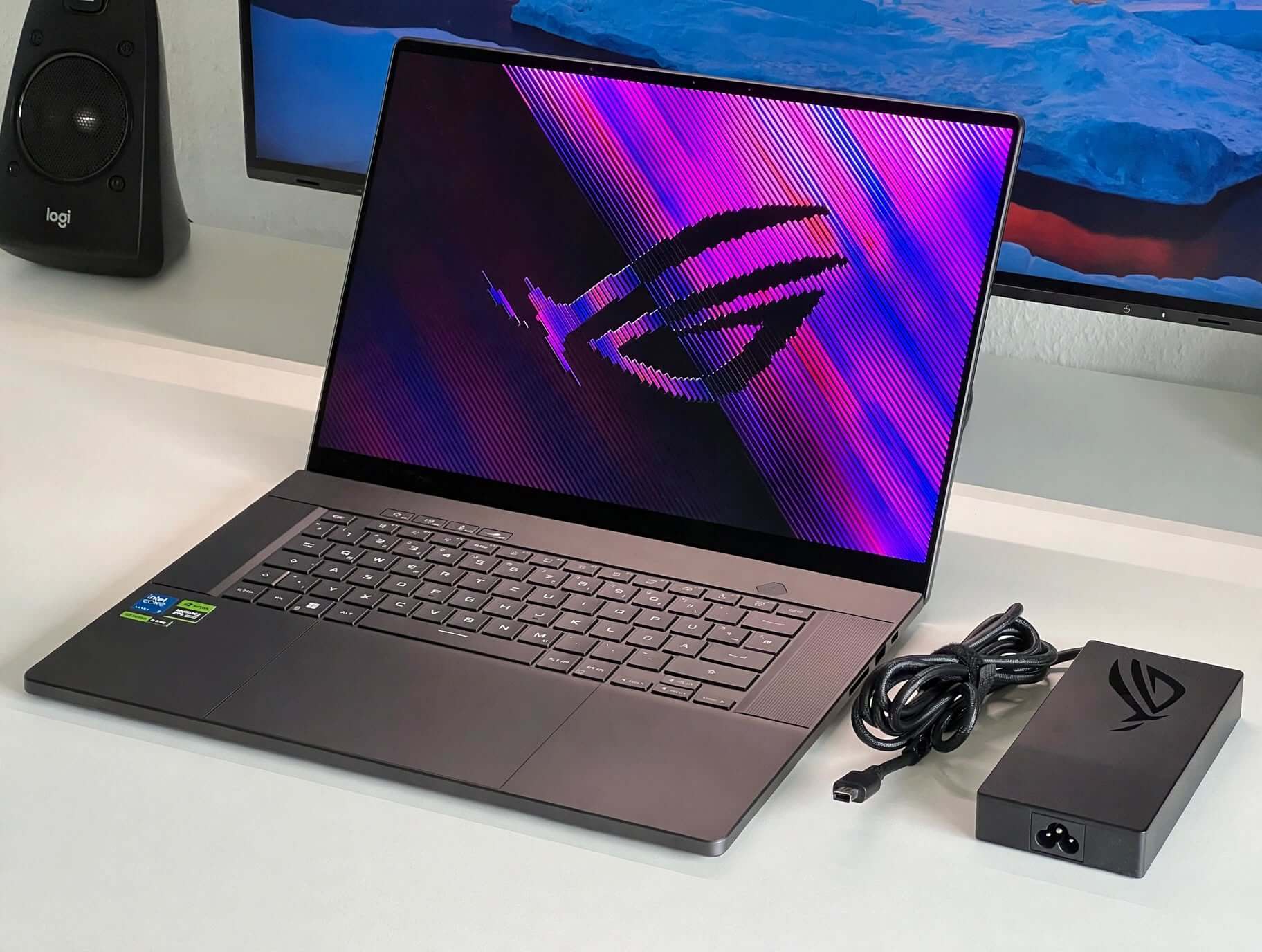
The display is arguably one of the strongest reasons to consider the Zephyrus G16.
ASUS equips supported 2024 configurations with a 16-inch ROG Nebula OLED panel featuring 2560 × 1600 resolution, 240Hz refresh rate, 0.2ms response time, 100% DCI-P3 coverage, and G-SYNC.
This combination is excellent for both gaming and creative work.
2.5K Resolution
The 2560 × 1600 resolution provides noticeably more workspace than a traditional 1080p gaming display.
The 16:10 aspect ratio also gives you additional vertical space.
This is particularly useful when:
- Editing photographs
- Working with documents
- Programming
- Browsing websites
- Editing videos
- Managing large timelines
- Playing modern games
240Hz Refresh Rate
The 240Hz refresh rate is especially attractive to competitive gamers.
A high refresh rate makes movement look smoother and can improve the visual experience in fast-paced games.
The 0.2ms response time further supports the panel’s gaming credentials.
OLED Image Quality
OLED technology gives the G16 deep blacks, strong contrast, vibrant colors, and excellent image quality.
For games with dark environments, the contrast can make scenes look particularly impressive.
The display is also well suited to content creation because of its broad DCI-P3 coverage and Pantone validation.
Gaming Performance
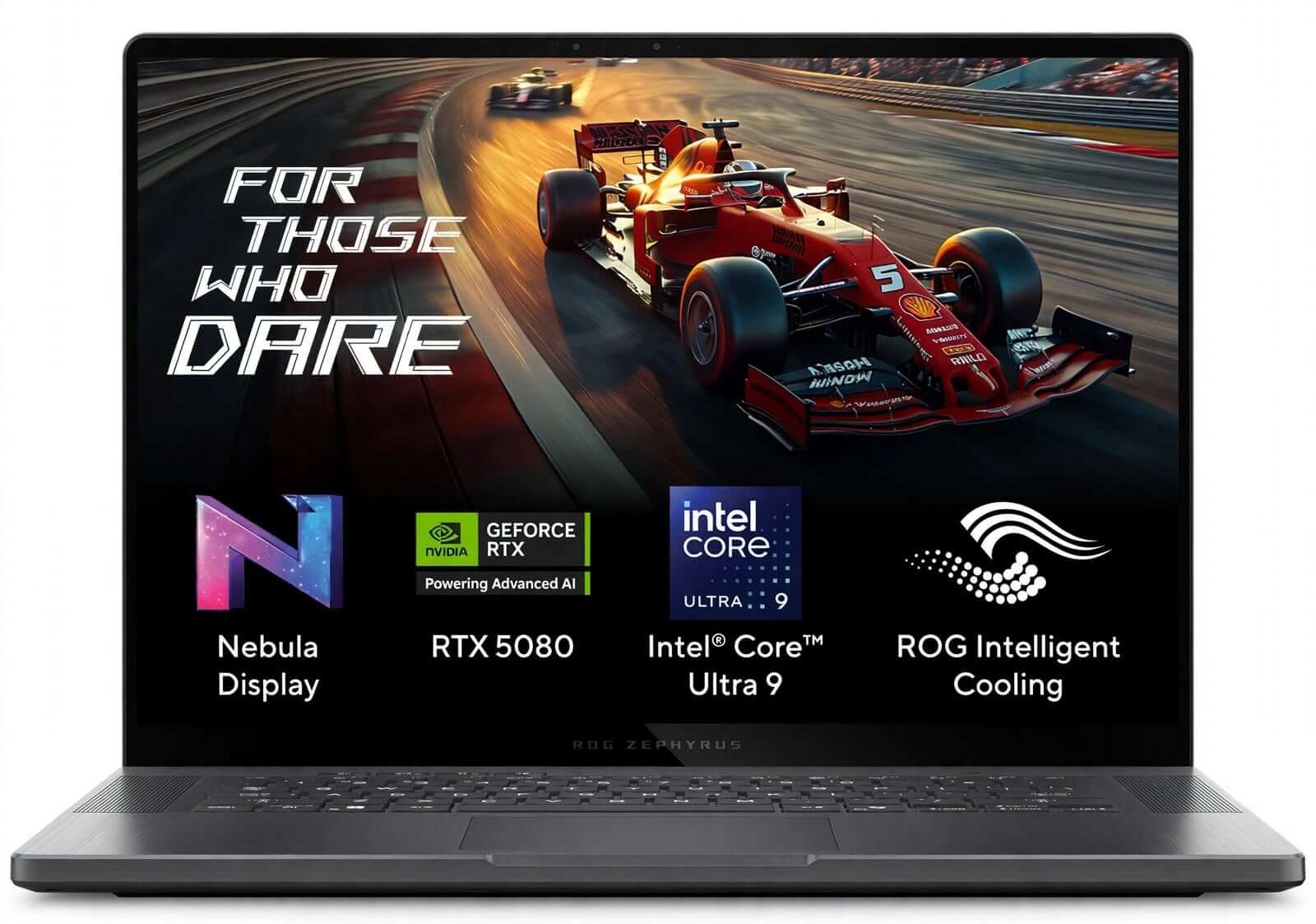
Gaming performance depends heavily on the exact G16 configuration.
The AMD GA605 version can be configured with NVIDIA RTX 4060 or RTX 4070 laptop GPUs, while the Intel GU605 family extends to more powerful RTX 4080 and RTX 4090 configurations.
This means the G16 isn’t a single performance tier.
Instead, ASUS uses the same general design philosophy across multiple hardware configurations.
RTX 4070 Performance
The RTX 4070 configuration offers a strong balance between portability and gaming performance.
ASUS lists the RTX 4070 version at up to 105W with Dynamic Boost in the AMD GA605 configuration.
This is enough to handle modern games at high settings, although the GPU’s power limit means it shouldn’t necessarily be expected to perform exactly like a larger gaming laptop with the same GPU running at a substantially higher power budget.
Independent testing has also highlighted this trade-off: the G16’s RTX 4070 can trail thicker laptops equipped with higher-power versions of the same GPU.
For a thin gaming laptop, however, the performance remains impressive.
Performance for Creative Work
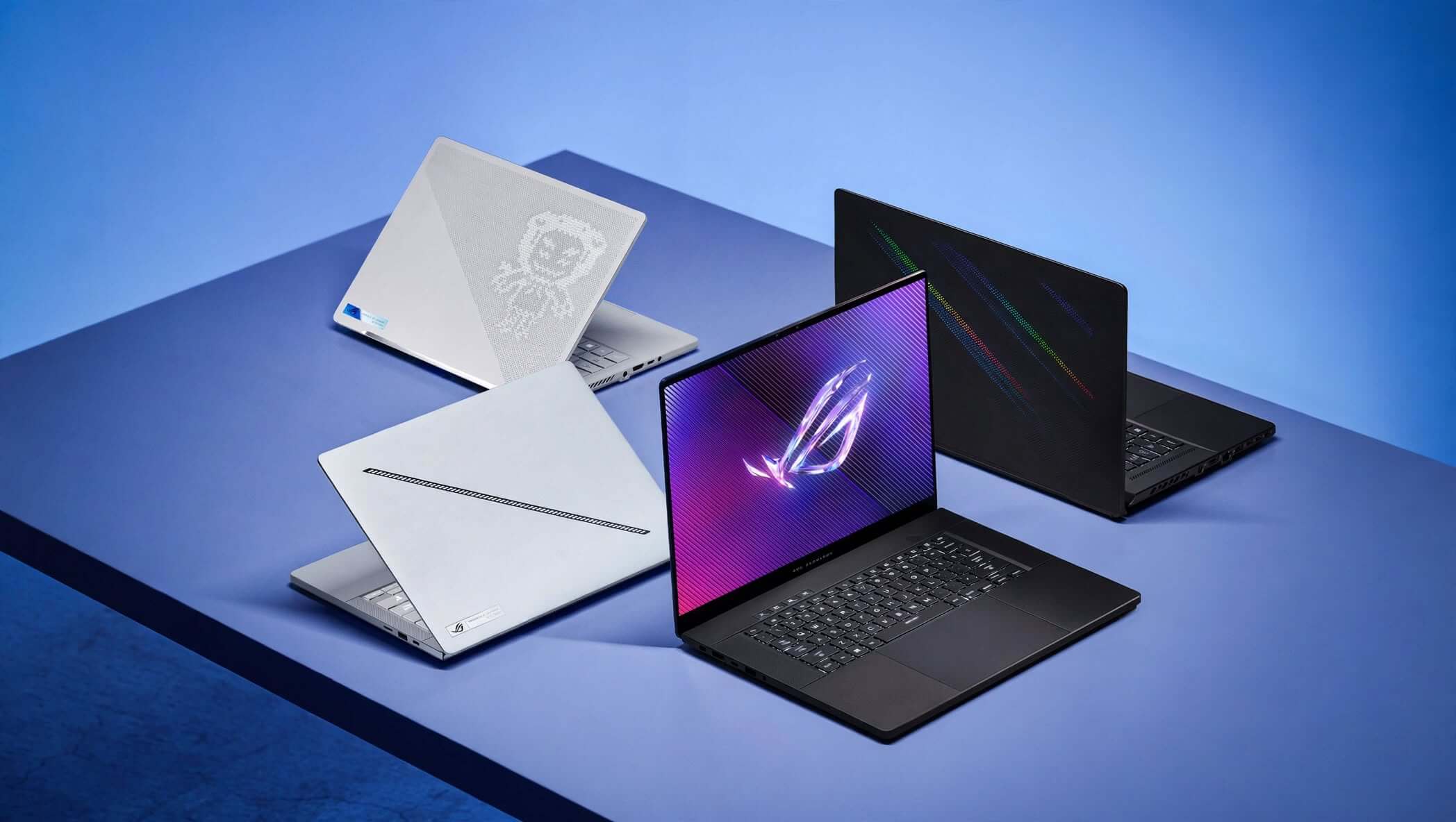
The Zephyrus G16 isn’t only a gaming machine.
Its combination of a powerful CPU, dedicated NVIDIA graphics, high-resolution OLED display, and fast SSD makes it attractive for creative professionals.
It can handle workloads such as:
- Photo editing
- Video editing
- 3D applications
- Graphic design
- Programming
- Content creation
- CAD and engineering applications
The OLED panel is particularly useful for creative work because of its wide color coverage.
AMD Ryzen AI 9 HX 370 Performance
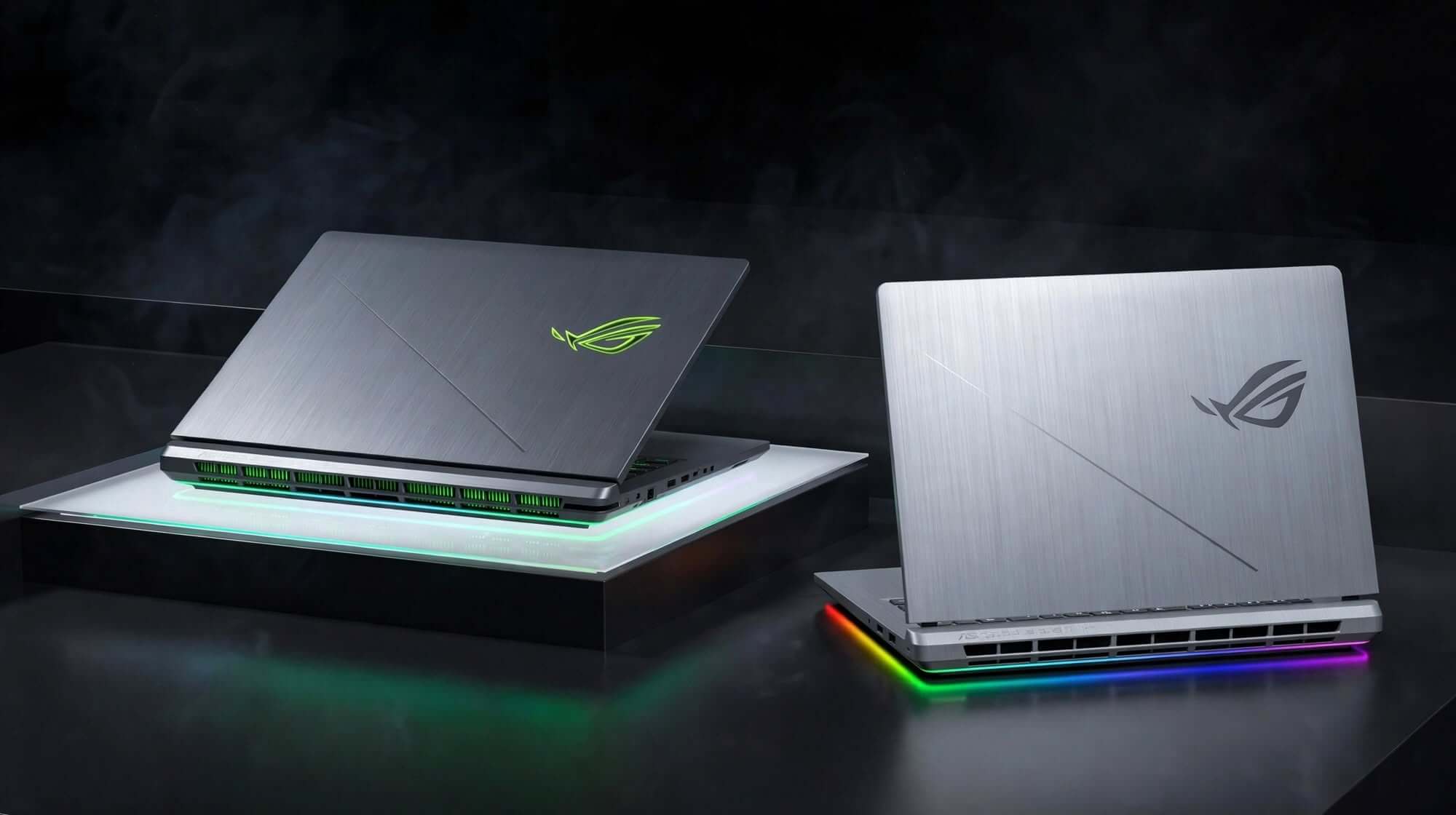
The AMD GA605 configuration uses the Ryzen AI 9 HX 370 processor.
This is a 12-core, 24-thread processor with an integrated XDNA NPU capable of up to 50 TOPS of AI processing according to ASUS.
The processor gives the G16 considerable flexibility for multitasking and demanding productivity workloads.
The integrated Radeon graphics also provide additional graphics capability when the dedicated NVIDIA GPU isn’t required.
Independent testing found the AMD G16 to offer strong CPU performance and improved efficiency compared with the earlier Intel-based configuration.
AI Features
AI is another part of the 2024 Zephyrus G16 story.
The AMD model combines CPU, integrated graphics, NPU, and dedicated GPU resources for AI workloads.
ASUS has positioned the Ryzen AI version as a laptop designed for both AI-powered productivity and gaming. Its announced configuration offered up to 402 total TOPS of AI processing across the system.
For everyday users, however, the NPU isn’t necessarily the main reason to buy the laptop.
Its bigger benefit is that the G16 combines modern AI hardware with traditional high-performance computing in a relatively portable chassis.
Memory and Storage
Memory configurations vary by model.
The AMD GA605 can be configured with up to 32GB of LPDDR5X memory, and ASUS specifies that the memory is onboard with no expansion capability.
Storage uses a PCIe 4.0 NVMe M.2 SSD, with 1TB configurations available.
Is the RAM Upgradeable?
This is one of the G16’s biggest limitations.
The onboard memory means buyers need to choose their RAM capacity carefully.
For gaming and everyday productivity, 16GB can be adequate, but 32GB is a much more attractive option for users working with video editing, large creative projects, virtual machines, or demanding multitasking.
Keyboard and Trackpad
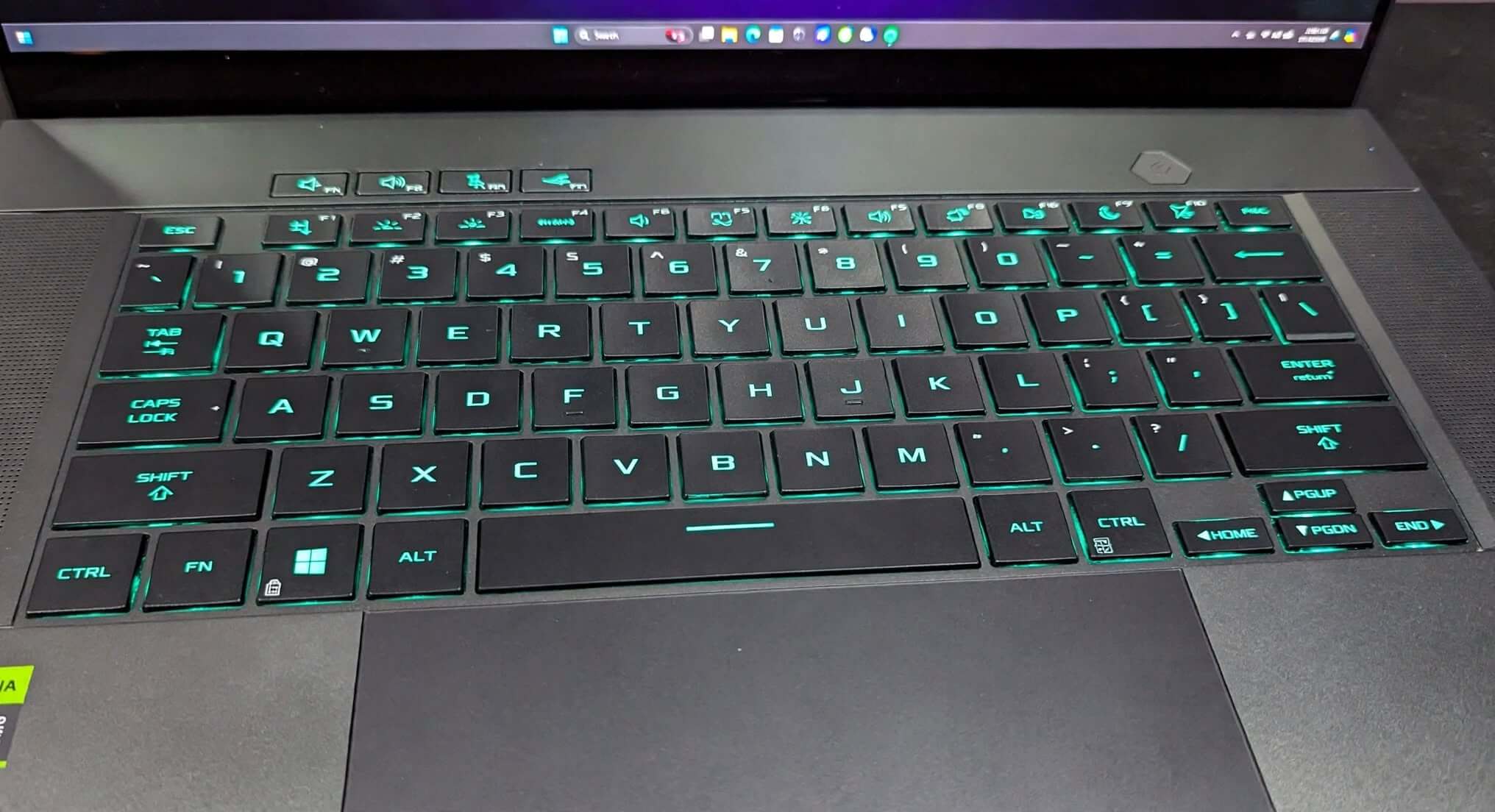
The Zephyrus G16 keeps its input design relatively clean.
The keyboard is comfortable for everyday typing while still being suitable for gaming.
The larger chassis provides enough room for a full-size-feeling keyboard layout without making the laptop excessively wide.
The trackpad is also large enough for productivity tasks and general Windows navigation.
For serious gaming, however, most users will still prefer an external gaming mouse.
Connectivity
The Zephyrus G16 provides a useful selection of ports.
Supported GA605 configurations include:
- USB4 Type-C
- USB 3.2 Gen 2 Type-C
- Two USB 3.2 Gen 2 Type-A ports
- HDMI 2.1
- SD Express 7.0 card reader
- 3.5mm headphone/microphone jack
The USB-C ports support features such as DisplayPort and Power Delivery, while the USB4 port offers higher bandwidth.
SD Express Card Reader
The SD Express 7.0 card reader is particularly useful for photographers and videographers.
It allows users to transfer large files from compatible storage cards without needing a separate card reader.
That makes the G16 more practical as a creative workstation.
Audio Quality
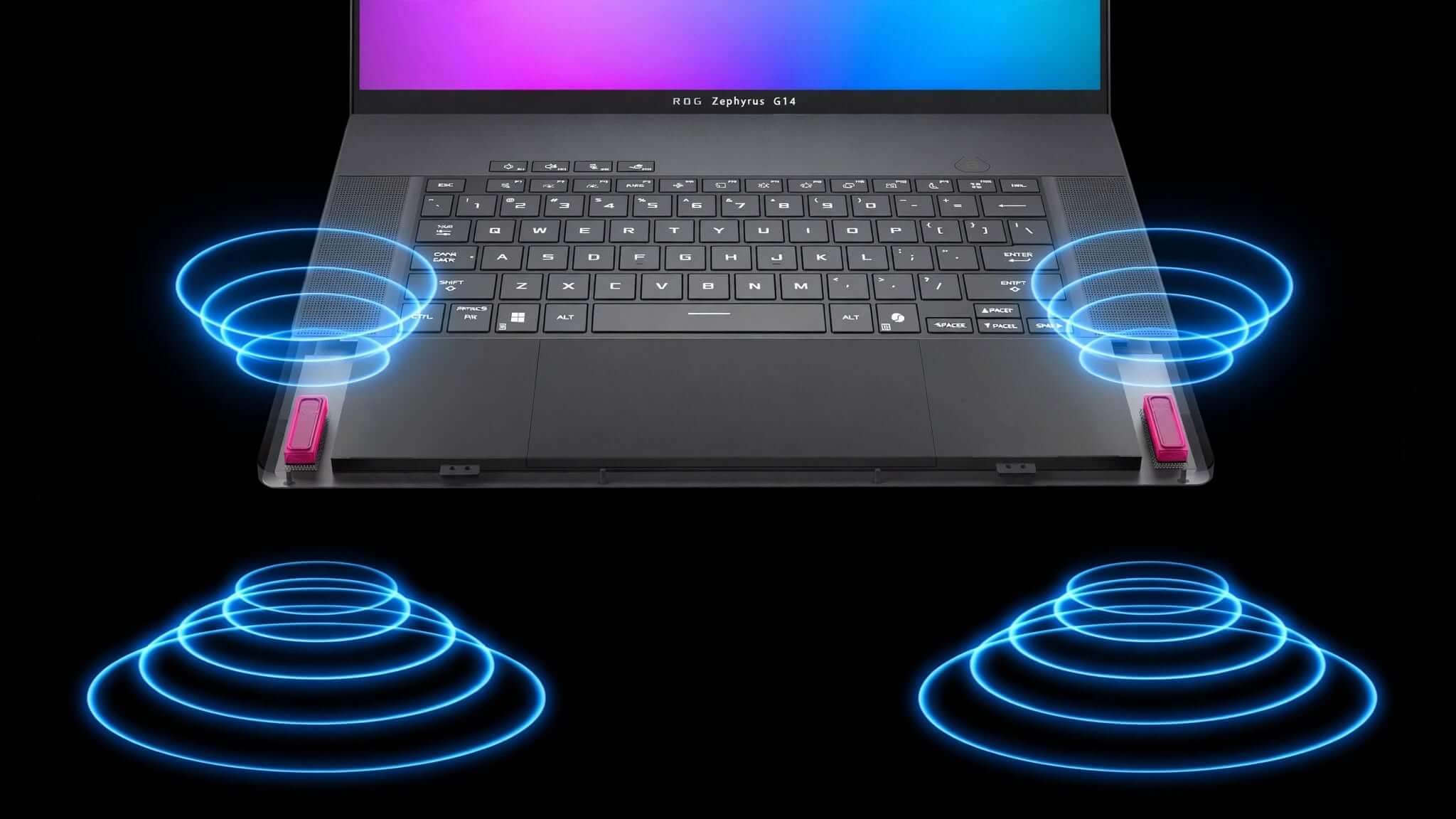
The G16 includes a built-in speaker system with support for Dolby Atmos on supported configurations.
ASUS also includes features such as Smart Amplifier and two-way AI noise cancellation.
For casual gaming, streaming, video calls, and entertainment, the built-in audio system is convenient.
Serious gamers and content creators will still benefit from dedicated headphones or external speakers.
Cooling and Thermals
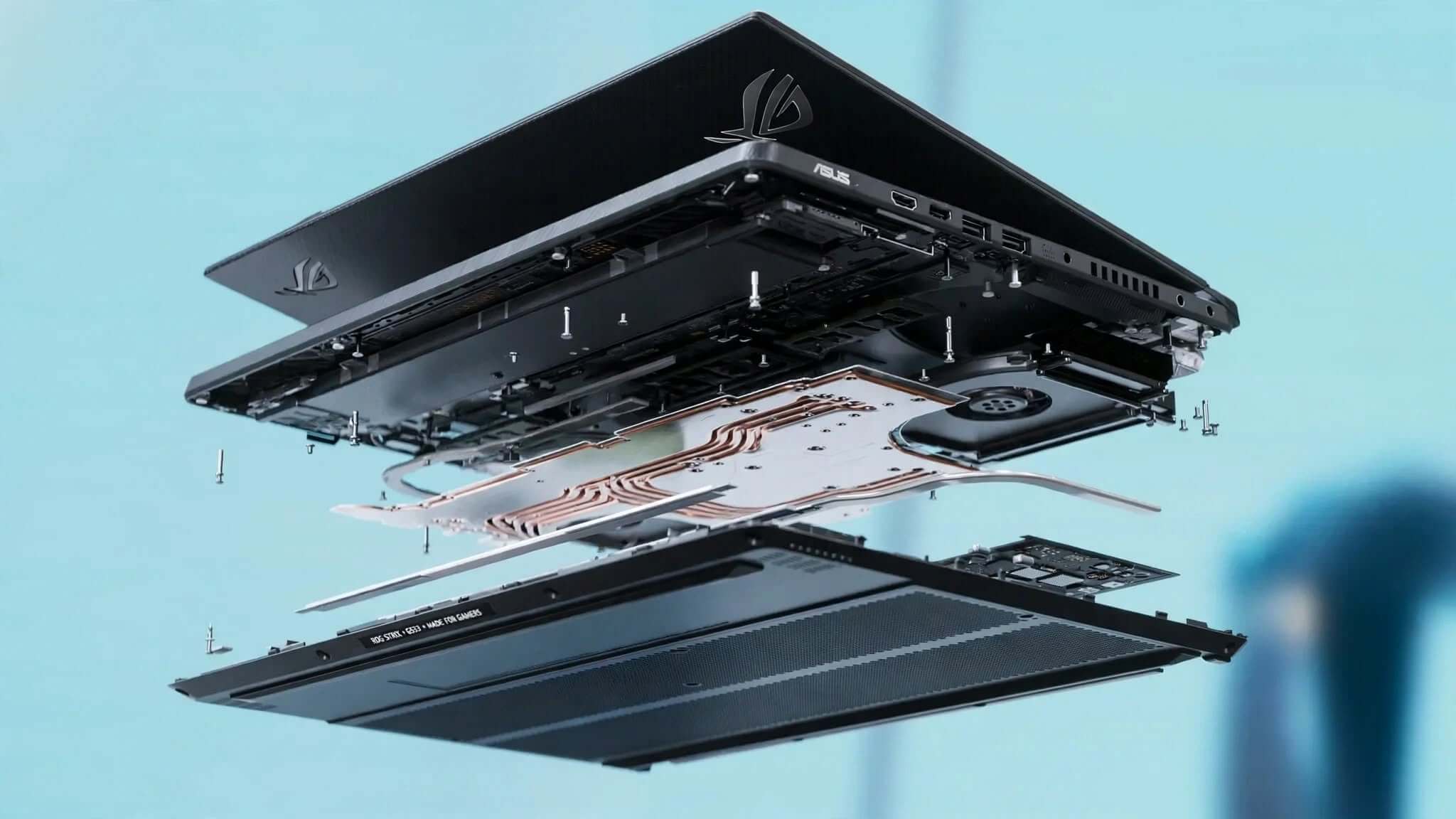
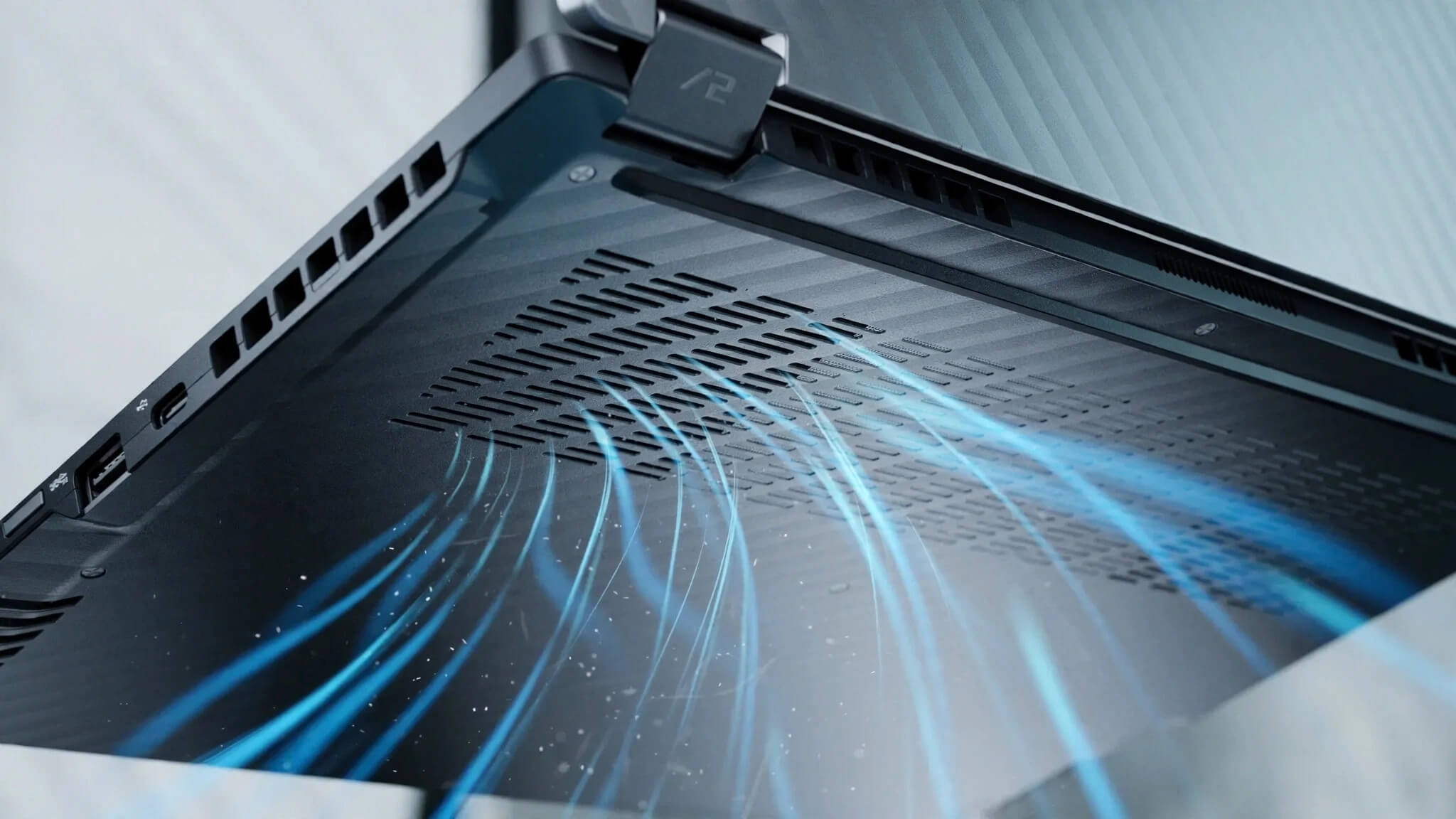
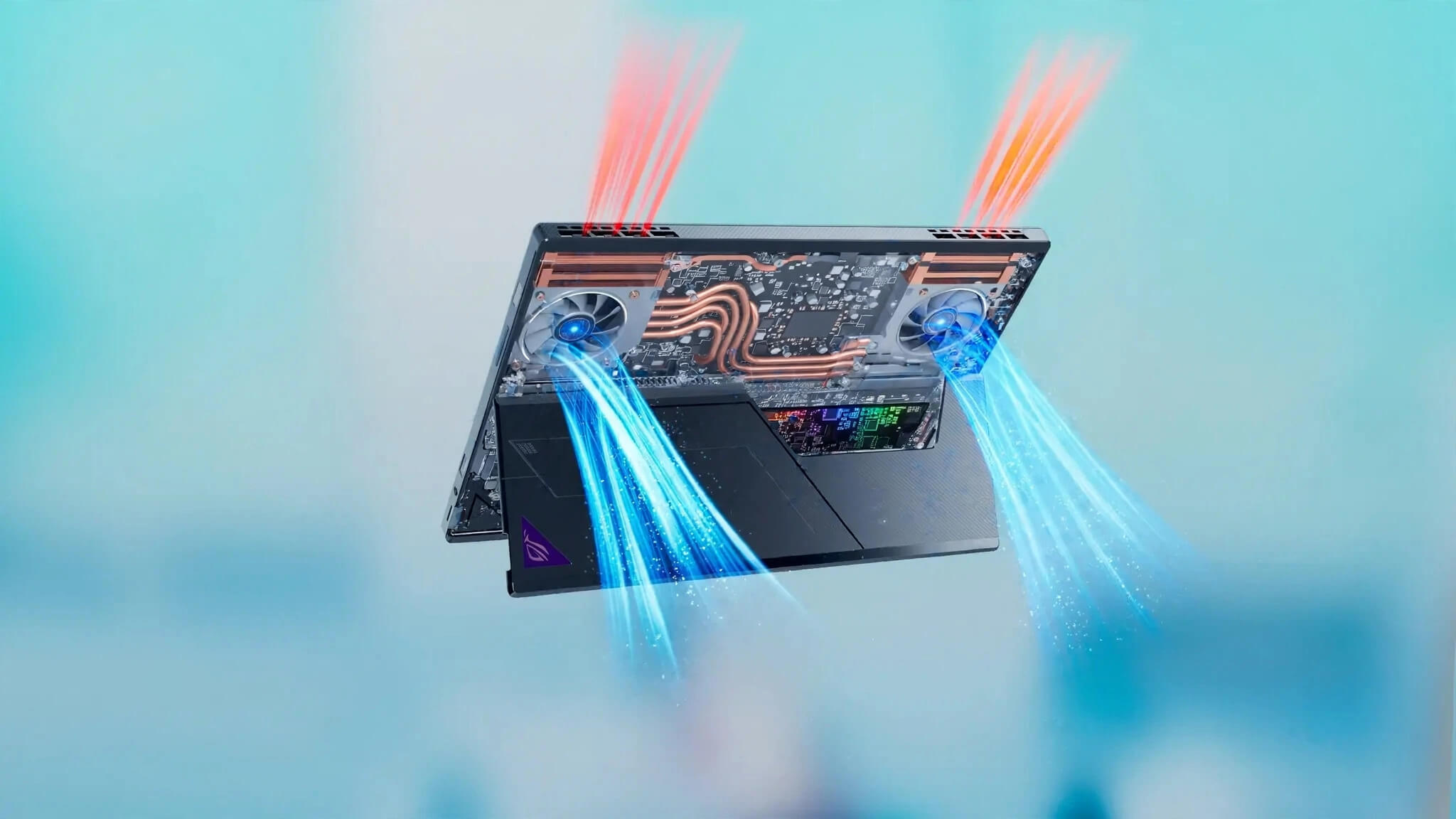
Thin gaming laptops have an obvious challenge: fitting powerful components into a compact chassis while keeping temperatures under control.
ASUS addresses this through its ROG cooling system and performance management software.
The G16’s slim chassis means thermal limitations are part of the design trade-off.
When running demanding games or rendering workloads, the fans can become noticeable.
That’s expected from a thin high-performance laptop.
The advantage is that ASUS has managed to maintain substantial performance without turning the G16 into a much thicker machine.
Battery Life
The Zephyrus G16 includes a 90Wh battery on the AMD GA605 configuration.
Battery life depends heavily on what you’re doing.
Gaming on battery power will drain the system considerably faster than browsing or watching videos.
For normal productivity, the AMD model performs better than you might expect from a high-performance gaming laptop.
Independent testing found the AMD G16 capable of around nine hours of typical use in testing, representing a notable improvement over the Intel version.
This makes the AMD configuration particularly interesting for people who want to use the laptop away from a power outlet.
Software Experience
The Zephyrus G16 runs Windows 11 and includes ASUS software for controlling performance, fan behavior, system settings, and gaming-related features.
The software allows users to switch between different performance modes depending on the workload.
For example, you can prioritize quieter operation during everyday tasks and move toward higher performance when gaming.
This flexibility is important for a laptop that needs to work as both a portable productivity machine and a gaming system.
ASUS ROG Zephyrus G16 for Gaming
The G16 is particularly attractive for gamers who don’t want a traditional bulky gaming laptop.
The combination of:
- High-refresh OLED display
- NVIDIA RTX graphics
- Powerful modern CPUs
- Fast SSD storage
- G-SYNC
- 16:10 display
- Slim aluminum chassis
creates a very compelling gaming package.
Competitive games benefit from the 240Hz refresh rate, while visually demanding games benefit from the OLED panel’s contrast and color.
ASUS ROG Zephyrus G16 for Students and Professionals
The understated design makes the G16 more versatile than many gaming laptops.
It doesn’t scream “gaming laptop” when sitting on a desk.
That means you can use it for:
- College work
- Programming
- Office productivity
- Video meetings
- Research
- Creative work
- Gaming after work
This versatility is one of the biggest reasons the Zephyrus line stands out.
ASUS ROG Zephyrus G16 for Content Creators
Content creators can benefit significantly from the G16.
The OLED display’s 100% DCI-P3 coverage and high resolution make it attractive for photo and video work, while NVIDIA graphics can accelerate compatible creative applications.
The SD Express card reader is another useful addition for creators who regularly move camera footage to their laptop.
ASUS ROG Zephyrus G16 Pros and Cons
Pros
- Slim and premium design
- Excellent 16-inch OLED display
- 240Hz refresh rate
- 2.5K resolution
- Strong color coverage
- Powerful CPU options
- NVIDIA RTX graphics
- Good gaming performance for its size
- Excellent for creative workloads
- Useful port selection
- SD Express card reader
- Wi-Fi 7 on supported configurations
- 90Wh battery on AMD GA605
- More portable than many gaming laptops
Cons
- Onboard RAM cannot be upgraded
- Thin design limits GPU power compared with thicker gaming laptops
- Fans can become noticeable under heavy workloads
- Higher-end configurations can be expensive
- Battery life drops considerably during gaming
- Different 2024 configurations offer substantially different performance
Who Is ASUS ROG Zephyrus G16 Best For?
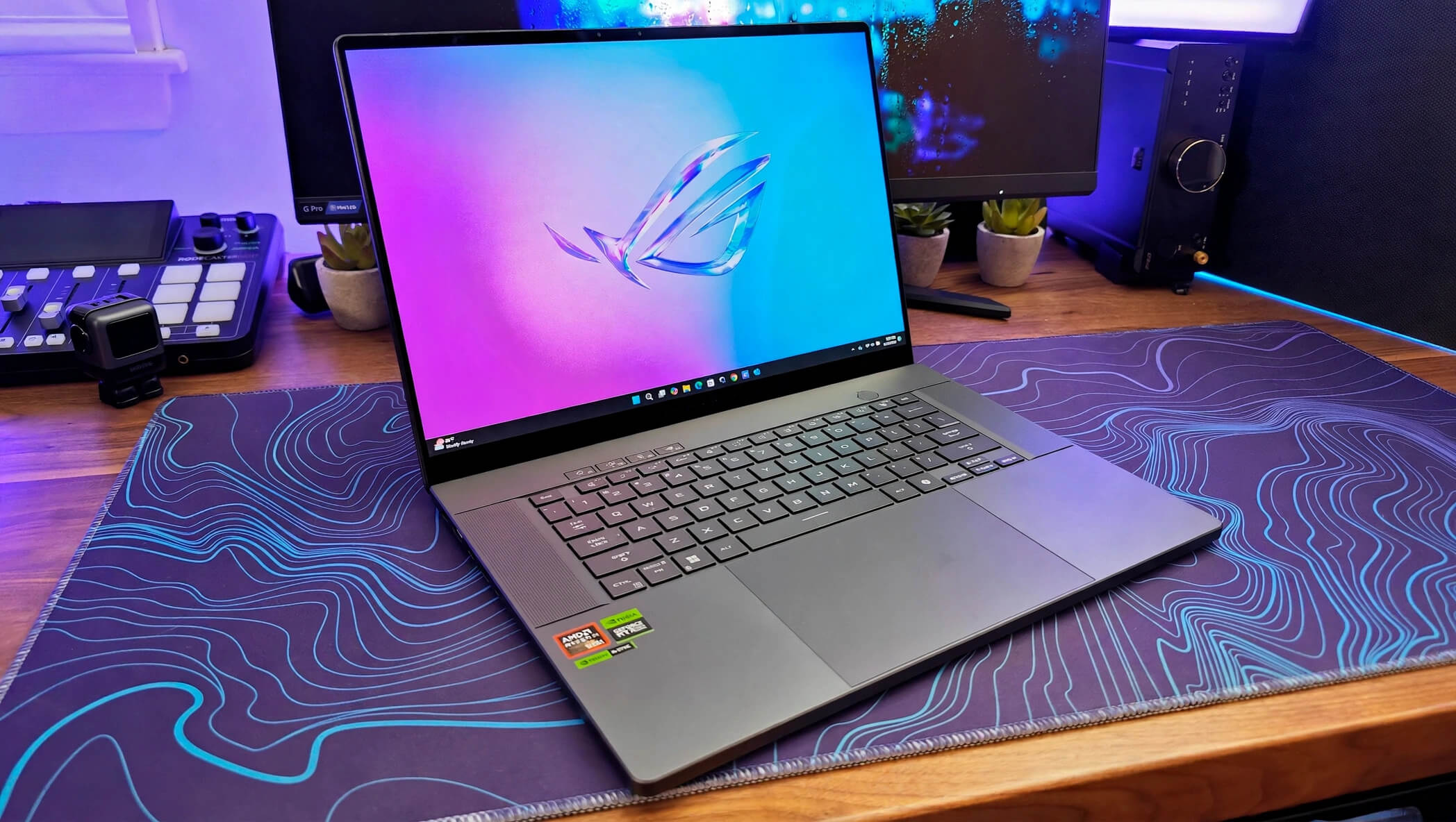
The Zephyrus G16 is best suited to users who want a combination of gaming performance and portability.
Gamers
The high-refresh OLED display and RTX graphics make the G16 a strong gaming machine.
Content Creators
The high-resolution OLED display and powerful hardware make it suitable for photo and video editing.
Students
The relatively portable chassis makes it easier to carry than many traditional gaming laptops.
Professionals
Its understated appearance means it can fit into professional environments without looking overly gaming-focused.
Travelers
The relatively low weight for a 16-inch gaming laptop makes it a practical option for people who regularly travel with their computer.
Who Should Avoid the Zephyrus G16?
The G16 isn’t ideal for everyone.
If maximum gaming performance per dollar is your only priority, a thicker gaming laptop may provide a more powerful GPU configuration for the same money.
Similarly, users who want upgradeable RAM should look carefully at the configuration before purchasing because the memory is onboard.
The G16 is best for someone who values the combination of performance, display quality, portability, and premium design.
Is ASUS ROG Zephyrus G16 (2024) Worth It?
The ASUS ROG Zephyrus G16 (2024) is worth considering if you want a premium gaming laptop that doesn’t feel like a traditional gaming laptop.
Its biggest strengths are the gorgeous OLED display, slim chassis, modern CPU options, dedicated NVIDIA graphics, and versatility.
The AMD GA605 configuration is particularly interesting because the Ryzen AI 9 HX 370 combines strong CPU performance with improved efficiency, while the RTX 4070 provides capable gaming performance in a relatively thin machine.
The main compromises are the limited RAM upgradeability, thermal and power limitations associated with the thin design, and the premium pricing of some configurations.
ASUS ROG Zephyrus G16 (2024) Review: Final Verdict
The ASUS ROG Zephyrus G16 (2024) successfully combines two things that don’t always go together: serious gaming performance and a genuinely portable design.
Its 16-inch 2.5K OLED display is one of its biggest highlights, offering a 240Hz refresh rate, 0.2ms response time, 100% DCI-P3 coverage, and G-SYNC on supported configurations.
The hardware is equally impressive. Depending on the model, buyers can choose between different Intel configurations or the AMD Ryzen AI 9 HX 370 platform with RTX 4060 or RTX 4070 graphics.
It isn’t the absolute performance champion in every category, and the thin chassis naturally creates some compromises. But that’s not really the point of the Zephyrus G16.
The goal is to provide high-end gaming, excellent display quality, creative performance, and portability in one premium package.
For gamers and creators who want a laptop that can handle demanding workloads while remaining relatively easy to carry, the ASUS ROG Zephyrus G16 (2024) is one of the more compelling thin gaming laptops of its generation.
Frequently Asked Questions
Is the ASUS ROG Zephyrus G16 (2024) good for gaming?
Yes. With NVIDIA RTX graphics, a high-refresh OLED display, and powerful modern processors, the G16 is well suited to modern gaming.
Does the ASUS ROG Zephyrus G16 have an OLED display?
Yes. Supported 2024 configurations feature a 16-inch 2.5K OLED ROG Nebula display with up to a 240Hz refresh rate and 0.2ms response time.
Does the Zephyrus G16 have an RTX 4070?
Yes. The AMD GA605 version is available with an NVIDIA GeForce RTX 4070 Laptop GPU rated at up to 105W with Dynamic Boost.
Can you upgrade the RAM on the Zephyrus G16?
The memory is onboard on the AMD GA605 configuration, with ASUS listing no memory expansion capability.
Is the Zephyrus G16 good for video editing?
Yes. Its powerful processor options, dedicated NVIDIA graphics, high-resolution OLED display, and wide DCI-P3 coverage make it well suited to video editing and other creative workloads.
Does the Zephyrus G16 have an SD card reader?
Yes. Supported configurations include an SD Express 7.0 card reader.
Is the ASUS ROG Zephyrus G16 portable?
For a 16-inch gaming laptop, yes. The AMD GA605 version weighs approximately 1.85 kg and has a chassis thickness starting around 1.49 cm.
Does the Zephyrus G16 support Wi-Fi 7?
Supported configurations include Wi-Fi 7, along with Bluetooth 5.3.
Is ASUS ROG Zephyrus G16 worth buying?
For users who want a premium combination of gaming performance, OLED display quality, portability, and creative capability, the Zephyrus G16 is a strong option. The exact configuration matters, particularly when choosing the processor, GPU, RAM, and storage.