
Designing a mobile app or website interface can take a lot of time, especially when creating wireframes, choosing layouts, and preparing prototypes. Uizard is an AI-powered UI design tool that helps users turn simple ideas into editable app and website designs without requiring advanced design skills.
Whether you’re a startup founder, product designer, developer, or student, Uizard can help speed up the early stages of digital product design.
What Is Uizard?

Uizard is an AI-powered UI and UX design platform focused on making interface design more accessible. It helps users create website mockups, mobile app screens, wireframes, and interactive prototypes.
Its AI tools can generate multiple screens from text prompts, transform screenshots into editable designs, and convert hand-drawn wireframes into digital layouts. This makes it useful for people who want to visualize an idea before investing time in full-scale development.
What Can You Do With Uizard?
AI UI Design With Autodesigner
Uizard’s Autodesigner lets users describe an app or website in plain language and generate editable, multi-screen mockups. You can start with a basic idea and refine the generated design to match your requirements.
Screenshot Scanner
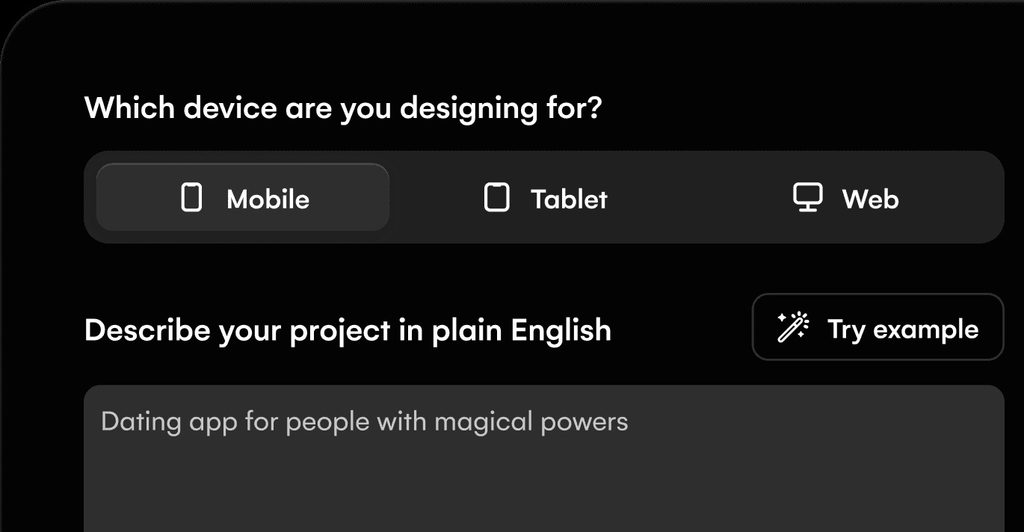
Screenshot Scanner can transform screenshots of websites and apps into editable UI designs. This is useful for redesigning interfaces, exploring layout ideas, or improving an existing product concept.
Wireframe Scanner
The Wireframe Scanner converts hand-drawn sketches into digital wireframes. It can be particularly helpful during brainstorming sessions when you want to turn rough ideas into something your team can review.
Prototyping and Collaboration
Uizard also supports interactive prototypes, reusable components, themes, and collaboration features. These tools help teams visualize user journeys, share concepts, and make design decisions before development begins.
Uizard Pricing
Uizard offers Free, Pro, Business, and Enterprise plans for different design requirements.
- Free: $0/month, with 3 AI generations per month and up to 2 projects.
- Pro: $12/month when billed annually, with 500 AI generations per month and up to 100 projects.
- Business: $39/month when billed annually, with 5,000 AI generations per month, unlimited projects, faster AI generation, and a custom brand kit.
- Enterprise: Custom pricing for larger organizations that need advanced administration, support, and design-system services.
The Free plan is useful for experimenting with the platform, while Pro and Business offer more AI generations and additional design features.
Is Uizard Easy to Use?
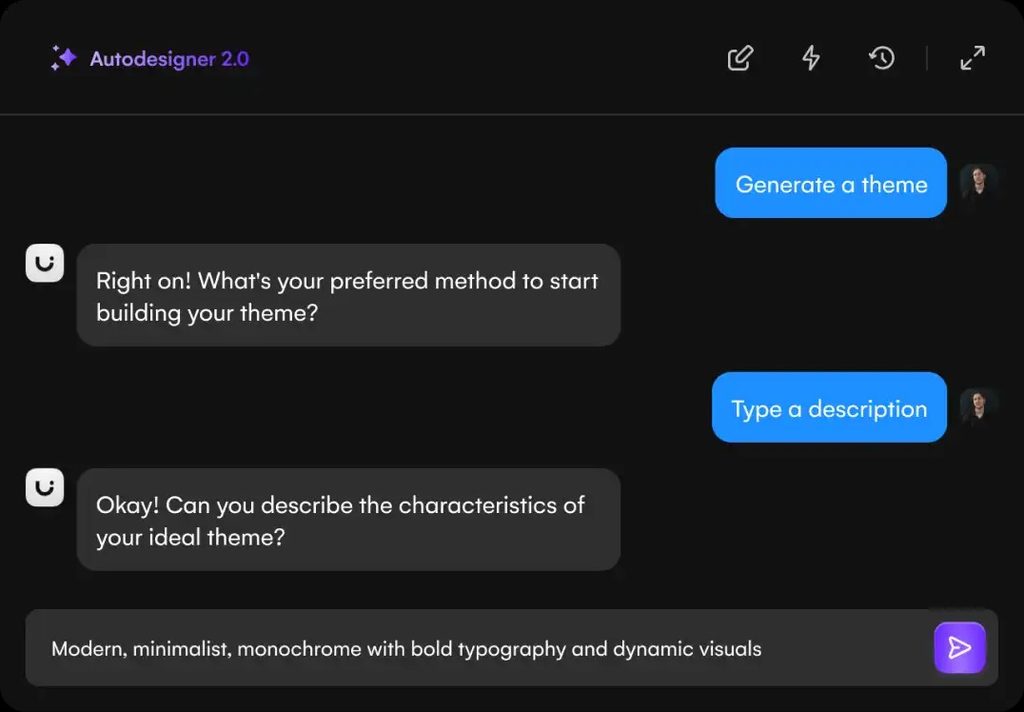
Uizard is designed for people who want to create UI concepts without mastering complex design software. Users can begin with a text prompt, upload a screenshot, or scan a hand-drawn wireframe.
After generating a design, they can edit components, adjust themes, and refine the layout. However, AI-generated screens may still require manual adjustments to ensure good usability, consistency, and accessibility.
Uizard Pros and Cons
Pros
- AI-generated website and app designs.
- Text-to-design functionality.
- Screenshot-to-editable-design conversion.
- Hand-drawn wireframe scanning.
- Interactive prototyping tools.
- Useful collaboration features.
- Free plan available.
- Suitable for non-designers and professionals.
Cons
- Free plan has limited AI generations.
- Generated layouts may need refinement.
- Complex projects can require manual design work.
- Advanced features require paid plans.
Who Is Uizard Best For?
Uizard is particularly useful for startup founders, product designers, developers, students, UX researchers, and small product teams that want to visualize ideas quickly.
It can be useful for designing early-stage app concepts, preparing website mockups, creating wireframes for presentations, and gathering feedback before development begins.
Is Uizard Worth It?
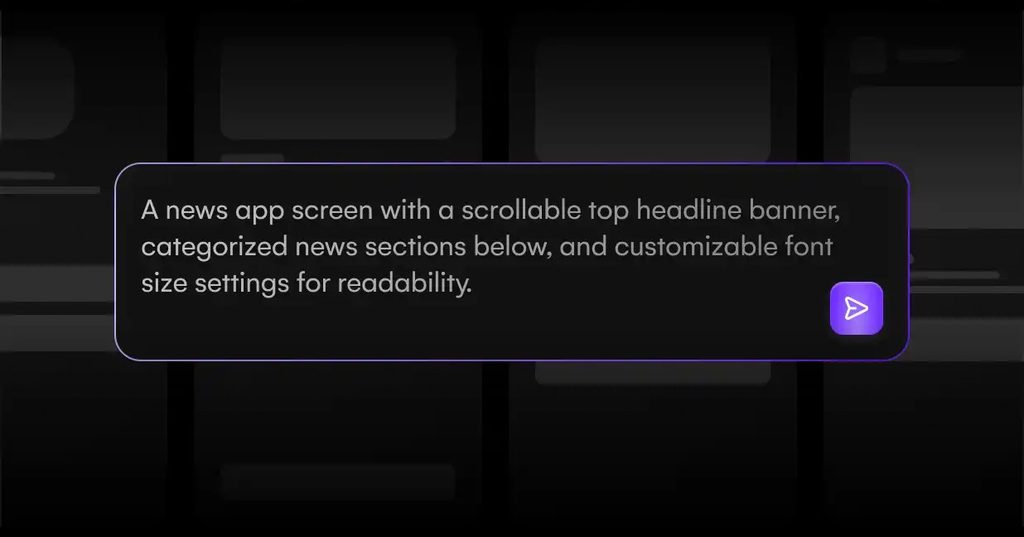
Uizard can be worth considering if you want to move from an idea to an editable interface design more quickly. Its AI generation, screenshot scanning, wireframe conversion, and prototyping features can reduce the amount of manual work involved in early design stages.
The main consideration is how much customization your project requires. AI tools can provide a useful starting point, but complex products may still need an experienced designer to refine the interface.
Final Verdict
Uizard is a practical AI-powered design tool for turning ideas into website and mobile app interfaces. Its combination of text-to-design generation, screenshot conversion, wireframe scanning, and prototyping makes it useful for both beginners and experienced product teams.
If you want to visualize digital product ideas without building every screen from scratch, Uizard is worth exploring.
Frequently Asked Questions
Is Uizard free?
Yes. Uizard offers a Free plan with limited AI generations and project capacity.
Can Uizard create app designs from text?
Yes. Its Autodesigner can generate multi-screen app and website mockups from text prompts.
Can Uizard convert screenshots into designs?
Yes. Screenshot Scanner can turn screenshots into editable UI mockups.
How much does Uizard cost?
The current Pro plan is $12/month and Business is $39/month when billed annually. A free plan and custom Enterprise pricing are also available.
Is Uizard suitable for beginners?
Yes. Its AI-powered design tools are intended to make interface design easier for people without advanced design skills.