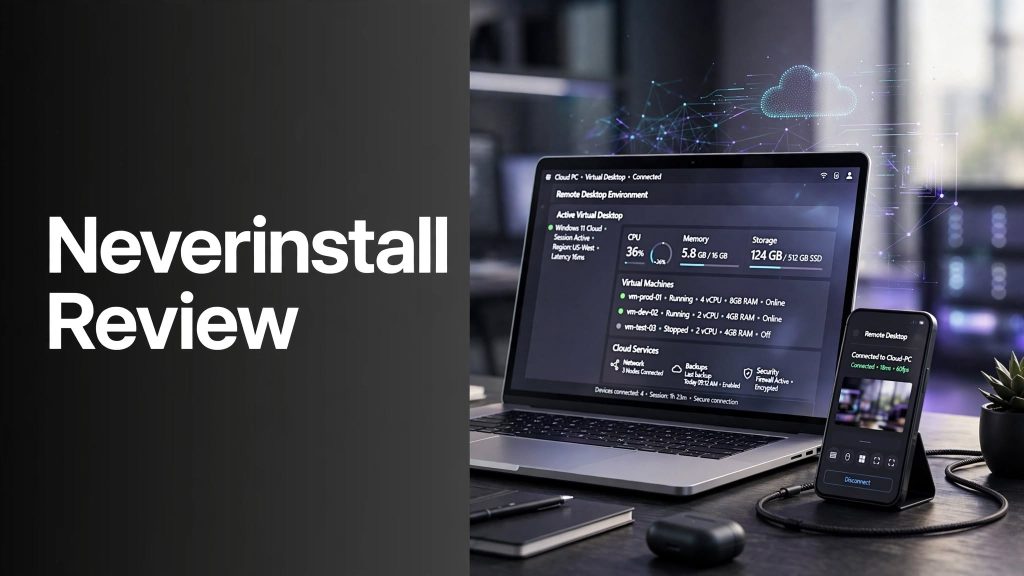
Running demanding software can be difficult when your laptop or desktop doesn’t have enough processing power. Neverinstall takes a different approach by moving the computing environment to the cloud, allowing users and teams to access virtual desktops through a browser or RDP client.
But is Neverinstall worth using for remote work, development, design, or business operations? In this Neverinstall review, we’ll look at its features, benefits, pricing approach, pros and cons, and overall value.
What Is Neverinstall?

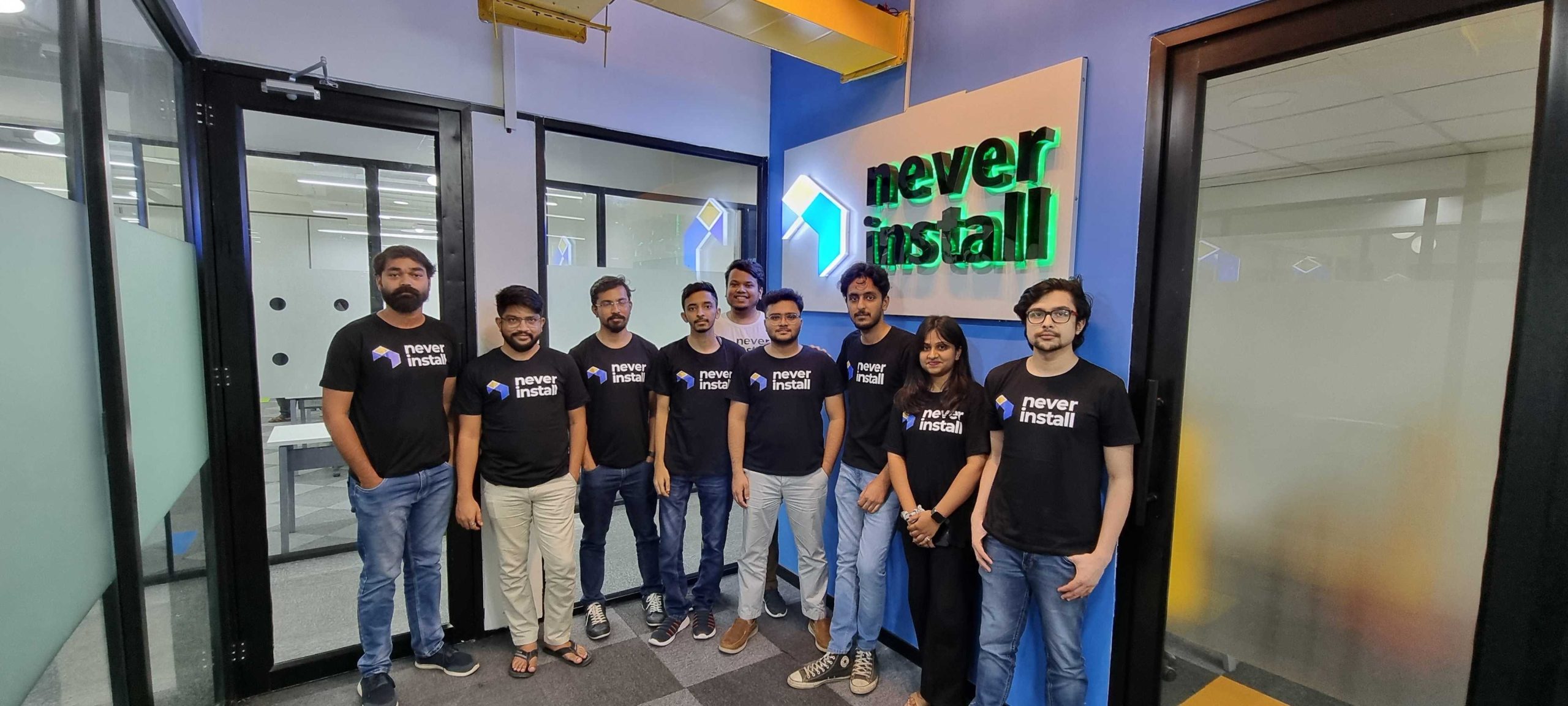
Neverinstall is a cloud computing and virtual desktop platform that provides instant access to cloud PCs and virtual workspaces. Instead of installing and configuring applications on every local computer, organizations can deploy pre-configured workspaces that users can access remotely.
The platform is designed for businesses, developers, designers, educators, and distributed teams that need flexible computing resources without depending entirely on local hardware.
Key Features of Neverinstall
Instant Cloud PCs
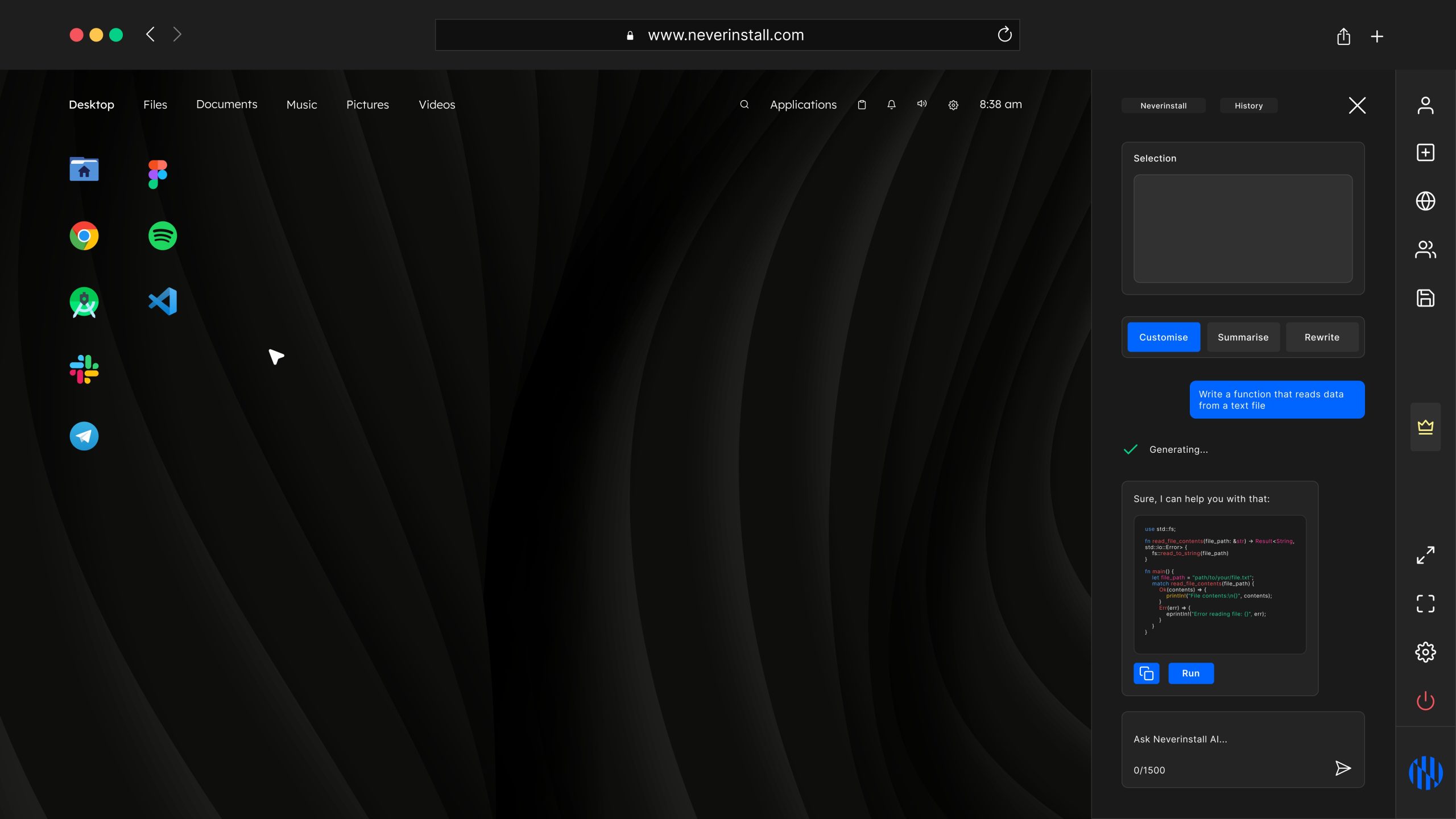
Neverinstall provides cloud PCs with pre-installed software and pre-configured operating system environments. Users can access these workspaces through a browser without downloading a traditional desktop application.
Virtual Desktop Management
Businesses can centrally manage virtual desktops, configure resources, deploy workspaces, and scale computing resources based on their requirements. This can simplify IT management for teams with multiple users.
Multi-Cloud Support
With CloudLink, Neverinstall can connect with major cloud providers including AWS, Microsoft Azure, Google Cloud, and Oracle Cloud. This allows organizations to use their existing cloud infrastructure while accessing Neverinstall’s workspace experience.
Security and Governance
Neverinstall highlights zero-trust security protocols and support for enterprise governance and compliance requirements. CloudLink also allows organizations to keep their underlying infrastructure, networking, and administrative controls within their chosen cloud environment.
Wide Range of Applications
Neverinstall supports many development, productivity, and design applications. Its available app ecosystem includes tools such as VS Code, Android Studio, Figma, Slack, Jupyter, PyCharm, AutoCAD, and other commonly used applications.
Benefits of Neverinstall
The biggest advantage of Neverinstall is that users don’t necessarily need powerful local hardware to access powerful cloud-based computing environments.
Other potential benefits include:
- Browser-based access to cloud PCs
- Pre-configured applications and workspaces
- Flexible hardware and resource configurations
- Centralized IT management
- Multi-cloud deployment options
- Remote collaboration capabilities
- Support for BYOD and distributed teams
- Reduced dependency on physical desktop infrastructure
Neverinstall Pricing
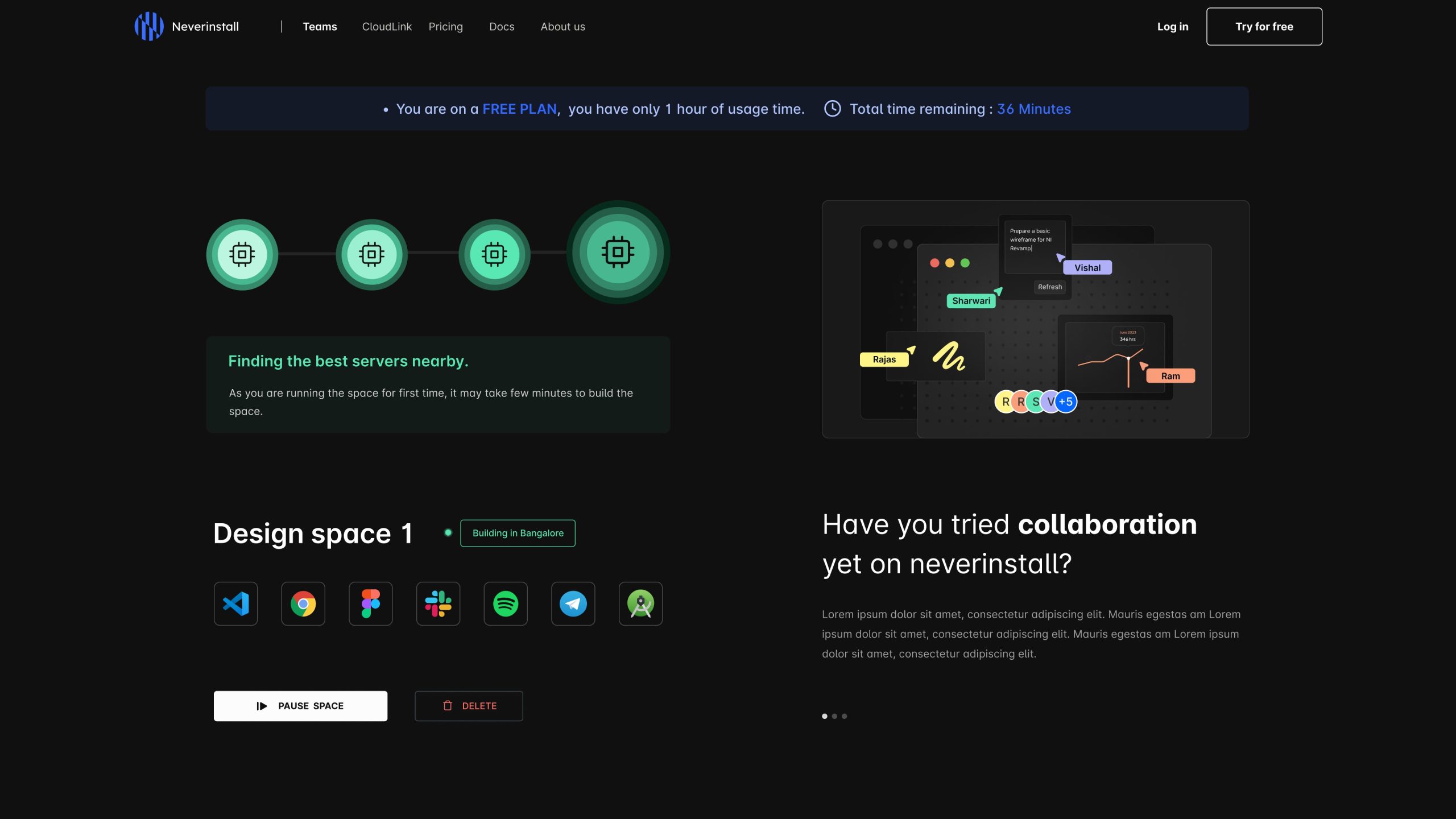
Neverinstall currently offers Free and paid plans, while business and enterprise deployments use tailored pricing based on requirements such as users, infrastructure, and workspace configuration. The company also promotes monthly and annual billing options for its virtual desktop solutions.
Pricing can vary depending on the type of deployment and cloud resources used, so businesses should contact Neverinstall for an accurate quote.
Pros and Cons
Pros
- Instant cloud-based virtual desktops
- No traditional software installation required
- Supports browser and RDP access
- Multi-cloud support through CloudLink
- Wide range of applications
- Centralized workspace management
- Suitable for distributed teams and BYOD environments
Cons
- Requires a reliable internet connection
- Cloud computing costs can vary based on usage
- Advanced business features may require custom pricing
- May be more than individual users need for basic computing
Is Neverinstall Worth It?
Neverinstall can be a useful option for businesses and professionals that need flexible cloud PCs and centrally managed virtual desktops. Its browser-based access, pre-configured applications, multi-cloud capabilities, and enterprise-oriented controls make it particularly relevant for teams managing remote or distributed work environments.
For someone who only needs a basic personal computer for everyday tasks, however, a dedicated local device may be simpler.
Final Verdict
Neverinstall provides a modern approach to desktop virtualization by delivering cloud PCs and virtual workspaces without requiring users to rely entirely on local hardware.
Its combination of instant deployment, application virtualization, centralized management, and support for AWS, Azure, Google Cloud, and Oracle Cloud makes it relevant for businesses looking to modernize their desktop infrastructure.
For teams exploring cloud-based desktop environments, Neverinstall is worth considering as part of the evaluation process.
FAQs
What is Neverinstall?
Neverinstall is a cloud computing and virtual desktop platform that provides remotely accessible cloud PCs and workspaces.
Does Neverinstall work in a browser?
Yes. Neverinstall provides browser-based access to cloud PCs, so users can access their workspaces without installing a traditional desktop client.
Does Neverinstall support AWS and Azure?
Yes. Neverinstall CloudLink supports AWS, Microsoft Azure, Google Cloud, and Oracle Cloud.
Who is Neverinstall best for?
Neverinstall is designed for businesses, developers, designers, educators, and distributed teams that need scalable virtual desktop environments.
Does Neverinstall offer a free plan?
Yes. Neverinstall’s terms state that the platform provides both free and paid plans, while business deployments can use customized pricing.