Creating engaging short videos for TikTok, YouTube Shorts, and Instagram Reels can take considerable time, especially when editing, adding captions, and preparing voiceovers manually.
Crayo is an AI-powered video creation platform designed to help content creators produce short-form videos with automated editing tools, captions, voiceovers, and customizable visuals.
It aims to simplify video production for creators who want to publish social media content more efficiently.
What Is Crayo?

Crayo is an AI video creation tool focused on producing short-form social media content.
It provides features for generating videos, adding AI voiceovers, creating captions, and customizing video backgrounds.
The platform is particularly useful for creators producing faceless videos, storytelling clips, and social media entertainment content.
What Can You Do With Crayo?
AI Short Video Generation
Crayo helps users create short videos using AI-powered tools and customizable content settings.
AI Voiceovers
Users can add AI-generated narration to videos without recording their own voices.
Automatic Captions
The platform helps generate captions and subtitles to make videos easier to follow.
Faceless Video Creation
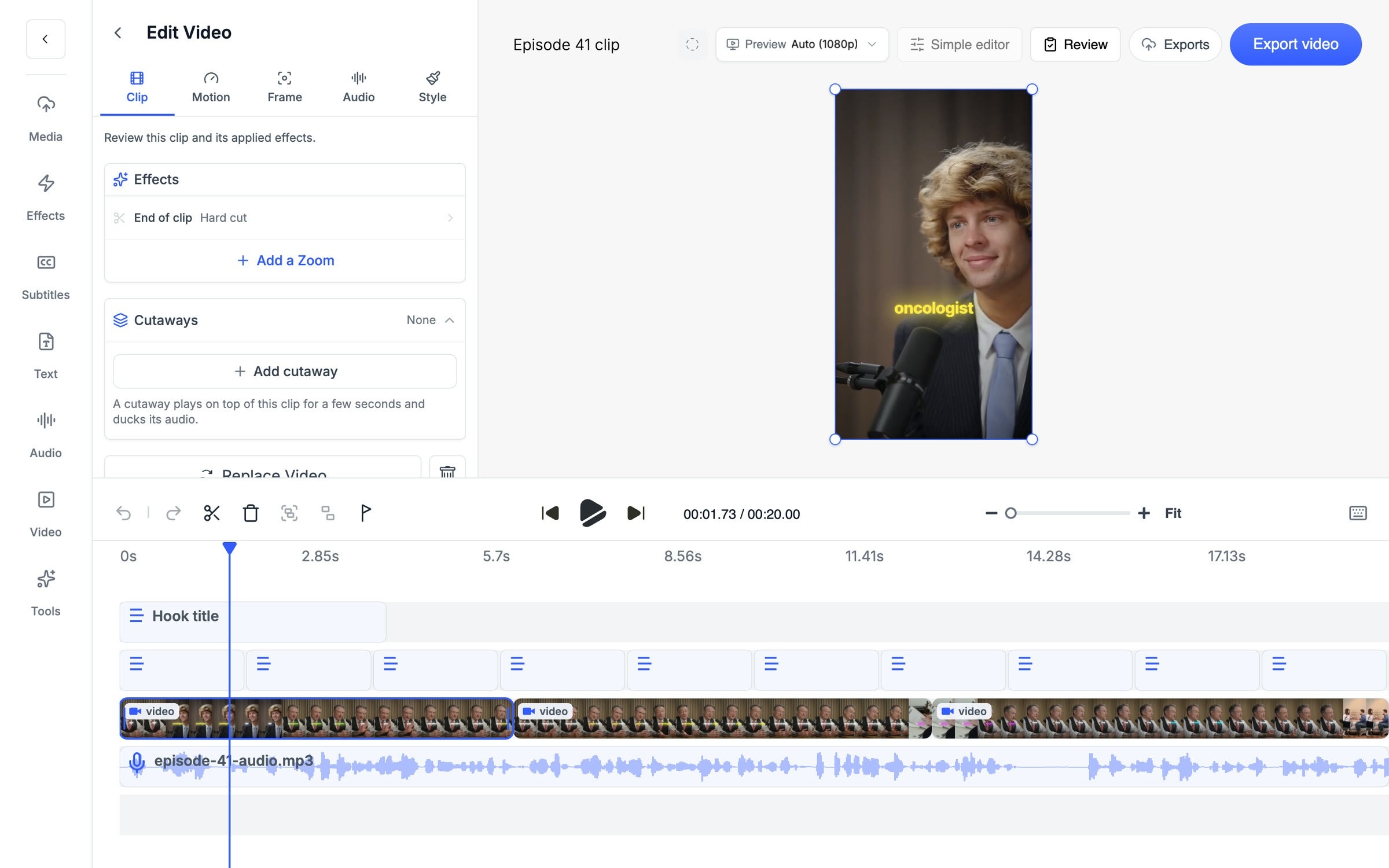
Crayo supports content workflows where creators can produce videos without appearing on camera.
Video Background Customization
Users can combine narration and captions with different visual backgrounds and video clips.
Short-Form Content Editing
Crayo provides editing tools for adjusting video content, captions, and visual presentation.
Social Media Video Production
Creators can prepare vertical videos for platforms such as TikTok, Instagram Reels, and YouTube Shorts.
Crayo Pricing
Crayo offers paid subscription options for different video creation needs.
- Entry-Level Plans: Designed for creators with basic short-video production requirements.
- Higher-Tier Plans: May provide additional video generation capacity and access to more features.
- Usage Limits: Export allowances, generation credits, and available tools depend on the selected plan.
Is Crayo Easy to Use?
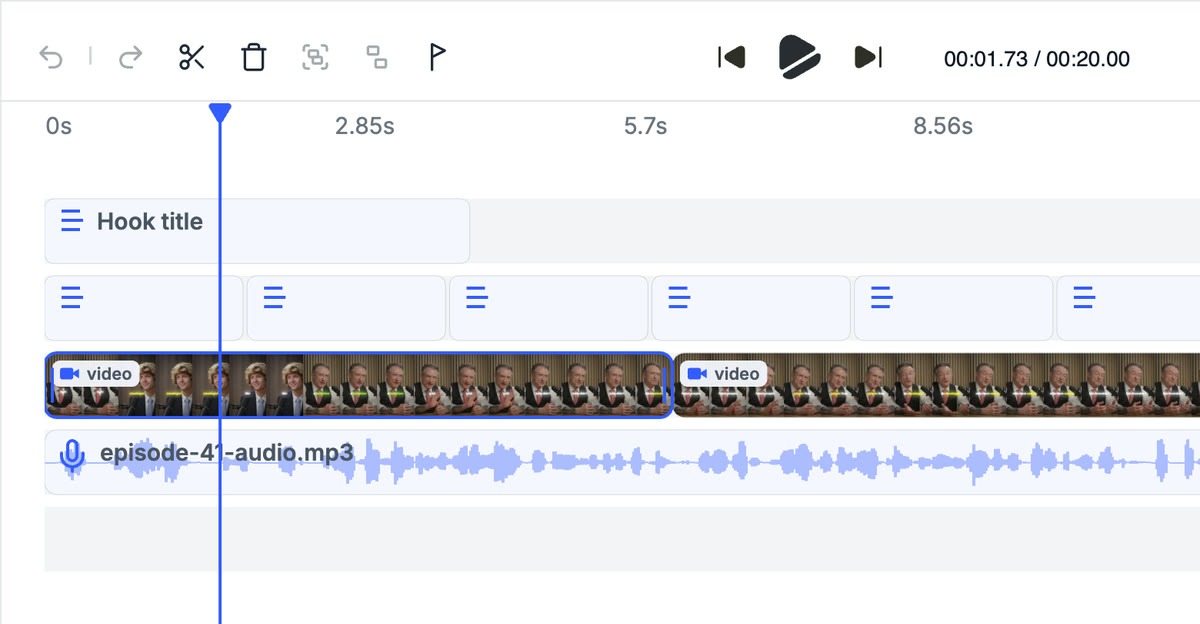
Crayo provides a creator-focused interface designed to simplify short-video production.
Users can select video options, add narration, generate captions, and customize visual elements without advanced editing experience.
However, creators may need to review captions, voice pronunciation, and final video quality before publishing.
Pros and Cons of Crayo
Pros
- AI-powered short video creation.
- Automatic caption generation.
- AI voiceover capabilities.
- Supports faceless video workflows.
- Suitable for vertical social media videos.
- Simplifies repetitive editing tasks.
- Beginner-friendly creation process.
- Useful for content creators and marketers.
Cons
- Subscription costs may be restrictive for beginners.
- Video generation limits depend on the plan.
- AI voiceovers may sound unnatural in some cases.
- Captions may require manual corrections.
- Creative customization may be limited compared with advanced editors.
- Generated content still requires quality review.
Who Is Crayo Best For?
Crayo is suitable for TikTok creators, YouTubers, Instagram content creators, social media marketers, and people producing faceless videos.
It is especially useful for creators who want to generate short videos regularly without spending excessive time on manual editing.
Is Crayo Worth It?
Crayo is worth considering for creators who frequently produce short-form social media videos.
Its AI voiceovers, captions, and simplified editing workflow can help reduce the time required to prepare video content.
However, users should compare its pricing, generation limits, and editing flexibility with their content production needs.
Final Verdict
Crayo provides a practical AI-powered solution for short-form video creation.
Its focus on automatic captions, voiceovers, and faceless video workflows makes it useful for social media creators.
For users looking to streamline TikTok, Instagram Reels, and YouTube Shorts production, Crayo is worth exploring.
Frequently Asked Questions
What is Crayo used for?
Crayo is used for AI short-video creation, automatic captions, AI voiceovers, and social media video editing.
Can Crayo create faceless videos?
Yes. Crayo supports workflows for creating videos without appearing on camera.
Does Crayo generate captions automatically?
Yes. Crayo offers automatic captioning features for short-form videos.
Can Crayo create AI voiceovers?
Yes. Users can generate AI narration for their videos.
Is Crayo suitable for YouTube Shorts?
Yes. Crayo can help creators produce vertical videos for YouTube Shorts and similar platforms.
Is Crayo free?
Crayo’s free access and trial availability may change. Check its official website for current subscription options.