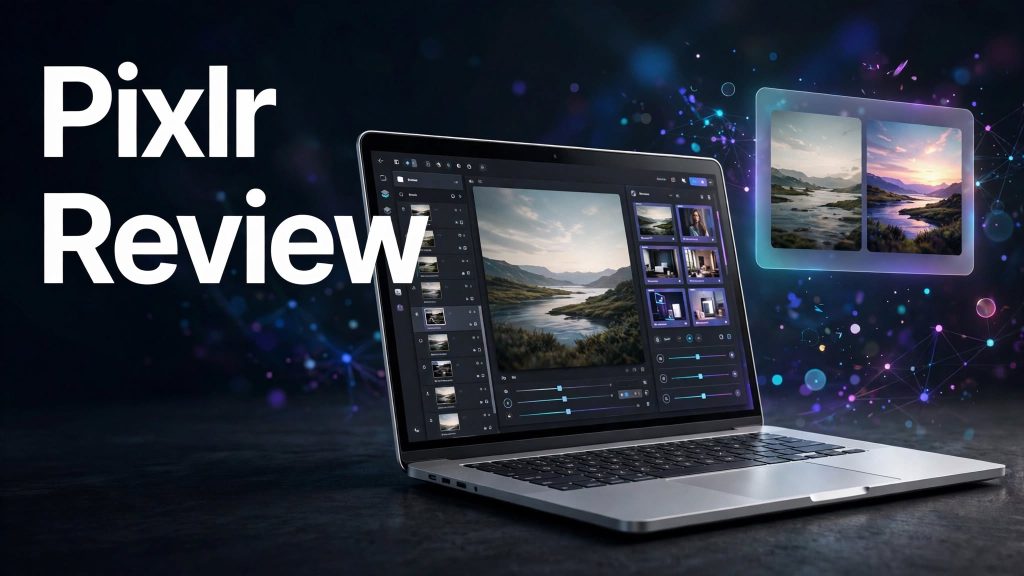
Creating professional images, editing photographs, and designing social media content can require expensive software and technical skills. Pixlr aims to make these tasks easier with a collection of online photo editing, graphic design, and AI-powered creative tools.
It allows users to edit images, remove backgrounds, generate visuals, create videos, design collages, and enhance photos directly through a browser.
But is Pixlr the right creative platform for your needs? Let’s explore its features, pricing, advantages, and limitations.
What Is Pixlr?
Pixlr is an online photo editing and creative design platform that combines traditional editing tools with modern AI features.
It includes Pixlr Editor for more advanced image editing and Pixlr Express for quick edits and creative designs. The platform also provides AI image generation, background removal, object removal, generative fill, video creation, and other creative tools.
Because it works through a web browser, users can access many of its editing features without installing traditional desktop software.
What Can You Do With Pixlr?
Photo Editing and Graphic Design
Pixlr provides tools for cropping, resizing, adjusting colours, applying filters, retouching photographs, working with layers, and creating graphic designs.
Its Pixlr Editor is useful for more detailed editing, while Pixlr Express makes everyday photo adjustments and design tasks easier.
AI Image Generation and Editing
Users can generate images from text prompts and transform existing images using AI-powered tools.
Features such as Generative Fill, Generative Expand, and Generative Transform help users add objects, replace image areas, extend backgrounds, and reposition elements.
Background and Object Removal
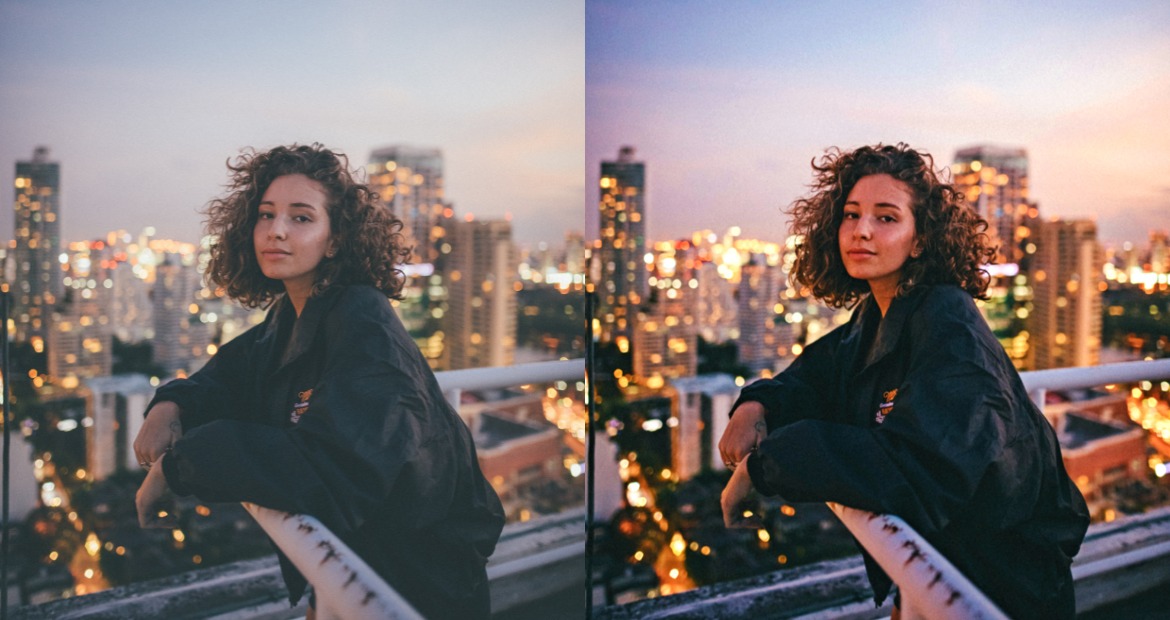
Pixlr includes AI-powered background removal and object removal tools. These can help create transparent product images, clean up photographs, and remove unwanted distractions without complicated manual editing.
AI Video, Audio, and Creative Tools
Beyond photo editing, Pixlr offers AI video generation, image-to-video animation, text-to-speech, speech-to-text, and music generation.
Other tools include face swapping, sticker creation, photo collages, image upscaling, and noise removal. This makes Pixlr a versatile platform for different creative projects.
Pixlr Pricing
Pixlr offers several subscription options with monthly and annual billing.
- Plus: €2.49/month or €1.99/month with annual billing. Includes ad-free editing, unlimited saves, and 80 monthly AI credits.
- Premium: €9.99/month or €7.99/month with annual billing. Includes 1,000 monthly AI credits, access to image, video, and audio models, private AI generations, and additional creative assets.
- Ultra: From €24.99/month or €19.99/month with annual billing. Includes up to 10,000 monthly AI credits, priority generation, and extended high-resolution exports.
- Ultra Max: €49.99/month or €39.99/month with annual billing. Provides 10,000 monthly AI credits and additional AI generation capacity.
AI credit consumption depends on the model and type of generation or editing task. Check the current pricing page before subscribing, as displayed currency and prices may vary by region.
Is Pixlr Easy to Use?
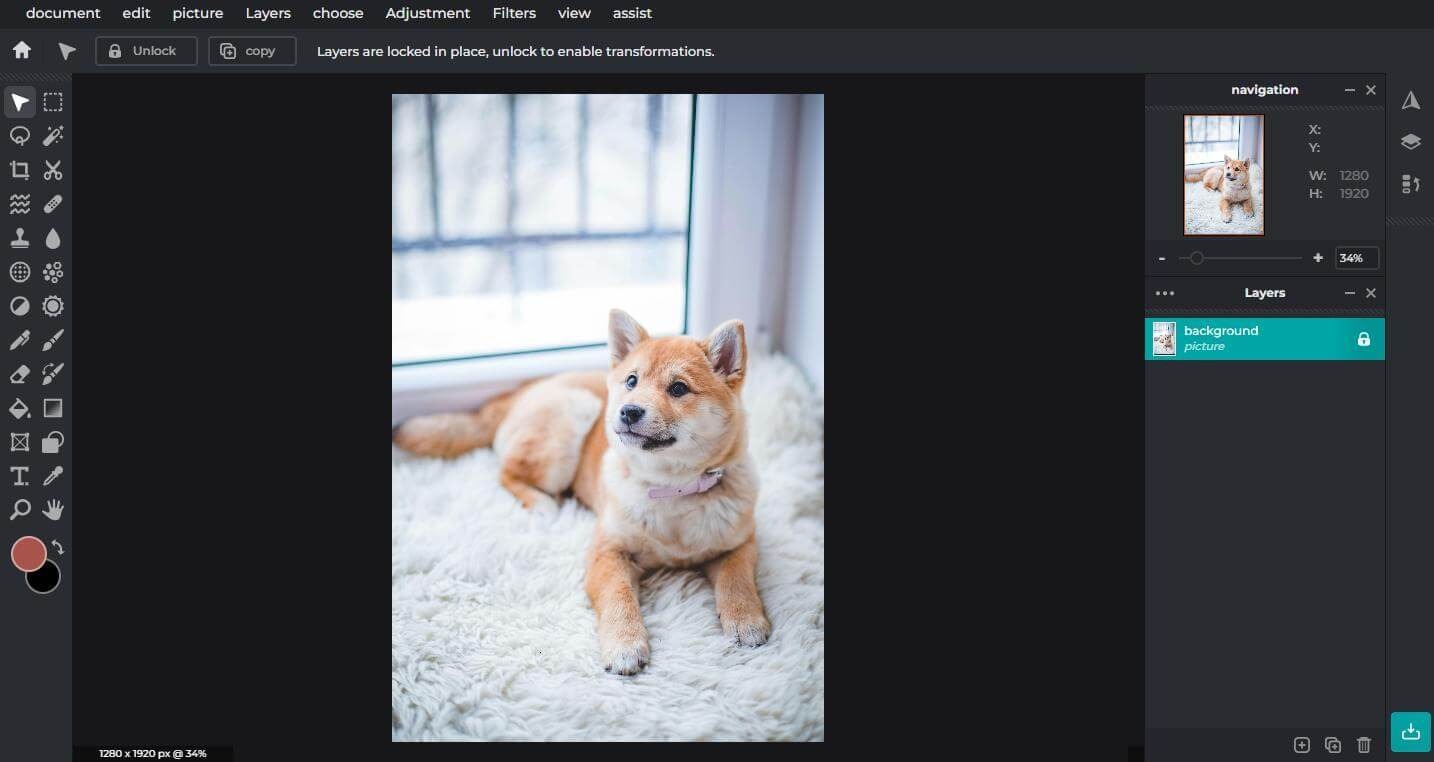
Pixlr is designed to make image editing accessible to beginners as well as experienced users. Its browser-based interface, ready-made tools, templates, and AI-assisted editing features help simplify creative tasks.
Beginners can use Pixlr Express for quick edits, while users who need more control can explore layers, masks, adjustments, and advanced editing features in Pixlr Editor.
Some advanced tools may take time to understand, especially for users who are new to professional image editing.
Pros and Cons of Pixlr
Pros
- Browser-based photo editing platform.
- Traditional and AI-powered editing tools.
- AI image and video generation.
- Background and object removal.
- Generative Fill and Generative Expand.
- Photo collages, filters, and design templates.
- Audio and speech generation tools.
- Free editing options available.
Cons
- Advanced AI tools require credits.
- Some premium features require a subscription.
- Credit consumption varies between AI models.
- Advanced editing tools may take time to learn.
- AI-generated results may need additional adjustments.
Who Is Pixlr Best For?
Pixlr is suitable for photographers, graphic designers, bloggers, social media managers, students, freelancers, and small businesses.
It is particularly useful for people who regularly create social media graphics, edit product photographs, design marketing materials, remove backgrounds, or generate AI images.
Is Pixlr Worth It?
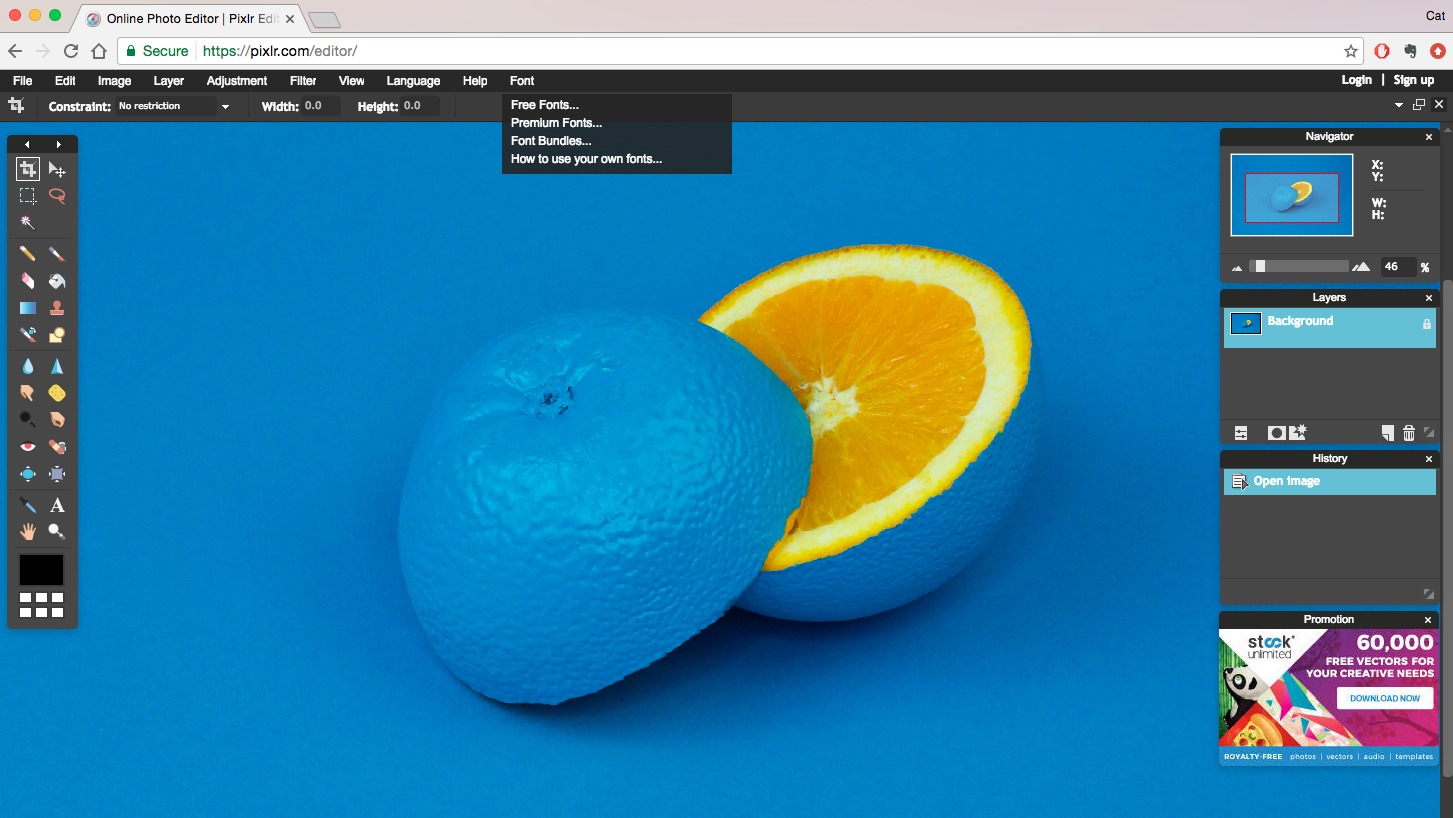
Pixlr is worth considering for users who need an accessible combination of traditional photo editing and AI-powered creative tools.
Its browser-based editing, image generation, background removal, video creation, and design features make it useful for a variety of creative projects.
The free tools provide a convenient starting point, while paid subscriptions offer more AI credits and advanced capabilities. However, users who frequently generate images or videos should consider their monthly credit requirements before choosing a plan.
Final Verdict
Pixlr is a versatile online creative platform that combines photo editing, graphic design, and AI-powered content generation.
Its combination of beginner-friendly editing tools, advanced image adjustments, AI features, and flexible subscription options makes it a useful choice for creators and businesses.
Although advanced AI usage requires credits and some tools take time to learn, Pixlr is worth exploring for anyone looking for a convenient online photo editing and design solution.
Frequently Asked Questions
What is Pixlr used for?
Pixlr is used for photo editing, graphic design, background removal, AI image generation, video creation, collages, and other creative tasks.
Is Pixlr free to use?
Yes. Pixlr provides free browser-based editing tools, while paid subscriptions unlock additional features, AI credits, and ad-free access.
Does Pixlr offer AI image generation?
Yes. Users can create images from text prompts and edit existing images using AI-powered tools.
How much does Pixlr cost?
Pixlr’s paid plans include Plus, Premium, Ultra, and Ultra Max, with prices starting at €2.49 per month for Plus on monthly billing.
Can Pixlr remove image backgrounds?
Yes. Pixlr offers an AI background remover that helps isolate subjects and create transparent backgrounds.
Is Pixlr suitable for beginners?
Yes. Its simple editing tools and browser-based interface make it accessible to beginners, while advanced options are available for more experienced users.