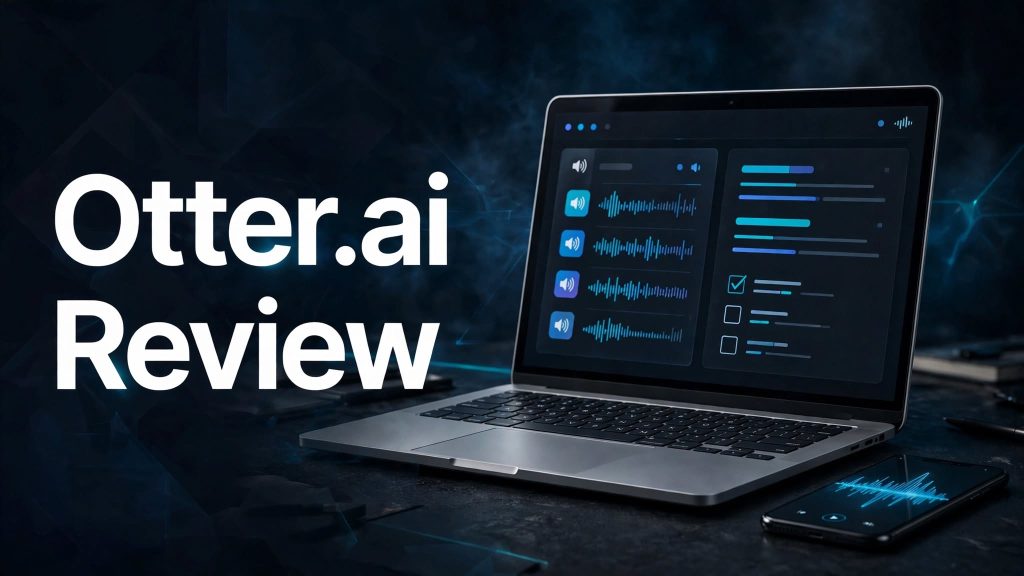
Attending meetings, taking notes, and remembering important discussions can be challenging, especially when you have multiple meetings every day. Otter.ai is an AI-powered meeting assistant that automatically records conversations, generates transcripts, and creates summaries with important action items.
Whether you’re a business professional, student, researcher, or part of a remote team, Otter.ai aims to make meetings more productive. But is it worth using? Let’s explore its features, pricing, and benefits.
What Is Otter.ai?

Otter.ai is an AI meeting assistant designed to record, transcribe, and organize conversations. It works with popular meeting platforms such as Zoom, Google Meet, and Microsoft Teams.
The platform goes beyond basic speech-to-text by generating meeting summaries, identifying speakers, extracting action items, and allowing users to search and ask questions about previous conversations.
What Can You Do With Otter.ai?
AI Meeting Transcription
Otter automatically converts spoken conversations into searchable text. Users can record meetings directly from their devices or connect their calendars to let Otter Notetaker join supported online meetings.
Automatic Meeting Summaries
The platform generates summaries, discussion highlights, decisions, and action items. This helps users understand important meeting points without listening to the entire recording again.
Speaker Identification
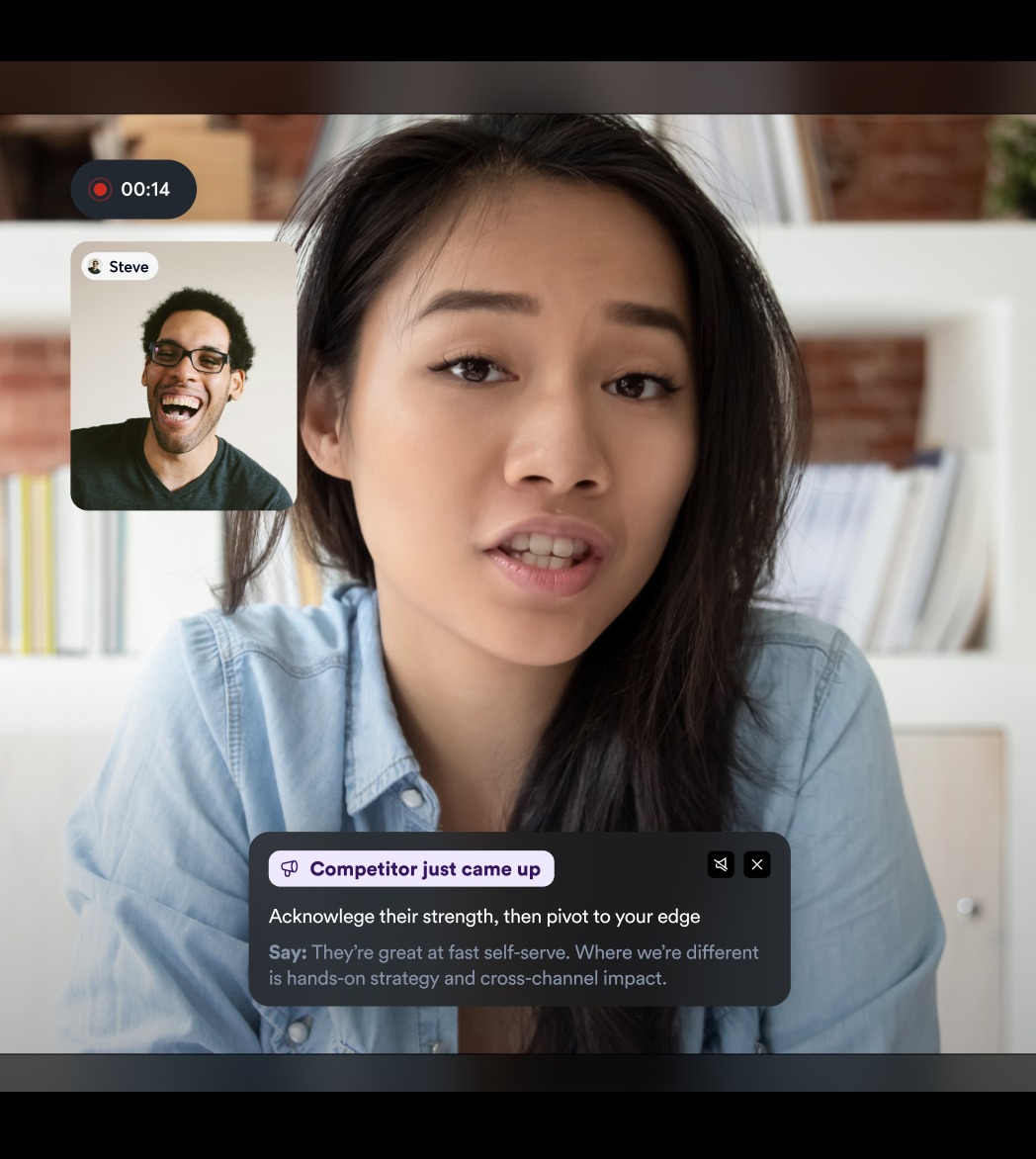
Otter identifies different speakers and organizes conversations into speaker-labelled transcripts. This makes interviews, team meetings, and business discussions easier to review.
Otter AI Chat
Users can ask questions about individual meetings or multiple conversations. Otter AI Chat can find important information, prepare follow-ups, and generate reports using available meeting knowledge.
Action Items and Follow-Ups
Otter automatically captures important tasks and next steps from conversations. These action items can help teams stay organized and follow up on important decisions.
Live Assistance and Meeting Insights
Otter offers pre-call briefings and Live-Assist coaching for supported workflows. Sales teams can also extract deal information and meeting insights for their CRM systems.
Integrations and Collaboration
Otter works with Zoom, Microsoft Teams, Google Meet, Slack, Salesforce, HubSpot, Zapier, and other supported tools. Teams can share transcripts, organize conversations into channels, and collaborate on meeting notes.
Otter.ai Pricing
Otter.ai offers four main subscription plans: Basic, Pro, Business, and Enterprise.
- Basic — Free: Includes 300 monthly transcription minutes, 3 lifetime audio/video imports, live transcription, speaker identification, and basic integrations.
- Pro — $16.99/month: Includes 1,200 in-app recording minutes, 10 monthly file imports, advanced AI workflows, unlimited storage, and additional integrations. Annual billing costs approximately $8.33/user/month.
- Business — $30/month: Includes unlimited in-app meeting recordings, custom AI workflows, advanced administration, and support for meetings up to 4 hours. Annual billing costs approximately $19.99/user/month.
- Enterprise — Custom Pricing: Designed for larger organizations requiring advanced security, custom integrations, API access, and administrative controls.
Is Otter.ai Easy to Use?
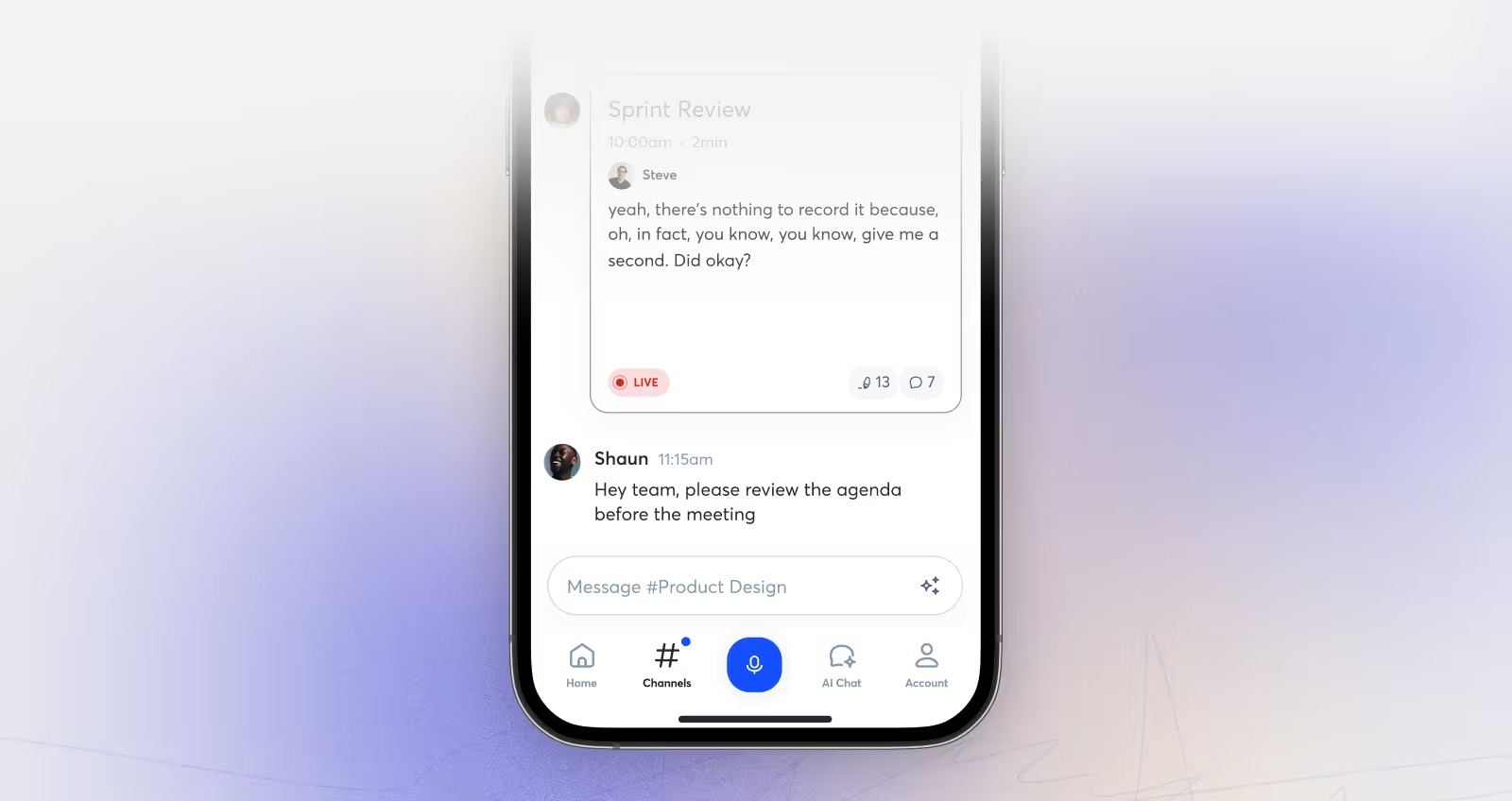
Otter.ai provides a simple workflow for recording and managing meetings. Users can connect their Google or Microsoft calendar, select upcoming meetings, and allow Otter Notetaker to join supported video calls automatically.
Once a meeting finishes, users can review the transcript, summary, important highlights, and action items.
However, meeting participants should be aware when Otter Notetaker joins a call. Recording and transcription should follow applicable consent and privacy requirements.
Otter.ai Pros and Cons
Pros
- Automatic meeting recording and transcription
- AI-generated meeting summaries
- Speaker identification
- AI Chat across conversations
- Automatic action items and follow-ups
- Integrations with Zoom, Teams, and Google Meet
- CRM and productivity tool integrations
- Free plan available
Cons
- Free plan has limited transcription minutes
- Advanced features require paid subscriptions
- Imported audio/video files have plan restrictions
- Transcription supports only six languages currently
- AI-generated transcripts may need manual corrections
Who Is Otter.ai Best For?
Otter.ai is particularly useful for business professionals, students, remote teams, sales representatives, journalists, researchers, and recruiters.
It can help business teams document meetings, students capture lectures, journalists transcribe interviews, and sales professionals track customer conversations and follow-ups.
Is Otter.ai Worth It?
Otter.ai is worth considering if you regularly attend meetings, interviews, or online discussions and want to reduce manual note-taking.
Its transcription, summaries, AI Chat, and automated action items make it more useful than a basic recording application. The free plan is suitable for occasional meetings, while Pro and Business offer more capacity for frequent users.
However, users who regularly work in Hindi or other unsupported transcription languages should check the language limitations before subscribing.
Final Verdict
Otter.ai is a useful AI meeting assistant that transforms conversations into searchable transcripts, summaries, and actionable insights. Its automatic transcription, speaker identification, AI Chat, and integrations make it a practical option for individuals and professional teams.
If you regularly manage meetings and want to save time on note-taking, Otter.ai is worth exploring through its free plan.
Frequently Asked Questions
What is Otter.ai used for?
Otter.ai is used for meeting transcription, AI-generated summaries, speaker identification, action items, and organizing recorded conversations.
Is Otter.ai free to use?
Yes. Otter offers a free Basic plan with 300 monthly transcription minutes and limited audio/video file imports.
Does Otter.ai work with Zoom and Google Meet?
Yes. Otter Notetaker can join supported Zoom, Google Meet, and Microsoft Teams meetings to record and transcribe conversations.
Can Otter.ai automatically generate meeting notes?
Yes. It creates searchable transcripts, summaries, discussion highlights, and action items automatically.
Which languages does Otter.ai support?
Otter currently supports transcription in English, Spanish, French, German, Japanese, and Simplified Chinese. Hindi transcription is not currently supported.
Does Otter.ai have an AI chatbot?
Yes. Otter AI Chat allows users to ask questions about their meetings and available connected information.