
Artificial intelligence has changed the way people write, research, create content, and complete everyday tasks. Claude is an AI assistant developed by Anthropic that helps users generate content, analyze documents, write code, conduct research, and solve complex problems.
Whether you’re a student, developer, content creator, or business professional, Claude offers tools designed to improve productivity. But is it worth using? Let’s explore its features, pricing, and benefits.
What Is Claude?

Claude is an AI-powered assistant developed by Anthropic. It can understand instructions, answer questions, analyze uploaded files, generate written content, and help with technical tasks.
It is available through web browsers, desktop applications, and mobile apps. The platform offers different AI models designed for various tasks, including everyday conversations, advanced reasoning, and coding.
What Can You Do With Claude?
AI Writing and Content Creation
Claude helps users write blog posts, emails, reports, social media content, product descriptions, and professional documents. It can also rewrite, summarize, and improve existing content.
AI Research and Web Search

Claude can search the web, analyze information from multiple sources, and provide responses with citations. Its Research feature can investigate complicated topics through multiple searches and connected information sources.
Document and File Analysis
Users can upload documents and other supported files to summarize information, extract important details, and ask questions about their contents. Claude can also create files and execute code for supported data-analysis tasks.
AI Coding Assistant
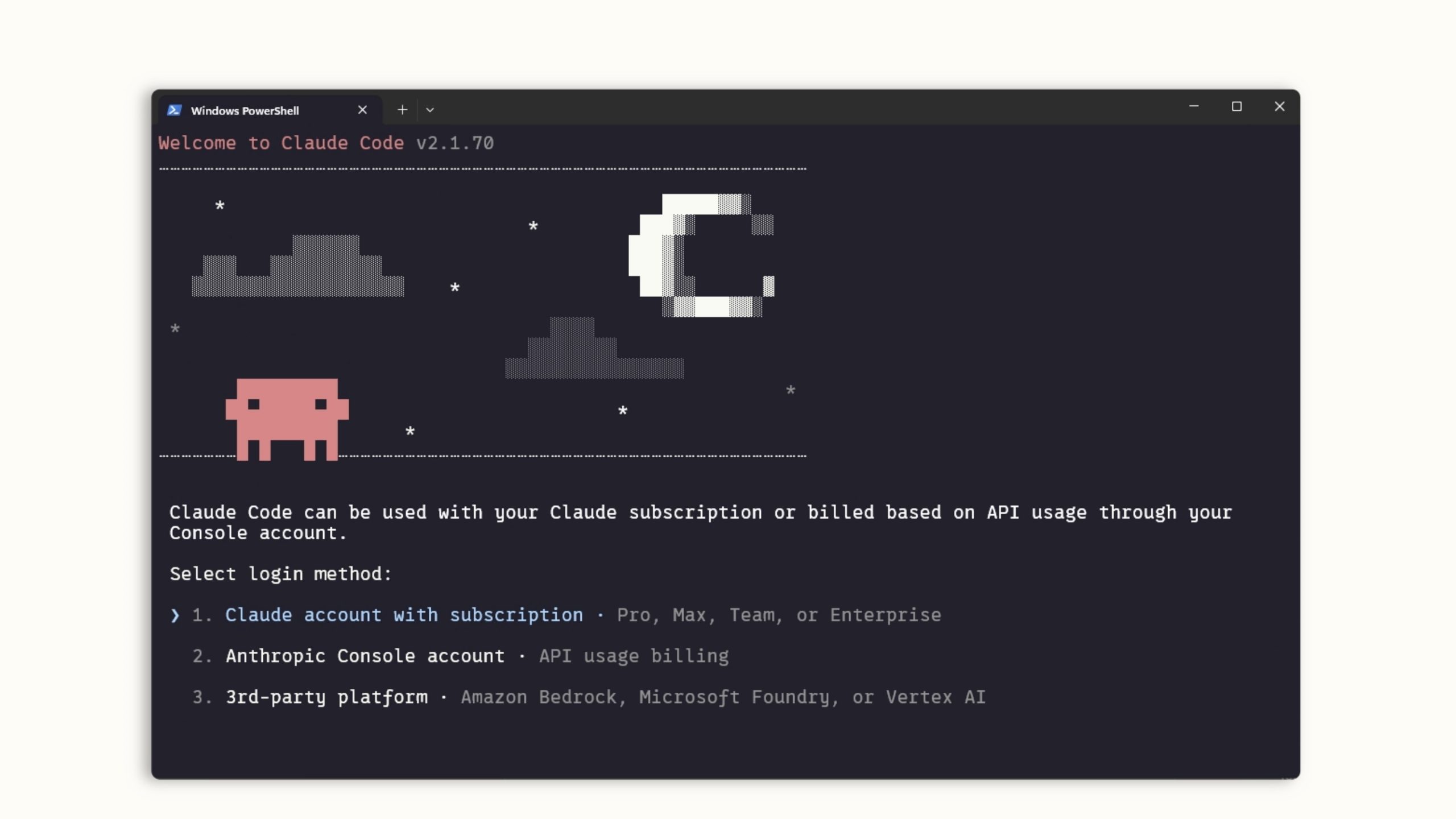
Claude helps developers write, explain, debug, and improve code. Its Claude Code functionality provides additional assistance for working with codebases and software development tasks.
Projects and Artifacts
Projects help users organize conversations and documents around specific tasks. Artifacts provide a workspace for creating interactive content, visualizations, prototypes, and other outputs.
Connectors and Integrations
Claude supports connections with external apps and services, helping users work with relevant information from their existing tools. Additional integrations are available through supported connectors and extensions.
Claude Pricing
Claude offers four main individual subscription options:
- Free — $0: Limited usage with AI chat, web search, file creation, code execution, Artifacts, and supported tools.
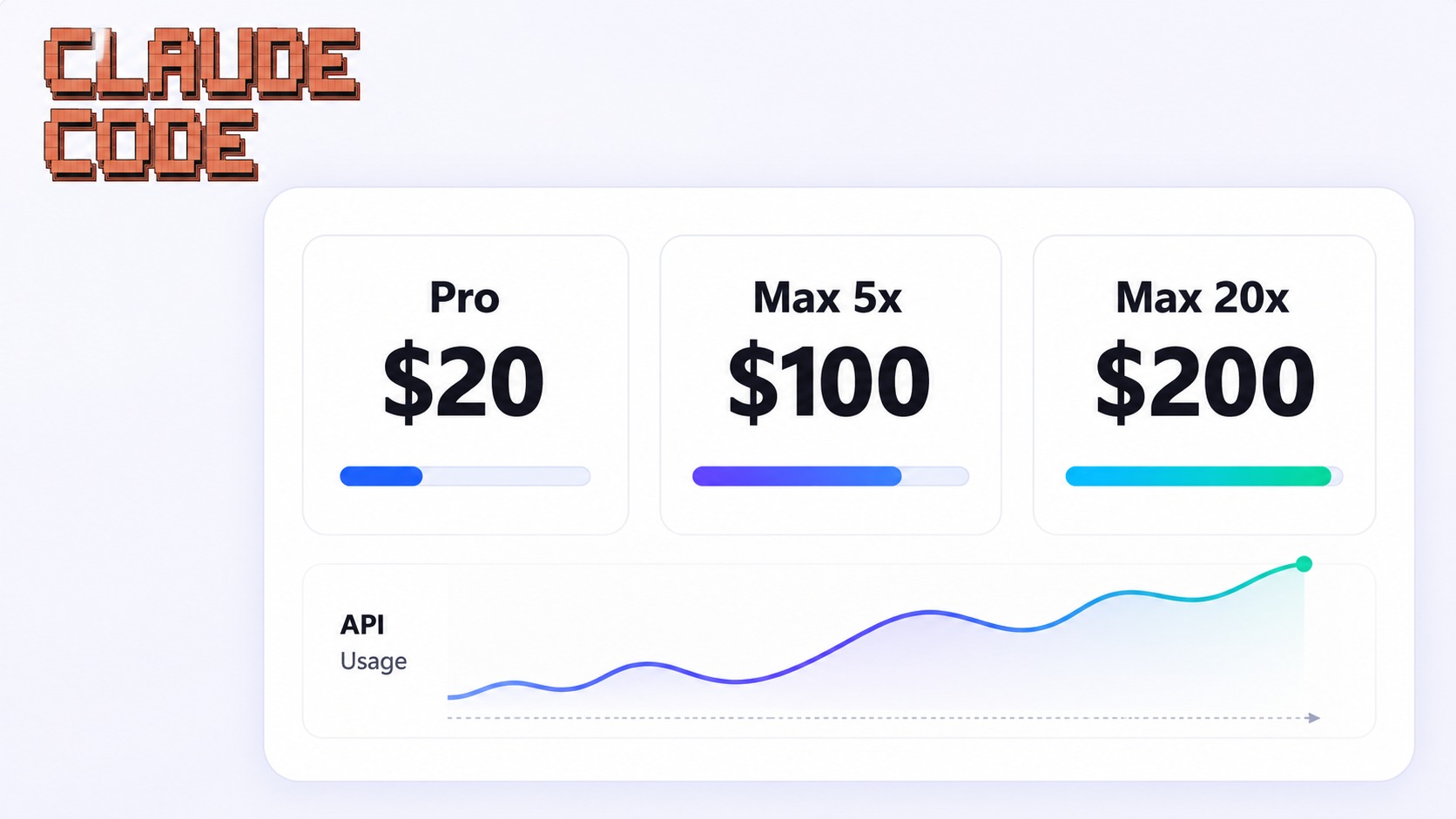
- Pro — $20/month: More usage, Projects, Research, Claude Code, and access to additional models. Annual billing is available at $200 upfront, approximately $17 per month.
- Max — $100/month: Includes approximately 5x Pro usage, priority access during busy periods, and additional benefits.
- Ultra — $200/month: Offers approximately 10x Pro weekly usage compared with Pro, higher usage capacity, and additional benefits.
Is Claude Easy to Use?
Claude has a simple conversational interface. Users can enter a question, upload a document, provide instructions, or describe a task they want to complete.
Its writing and research tools are useful for everyday work, while Projects and integrations help organize more complex workflows.
However, AI-generated information should always be reviewed, especially when working with research, technical content, or important business documents.
Claude Pros and Cons
Pros
- High-quality AI writing and content generation
- Advanced reasoning and research assistance
- Web search with citations
- Document and file analysis
- Coding and software development assistance
- Projects and Artifacts
- Desktop and mobile applications
- Free plan available
Cons
- Free plan has limited usage
- Advanced features require paid subscriptions
- Usage limits still apply to paid plans
- AI responses can occasionally contain errors
- Higher-tier plans can be expensive for casual users
Who Is Claude Best For?
Claude is particularly useful for students, writers, developers, researchers, freelancers, marketers, and business professionals.
It can help users prepare reports, summarize documents, conduct research, generate content, analyze data, and build software. Developers may find Claude Code especially useful, while writers and researchers can benefit from its writing and analysis capabilities.
Is Claude Worth It?
Claude is worth considering if you regularly work with written content, complex documents, research, or coding projects. Its combination of AI assistance, web research, file analysis, and productivity tools makes it useful for different types of work.
The free plan is a good way to explore its capabilities. Users who need more frequent access or advanced features can compare Pro, Max, and Ultra based on their workload.
Final Verdict
Claude is a powerful AI assistant for writing, research, coding, and everyday productivity. Its reasoning capabilities, document analysis, Projects, Artifacts, and developer tools make it a versatile option for individuals and businesses.
If you want an AI assistant that can support both creative and technical work, Claude is worth exploring.
Frequently Asked Questions
What is Claude used for?
Claude is used for AI writing, research, document analysis, coding, content creation, and solving everyday work-related problems.
Is Claude free to use?
Yes. Claude offers a free plan with limited usage and access to several AI features.
Can Claude analyze PDF and Word documents?
Yes. Claude supports document uploads, allowing users to summarize files, extract information, and ask questions about their contents.
Can Claude help with coding?
Yes. Claude can write, explain, debug, and improve code. Claude Code provides additional coding assistance for developers.
Is Claude better for professional work?
Claude can be useful for writing, research, coding, and document-heavy workflows. However, the best AI assistant depends on your requirements, preferred tools, and budget.