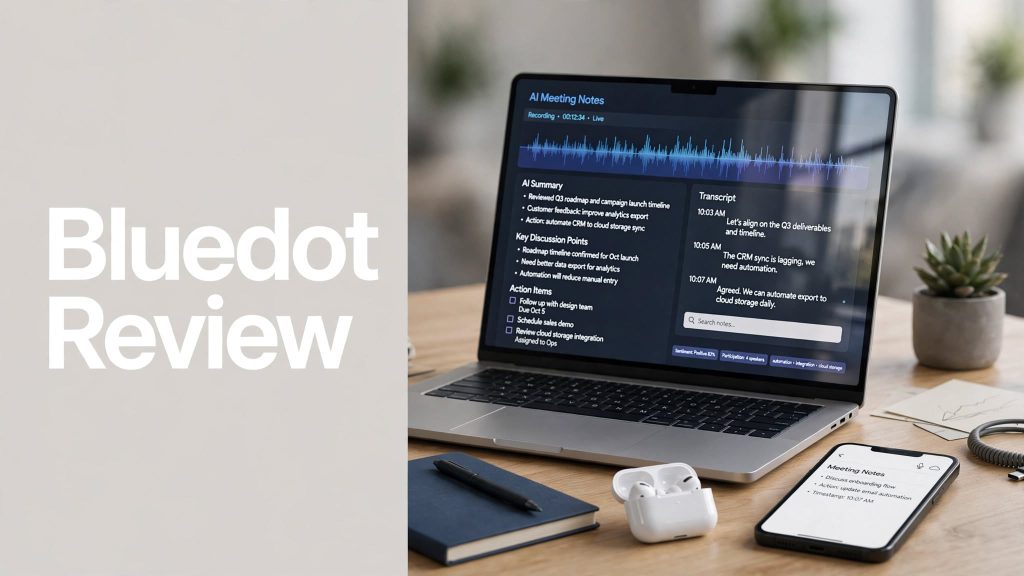
Taking notes during meetings can be distracting, especially when you’re trying to focus on the conversation. Bluedot is an AI-powered meeting note taker designed to record, transcribe, summarize, and organize conversations without requiring a meeting bot to join your calls.
But is Bluedot a useful tool for meetings, interviews, sales calls, and team conversations? In this Bluedot review, we’ll look at its key features, pricing, pros and cons, and overall value.
What Is Bluedot?

Bluedot is an AI meeting note-taking and transcription platform that captures conversations and turns them into searchable transcripts, summaries, and action items. It works with online and in-person meetings and supports platforms such as Zoom, Google Meet, Microsoft Teams, phone calls, and more.
One of its key differences is its bot-free approach. Instead of requiring an AI bot to join a meeting, Bluedot can capture meetings through its browser extension, desktop app, or mobile app.
Key Features of Bluedot
AI Meeting Transcription
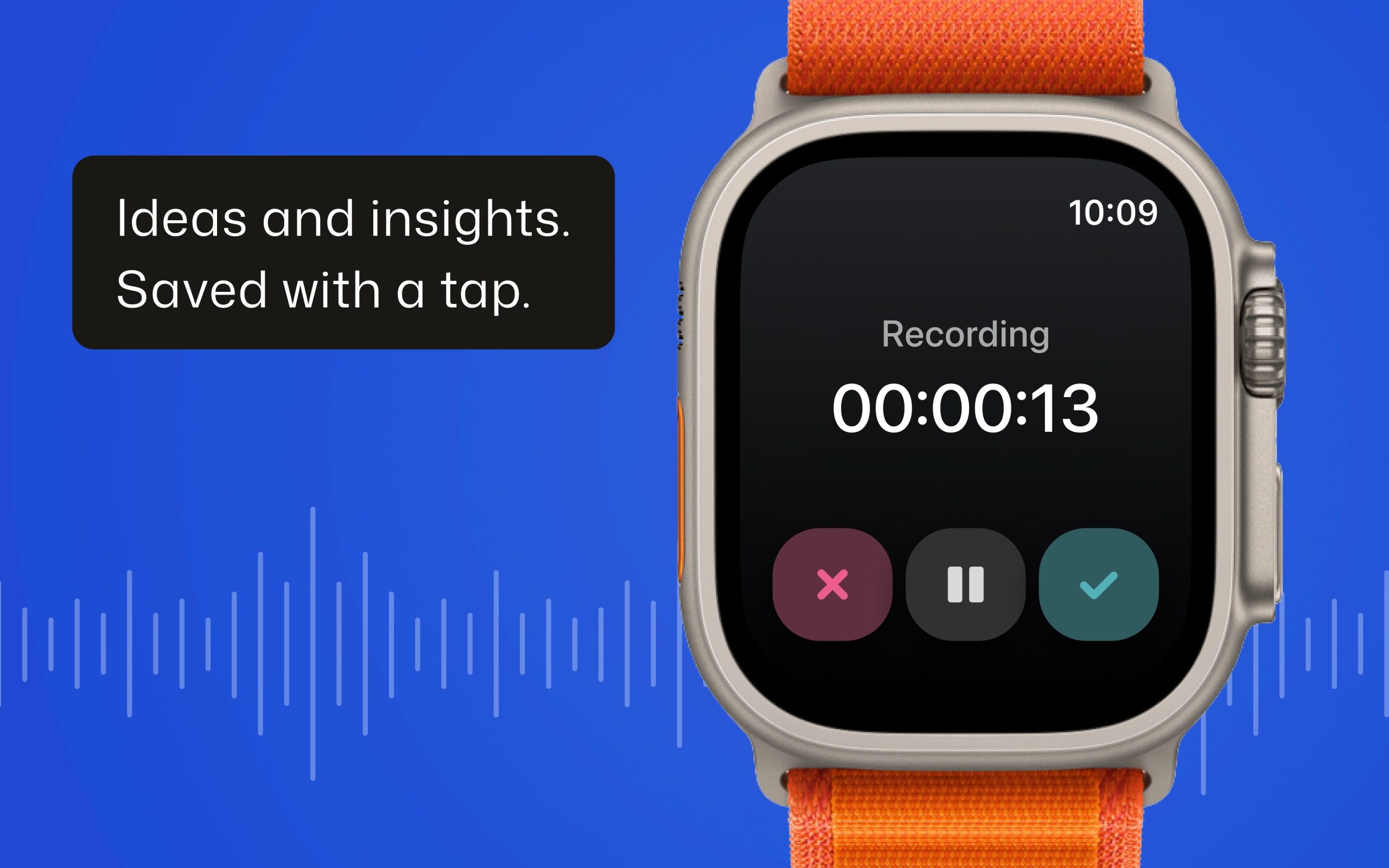
Bluedot automatically transcribes recorded conversations and turns them into searchable text. It supports transcription and summaries in 100+ languages, making it useful for teams working across different languages.
AI-Powered Meeting Summaries
The platform can turn conversations into structured meeting notes and actionable summaries. Users can create summaries for different use cases, including sales calls, customer check-ins, Q&A sessions, and more.
Bot-Free Recording
Bluedot can record meetings without adding a visible AI bot participant. Users can capture conversations through the Chrome extension or desktop application, which can be useful when a traditional meeting bot isn’t desirable.
AI Chat and Search
Bluedot includes built-in AI chat that allows users to ask questions about recorded meetings and find important information across multiple conversations. This can make past meetings easier to revisit.
Integrations and Automation
Bluedot can send meeting notes, transcripts, and action items into other business workflows. Its integrations include tools such as Notion, Slack, Zapier, CRM platforms, and more, while API and MCP support enable additional automation options.
In-Person Meeting Recording
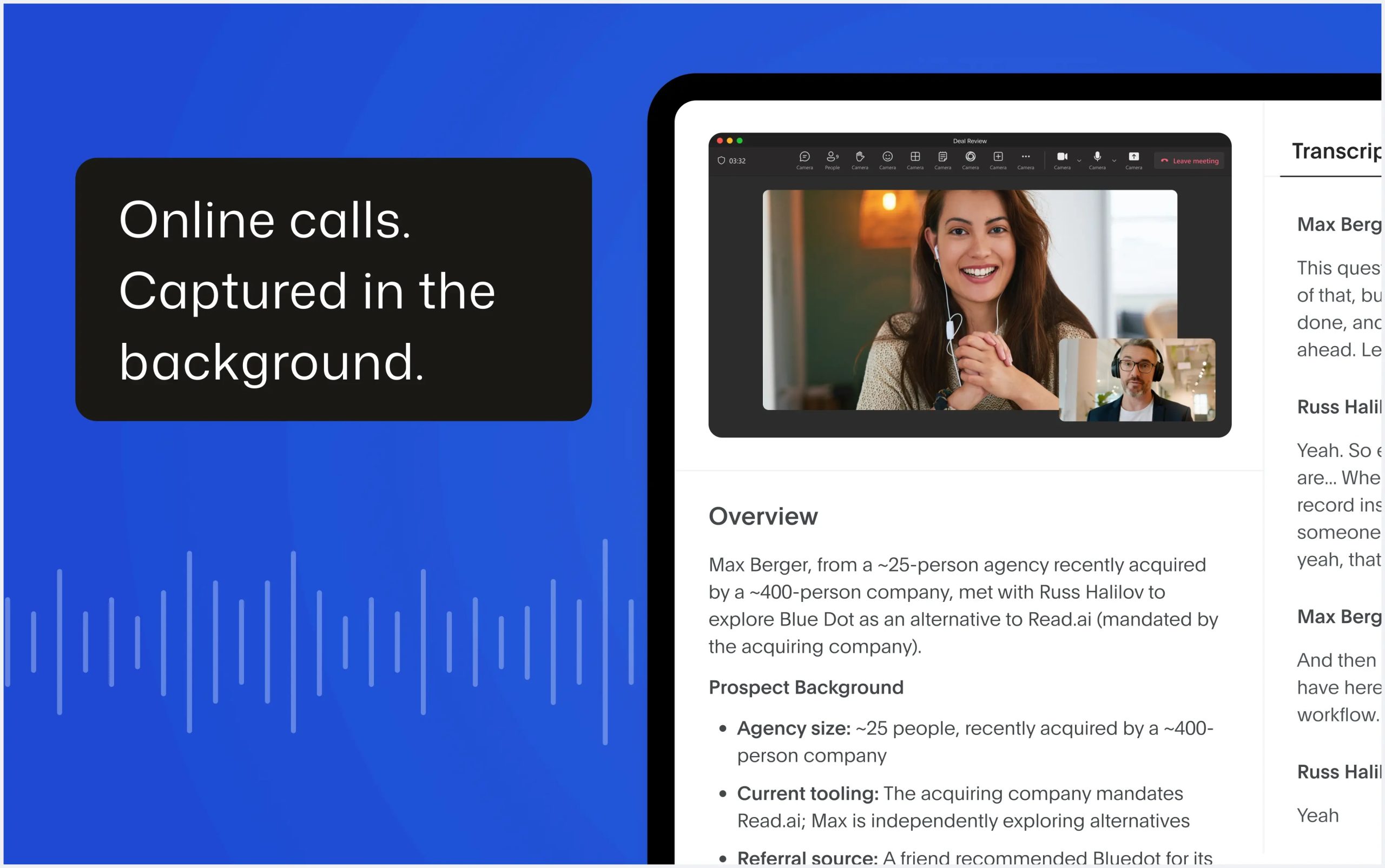
Bluedot isn’t limited to online meetings. Its mobile app can be used to record and transcribe in-person conversations, while the platform also supports recording through desktop and browser tools.
Bluedot Pricing
Bluedot currently offers four plans.
- Free – $0/user/month: Includes 5 meetings for the lifetime of the account, plus the Chrome extension, desktop and mobile apps, and integrations such as Slack, Notion, Zapier, and Make.
- Basic – $14/user/month annually ($18 monthly): Includes unlimited audio-only meetings, unlimited storage, recordings up to one hour, webhooks, and MCP integration.
- Pro – $20/user/month annually ($25 monthly): Adds unlimited video meetings, unlimited recording duration, custom note templates, and Zoom and Google Drive imports.
- Business – $32/user/month annually ($39 monthly): Adds CRM and ATS integrations, advanced administration, SSO/SCIM, custom data retention, and organization-wide MCP and webhooks.
Pros and Cons
Pros
- Bot-free AI meeting note taking
- Automatic transcription and summaries
- Supports 100+ languages
- Works with online and in-person meetings
- AI-powered meeting search and chat
- Mobile, desktop, and browser support
- CRM and productivity integrations
- Free plan available
Cons
- Free plan is limited to 5 lifetime meetings
- Video recording requires the Pro plan
- Advanced business features require a higher-tier subscription
- Users should follow applicable consent and recording laws when capturing conversations
Is Bluedot Worth It?
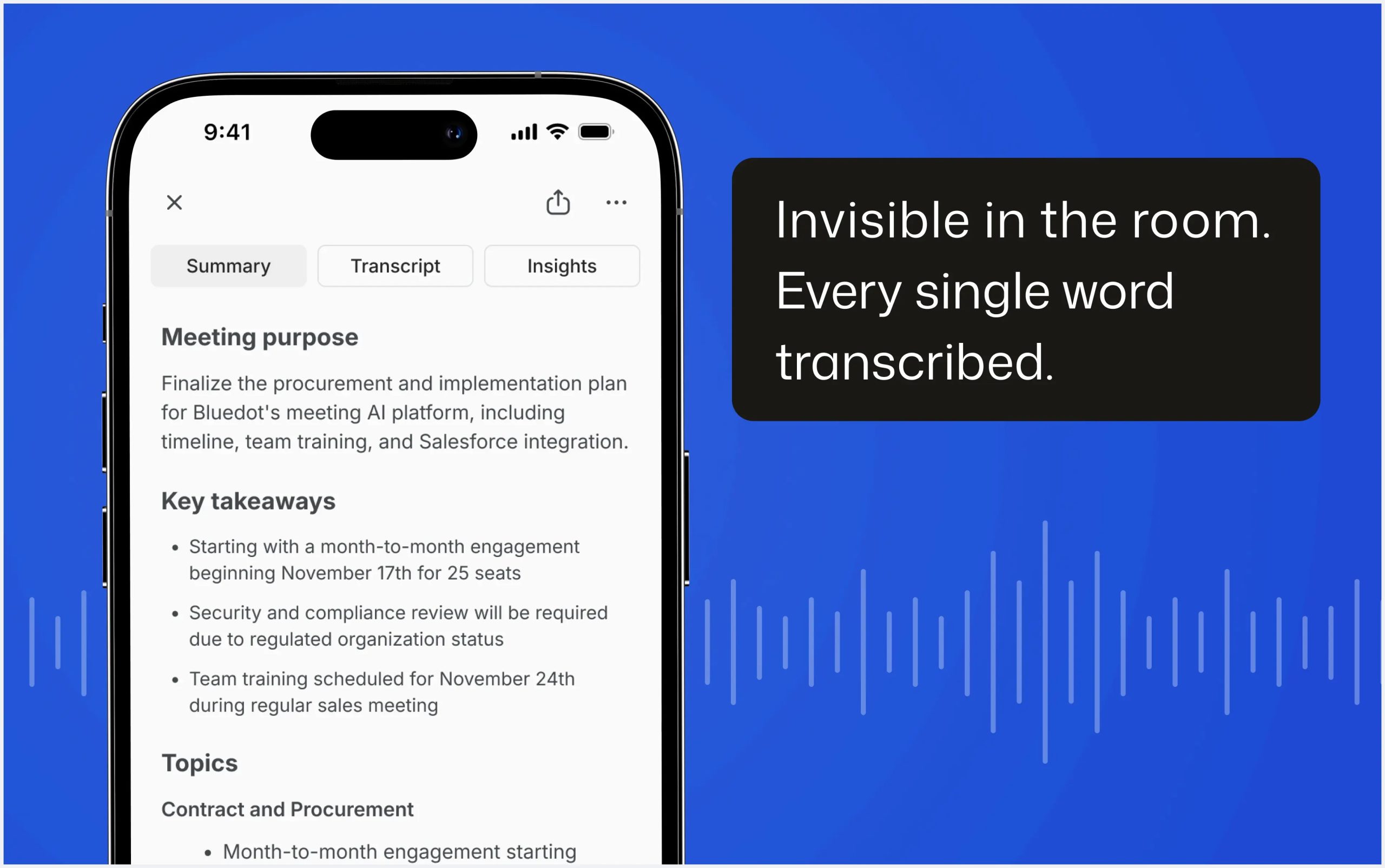
Bluedot can be useful for professionals and teams that want to capture meeting information without manually taking notes. Its bot-free recording approach, AI summaries, searchable transcripts, and integrations make it suitable for sales teams, recruiters, managers, customer-success teams, and other professionals who regularly attend meetings.
The free plan provides a way to test the core experience, while the Pro and Business plans add more recording, automation, and administrative capabilities.
Final Verdict
Bluedot is a versatile AI meeting note taker and transcription platform designed to turn conversations into useful, searchable information. Its bot-free recording, AI summaries, meeting search, integrations, and support for online and in-person conversations make it a practical option for modern teams.
If you want to spend less time manually documenting meetings and more time focusing on conversations, Bluedot is worth exploring.
Frequently Asked Questions
What is Bluedot used for?
Bluedot is used to record, transcribe, summarize, and organize online and in-person meetings and conversations.
Does Bluedot use a meeting bot?
Bluedot’s core recording approach does not require a bot to join your meeting. It can capture conversations through its browser extension, desktop app, or mobile app.
Does Bluedot work with Zoom and Google Meet?
Yes. Bluedot supports Zoom, Google Meet, Microsoft Teams, and other meeting environments.
Does Bluedot have a free plan?
Yes. The Free plan includes 5 meetings for the lifetime of the account.
How much does Bluedot cost?
Paid plans currently start at $14/user/month when billed annually for Basic. Pro costs $20/user/month annually, while Business costs $32/user/month annually.